





Might and Magic Trilogy
DOS - 1995
Buy on Digital Stores
Might and Magic Trilogy is available for a small price on the following website, and is no longer abandonware.
Might and Magic Trilogy is available for a small price on the following website, and is no longer abandonware.




Comments and reviews
re your gamer memories, give useful links or comment anything you'd like. This game is no longer abandonware, we won't put it back online.
I have found that the keywords supplied with this download are incomplete. There is a Might and Magic Trilogy Quick Reference Card available at the website replacementdocs.com that is more complete.
INSTALLATION INSTRUCTIONS
I have been unable to install this using the fakecd program included in the download so here is how I got the games to work fine using DOSBox.
1, Install the DOSBox emulator from dosbox.com - it's an excellent free DOS emulator, widely used.
2. Download the Might and Magic Trilogy ZIP file from this website.
3. Unzip the downloaded ZIP into a folder named might-and-magic-trilogy on drive c:\ (c:\might-and-magic-trilogy\). This is where the games will be installed from.
4. Create a new folder named mm on your c: drive (c:\mm\). This is where the game files will be installed to.
5. Open DOSBox.
6. Mount both folders as drives in DOSBox using the commands below. Note the second one must be mounted as a CD-ROM.
mount c "c:\mm\"
mount d "c:\might-and-magic-trilogy\" -t cdrom
7. Open the game installer by typing:
d:
install
8. Once the installer is open follow the on-screen instructions to install Might and Magic 3. Press c when asked which drive you'd like to install to and if you're asked about sound options select the numbers marked with "(default)".
9. Close DOSBox and repeat steps 5 to 8 but instead install World of Xeen. World of Xeen is Might and Magic IV and V combined into a single game.
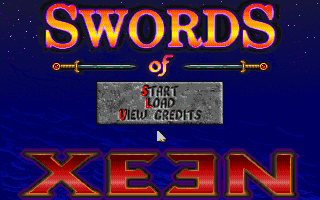
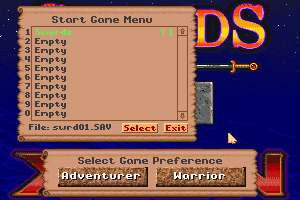
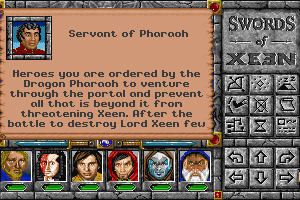
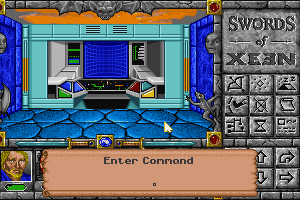
10. Close DOSBox and repeat steps 5 to 8 but instead install Swords of Xeen.
11a. To play Might and Magic 3 open DOSBox then
mount c "c:\mm\"
c:
cd MM3
mm3
11b. To play World of Xeen open DOSBox then
mount c "c:\mm\"
c:
cd WORLD
xeen
11c. To play Swords of Xeen open DOSBox then
mount c "c:\mm\"
c:
cd SWORDS
swords
Done! I know it sounds like a lot of work but this is because I've tried to make this as detailed and step-by-step as possible. You can do all of this in under 10 minutes and enjoy the games properly later. I've done all of this on Linux but I've written the instructions here for Windows users, and they should run fine. Also after the games are installed you may want to use the DOSBox autoexec to mount your c:\mm folder automatically but this is optional.
If Windows doesn't allow you to create the folders directly on c: you could have to create them somewhere else. Just remember to run the "mount" commands with the new locations instead.
how do you install this game?
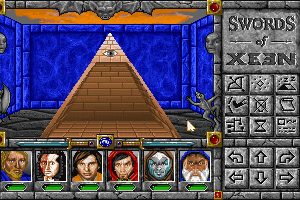
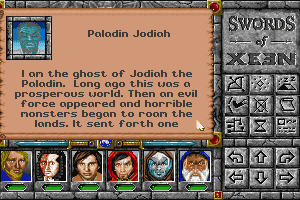
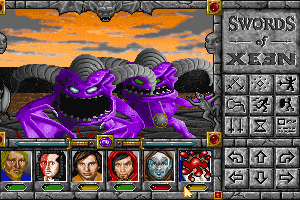
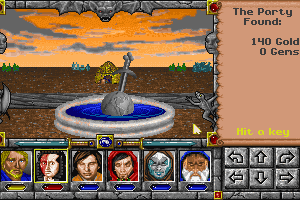
This contains Might & Magic III, IV, V and Swords of Xeen
No comment nor review for this game at the moment.