You are on the beta version of My Abandonware. The live site is still myabandonware.com. Your favorites and ratings here are copied to the live site. Comments and other changes are not — we delete them every morning at 08:00 Paris time, when this site goes down for about an hour. Leave feedback through this link to Pastel (email required).
The beta goes down at 08:00 Paris time, in a few minutes. We rebuild the database from the live site. It comes back in about an hour.
If the game runs too fast, you'll have to enable the screen flip feature.
To do that, open game's installation directory and open digger.ini file. Search for [screen] section and set the ScrFlip value to 1. After this, save the file and close Notepad, or whatever editor you've opened to edit the file. The game should run at correct speed now.
0
Dougie04 Jun. 2023
Change compatibility to run under Windows 98 and run as administrator.
0
AC15 Mar. 2022
Top comment
How to adjust the right speed on modern PC? It's playing extremely quickly
6
No comment nor review for this game at the moment.




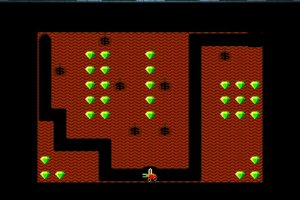
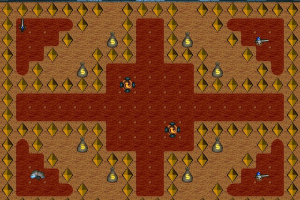
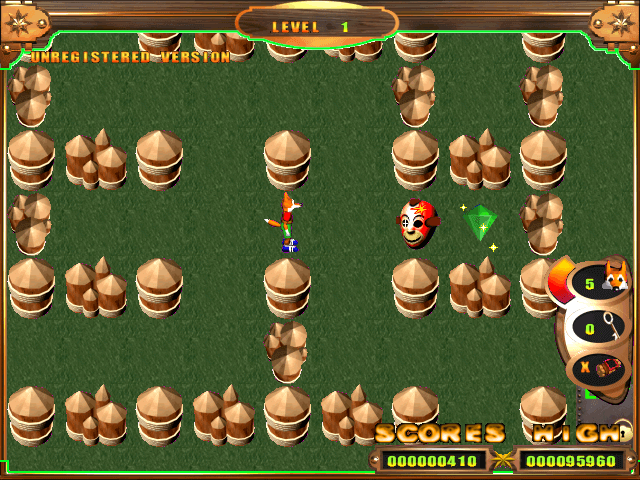

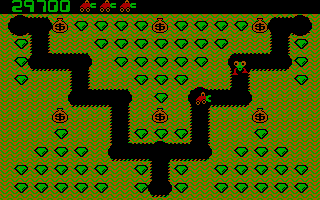



 English
  Russian




Comments and reviews
If the game runs too fast, you'll have to enable the screen flip feature.
To do that, open game's installation directory and open digger.ini file. Search for [screen] section and set the ScrFlip value to 1. After this, save the file and close Notepad, or whatever editor you've opened to edit the file.
The game should run at correct speed now.
Change compatibility to run under Windows 98 and run as administrator.
How to adjust the right speed on modern PC?
It's playing extremely quickly
No comment nor review for this game at the moment.