
How to Play
Charon commented:
Here's a complete guide to downloading and installing the game, along with setting up a widescreen resolution, and proper controller settings, along with troubleshooting an error that Windows 7 users face.
First, download the game by clicking on the giant blue button under "Windows Version" at the bottom of this page.
Once you've downloaded the game, extract the archive, and mount the IMG file from the CD1 folder with any virtual drive program (DAEMON TOOLS, Alcohol 120%, PowerISO, etc.)
Install the game using either of these two serial keys:
4PAJ-H32Z-MPDY-A42W-L3Q46ZD5-NBAH-YGSF-QFAV-BTHQ
Mount the IMG file from the CD2 folder when the installer asks you to do it, and wait for the game to finish installing.
Once the game has been installed, you can play it in two ways:
- Mounting the IMG file in the CD2 folder each time you wish to play the game
- Downloading a NO-CD Fixed EXE and playing the game anytime you wish without mounting the IMG file
If you're wary of viruses from using NO-CD cracks, then feel free to use method 1, and enjoy the game! However, some users have reported that the game refuses to acknowledge the CD2 IMG file as a proper CD, so the only option left is to use the NO-CD Fixed EXE file.
To use a NO-CD file, download the NO-CD Fixed EXE from GameCopyWorld here: https://gamecopyworld.com/ (it's recommended that you use an ad-blocker while visiting this site)
Search for MVP Baseball 2005, open up the game page and scroll down to the bottom and download the HOODLUM Fixed EXE file titled "MVP Baseball 2005 v1.0 [ENGLISH] No-CD/Fixed EXE"
Copy, and paste the file into your MVP Baseball 2005 installation directory, overwriting the original .exe file, and enjoy playing the game!
WARNING: Do not install any of the five official patches for the game, as there are no NO-CD cracks for it, and the v1.0 NO-CD patch does not work with it
WARNING: If you're facing a "Please login with administrator privileges and try again" error message when you try to run the game, do the following steps to correct the problem.
- Open Regedit.exe (as Administrator)
- Go to HKEY_LOCAL_MACHINE --> SYSTEM --> CurrentControlSet --> services --> secdrv
- Right-click on the folder and select "Export", save the .reg file anywhere as this will serve as a backup in case anything goes wrong
- Double-click on the "Start" DWORD, and change its value to 2. Restart the PC and see if it worked
- If the problem isn't fixed try changing the value to either 3 or 4. If either of those doesn't work, try again by changing the value type from Hexadecimal to Decimal starting again from 2 up to 4
- If the problem still persists, open up the Command Prompt as an Administrator, and type in the following: "sc config secdrv start= demand", then type in "sc start secdrv" then reboot the PC and see if the problem is fixed
WIDESCREEN RESOLUTION
In order to set up the game in widescreen mode, follow these steps:
- Download any hex-editor program you prefer (for example, HxD)
- Backup your "mvp2005.exe" file in the directory you installed your game (if you use HxD, this is done automatically, but do it manually just in case)
- Open up your game and set the "Display Mode" under "My MVP --> My MVP Options --> Video Options" to 800x600x32, press the "Accept" button, and quit the game
- Next, open up your "mvp2005.exe" file in your hex-editor program you've downloaded
- Search (CTRL+F) for a hex-value of '20 03 00 00 58 02'. You will find two of them. Replace them both with the desired resolution:
1680x1050: Replace both values with '90 06 00 00 1A 04'
1920x1080: Replace both values with '80 07 00 00 38 04'
1920x1200: Replace both values with '80 07 00 00 B0 04'
2560x1440: Replace both values with '00 0A 00 00 A0 05'
3840x2160: Replace both values with '00 0F 00 00 70 08'
- Save the changes, and run the game!
When you go to the game menu, you will find your resolution instead of '800x600'.
Keep in mind, that the game does not support proper widescreen, so everything will be stretched.
CONTROLS
By default, the game does not detect or improperly bind some buttons on modern controllers, for example, the START button is assigned to L3, the "5" pitch is not assigned at all, etc. but there is an easy way to fix this.
- First, open your game with the controller plugged in
- Go to "My MVP --> My MVP Options --> Controller Config.", select the button profile to your controller (e.g. "GAMEPAD (X360)") for PLAYER 1, and assign any button (no matter what function, and no matter whether in offense or defense) to whichever button you want (e.g. change SWING to Square/X)
- Press the "SAVE" button to save your changes, and exit the game
- Next, go to the "My Documents --> MVP Baseball 2005" folder, and open the "controller.cfg" file with whatever text editor you use (e.g. Notepad++)
- Scroll down until you find the line starting with the name of your controller. For example:
profile= Controller_(XBOX_360_For_Windows)
device= Controller_(XBOX_360_For_Windows)
...
- Next, copy and replace the following lines:
VPAD_VIRTUAL_BUTTON_START= button 8
VPAD_VIRTUAL_BUTTON_SELECT= button 7
VPAD_VIRTUAL_BUTTON_CROSS= button 1
VPAD_VIRTUAL_BUTTON_CIRCLE= button 2
VPAD_VIRTUAL_BUTTON_SQUARE= button 3
VPAD_VIRTUAL_BUTTON_TRIANGLE= button 4
VPAD_VIRTUAL_BUTTON_L1= button 5
VPAD_VIRTUAL_BUTTON_R1= button 6
VPAD_VIRTUAL_BUTTON_L2= axis- 3
VPAD_VIRTUAL_BUTTON_R2= axis+ 3
VPAD_VIRTUAL_BUTTON_L3= button 9
VPAD_VIRTUAL_BUTTON_R3= button 10
VPAD_VIRTUAL_BUTTON_DPAD_UP= pov0 1
VPAD_VIRTUAL_BUTTON_DPAD_DOWN= pov180 1
VPAD_VIRTUAL_BUTTON_DPAD_LEFT= pov270 1
VPAD_VIRTUAL_BUTTON_DPAD_RIGHT= pov90 1
VPAD_VIRTUAL_BUTTON_L_STICK_RIGHT= axis- 1
VPAD_VIRTUAL_BUTTON_L_STICK_LEFT= axis+ 1
VPAD_VIRTUAL_BUTTON_L_STICK_UP= axis+ 2
VPAD_VIRTUAL_BUTTON_L_STICK_DOWN= axis- 2
VPAD_VIRTUAL_BUTTON_R_STICK_RIGHT= axis- 4
VPAD_VIRTUAL_BUTTON_R_STICK_LEFT= axis+ 4
VPAD_VIRTUAL_BUTTON_R_STICK_UP= axis+ 5
VPAD_VIRTUAL_BUTTON_R_STICK_DOWN= axis- 5
VPAD_PITCH_1= button 1
VPAD_PITCH_2= button 2
VPAD_PITCH_3= button 3
VPAD_PITCH_4= button 4
VPAD_PITCH_5= button 6
VPAD_FIELD_PICK_OFF_THROW_FIRST= button 2
VPAD_FIELD_PICK_OFF_THROW_SECOND= button 4
VPAD_FIELD_PICK_OFF_THROW_THIRD= button 3
VPAD_PITCH_OUT= button 1
VPAD_THROW_BALL= not_assigned -1
VPAD_INTENTIONAL_WALK= button 10
VPAD_INTENTIONAL_HITBATTER= button 9
VPAD_PITCH_HISTORY_OPEN= button 9
VPAD_SWING_NORMAL= button 1
VPAD_SWING_BUNT= button 10
VPAD_CHARGE_MOUND= button 4
VPAD_FIELD_THROW_FIRST= button 2
VPAD_FIELD_THROW_SECOND= button 4
VPAD_FIELD_THROW_THIRD= button 3
VPAD_FIELD_THROW_HOME= button 1
VPAD_FIELD_SWITCH= button 5
VPAD_FIELD_RELAY_THROW= axis+ 3
VPAD_FIELD_CUTOFF_THROW= axis+ 3
VPAD_FIELD_FAKE_RUNDOWN_THROW= button 7
VPAD_RUNNER_FIRST_SELECT= button 2
VPAD_RUNNER_SECOND_SELECT= button 4
VPAD_RUNNER_THIRD_SELECT= button 3
VPAD_RUNNER_RUNFIRST= pov90 1
VPAD_RUNNER_RUNSECOND= pov0 1
VPAD_RUNNER_RUNTHIRD= pov270 1
VPAD_RUNNER_RUNHOME2SCORE= pov180 1
VPAD_BASERUNNER_ADVANCEALL= button 5
VPAD_BASERUNNER_RETREATALL= button 6
(The buttons here are pretty self-explanatory. For example, Cross/A is Button 1, Circle/B is Button 2, etc.)
A few lines that you shouldn't bother to touch are the:
profile= ...
device= ...
player= ...
number_of_buttons= ...
number_of_povs= ...
number_of_axis= ...
Leave these lines to whatever default the games have set them.
If you add an additional controller (for example, you wish to play against your friends), you will have to replace the same lines in the "controller.config" file again for the second controller.
Save the changes to the file, and enjoy playing the game with properly assigned default (developer intended) settings.
If you wish to change any of the buttons, feel free to do it in "My MVP --> My MVP Options --> Controller Config." to whatever you like.
SKIPPING INTRO VIDEOS
Download this mod from MVPMods.com: https://www.mvpmods.com/files/file/8444-no-intro-movies/
Just extract all the files to your %GAME_DIR%/data/frontend/movies folder, overwriting the existing files.
Make sure to backup your original files, just in case.
MISSING PLAYERS
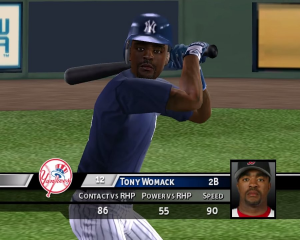
This is another step that's not necessary to do in order to set up the game properly, but in this game, EA SPORTS put most of the still-active replacement players (from the '94-'95 MLB strikes) in the game, with all their real statistics, but with different names and appearances (e.g. Barry Bonds is known in the game as Jon Dowd).
If you wish to replace those "fake" players with their real names and info, use this guide: https://www.ign.com/articles/2005/03/18/mvp-baseball-replacement-players-faq-596717
After you're done editing the players, save the roster, and then save your profile.
Keep in mind that each time you exit the game, you will have to manually load the roster each time you open it again by going to "Manage Rosters --> Load Roster".
If you wish to replace the default roster so that you don't have to load the roster manually all the time, you will have to use the MVPEdit from mvpmods.com here: https://www.mvpmods.com/files/file/4459-mvpedit/
This is a bit advanced step so I will not provide a guide on how to do this with MVPEdit, but it mostly boils down to:
- Opening MVPEdit
- Importing .dat files from the
%GAME_DIR%/data/databasefolder, and manually editing the players using the guide above - Saving the changes
If you wish to do it this way, simply Google how to do it, as there are plenty of threads explaining the process.
And that's it! You've properly installed and configured the game. Enjoy!
 English
  Traditional Chinese





Comments and reviews
i tried multiple solutions and i cannot get this game to work on my windows 11 machine.
excelente juego
I just came here to tell you guys that Sask3m has the answer you're looking for. The comment 3 comments down. Yeah that one. I'm so mad how easy it worked, because if it weren't for him I'd never get it running.
I'm like 99% sure it's WincdEmu that makes it work, but I'm on Windows 10 so I don't need dgVoodoo
will this work on scummvm?
no me corre hice todo y no anda en win 11
I just recently managed to get MVP 05 running on my W11 pc. Combination of safediskshim, madman/magnetic image (mounted with WincdEmu, wouldn't work with w11 default isolation mounting) and dgvoodoo2. Added the 5 patches and it runs nice and smooth not stuttery like the hoodlum crack. Safediskshim does not bypass and security measures like safediskloader and never triggered a virus alert by windows defender.
Hopefully someone makes a No-CD Crack for Patches..
Widescreen Resolution Fix
This works - download ResChanger...
https://www.tliquest.net/software/reschanger/
and install it... and then....
1. Run the Game, while in the game menu press the windows key to reduce game and show your desktop,.
2.Open the ResChanger app and choose 1920x1080 32 bit color and click TEST
and then click ok when it asks did the resolution work - do not close the ResChanger app.
3. click on the game icon on your task bar to open the running game.
4. select teams and start new game.
Works PERFECT on windows 10
Just open properties on NO CD after
installing and set compatibility mode to
Windows XP service pack 2 and check
the box to "Run this program as a administrator"
Be warned, Owner Mode will not work with the No-CD patch!
The controls suggested were terrible and didn't work ever.
go to gamecopyworld.com and download the no-cd/fixed exe
extract the exe file and copy into install folder
me gusta muchi
Good luck on the game and I have a bad team
quisiera jugarlo parece q esta interezante
quisiera jugarlo parece q esta interezante
quisiera jugarlo soy fans a beisbol y parece tener buena calidad
es un juego entretenido
me gustaria jugarlo
very cool fun game with couple bud light
very cool game played mvp baseball for 12years
quiero descargar le serie del caribe en mi pc como lo puedo descargar
buen juego
The game just don't start, i wanna star it without the crack, and i didn't work, anyone has a solution for this?
i can get the game downloaded on windows 11 and even launching. upon launch i see the blue wheel spinning like it loads. then it crashes. what do i do?
quiero jugar el jueego es bueno
Act like a fooking Mahn!!!
muy bueno
Charon recommends not to install them, because you could need a nocd fix which exists just for the unpatched version. But if your PC recognize the mounted image and you don't need the nocd fix (see Charon's guide), you can search the internet and find the patches (as for now they are there, just be thorough). Mvpmods still doesn't allow to register. I don't think those patches are essential, but couldn't find much information about them
has anyone found a way to register for mvpmods? I used the contact us option but have no clue how that's gonna work. if anyone can get in contact with someone to help me that would be awesome
Anyone getting a message saying something like "MVP Baseball 2005 needs DirectX 9 and hardware accelaration to run"? If so, how do you fix it?
The game crashes during owner mode at the end of every game, sim or playing. That's the only mode it happens in.. Any ideas?
does anyone know a different site besides MVPmods to get the official patches? The site doesn't allow me to register an account.
Me encanta demasiado este juego, lo juego desde que era muy pequeño y no me cansaria de jugarlo
For Windows 10 and new systems:
Download Iso here
Click iso image and may mount auto
If not download WinCDEmu
Mount to any letter drive N,M,P,T, Doesn't matter-I usualy pick CD Rom option? This should place a ghost mount drive with your picked letter next to your main computer drive. When mount check that ghost drive as your iso mounted by viewing.
Install game and use cd serial key here or type in your browser cd key for MVP Baseball 2005
After install again go to your search browser on internet and search games no cd or crack
Then copy and paste no cd crack inside the games install directory over writing the original one there.
You may have to set the no cd exe compatibility and set to admin rights.
Game may hopefully work.
Note on install or starting game experiment by temporarily disabling your anti virus as that could block it?
me gusta este juegos muchos
Here's how to get it to work on Windows 10:
1. After Installation, install all 5 patches.
2. Download and overwrite the No-CD patch
3. You may need to start the game as Administrator, but I'm not sure if it's necessary.
You should be good then!
How do I get this to work on windows 10?
donde esta el serial key
I wish I knew how to make it work with windows 10 or 11....
I've kept my original disks all these years... was able to get it to run with Windows 7 and keep a Windows 7 computer on my desk just to play the game, but I wish I could run it on my newer windows 10 computer... ;-)
All corrupted
You fookers!!!! Act like a mahn!!!!!
Any luck anyone? Beating myself over the head trying to get this to work.
It works fine in compatibility mode w/Win XP Service Pack 2 and a No CD crack. :)
deseo poder tener ese juego
The problem is that Windows 10 doesnt support the secdrv.sys drivers anymore, as such, the game cannot be run without a patch. I have not been able to locate a suitable patch for the game unfortunalty
I managed to mount the Image files and install them using Daemon tools, but the first menu crashes when you hit play.
I guess I was lucky and I remembered this old game in 2014. At the time it was released by www.fullypcgames.com now defunct the version I have works. I’ve owned three copies the last a sealed version sadly I let it go before the bad blitz. It’s the lone legend of baseball games and it simply the modding is awesome
2 Image files totaling 1.4 Gigabytes that are apparently corrupted, help!
Telling to insert correct dvd rom, is there a workaround for this?
"Disc image file is corrupted"
Can i have some help installing/a new working file
to char:
thank you support !
have it downloaded but it just won't run on my windows 10 computer
Serial Code
6ZD5-NBAH-YGSF-QFAV-BTHQ
Where can I find the serial code?
How can I install the game? Please, give me answer
The "ISO" was actually two IMG files..
How do I get this to run? Do I need to find a no-cd patch somewhere?
Excellent game!
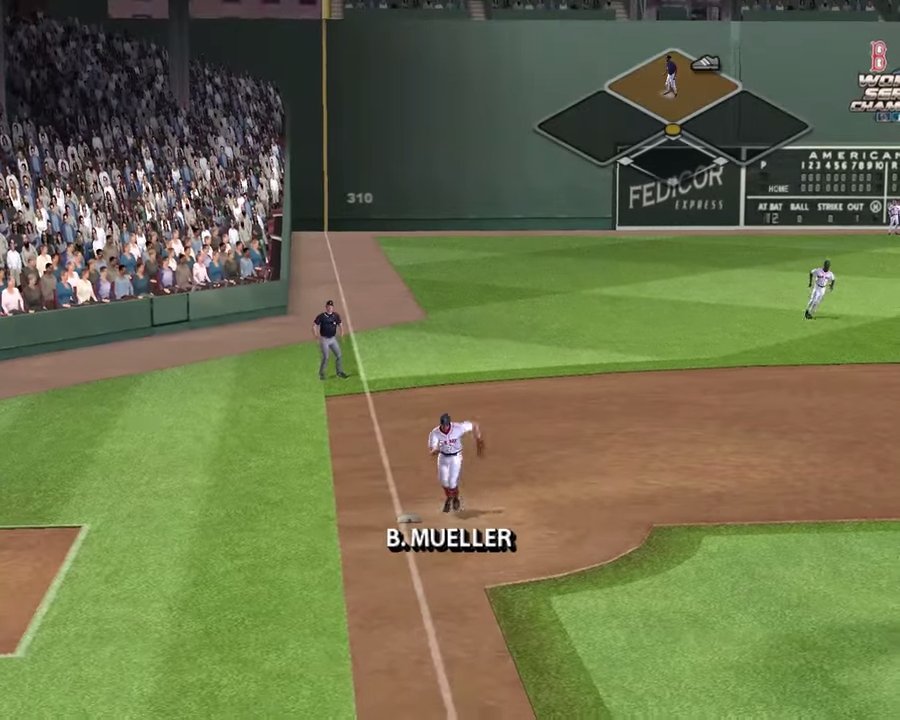
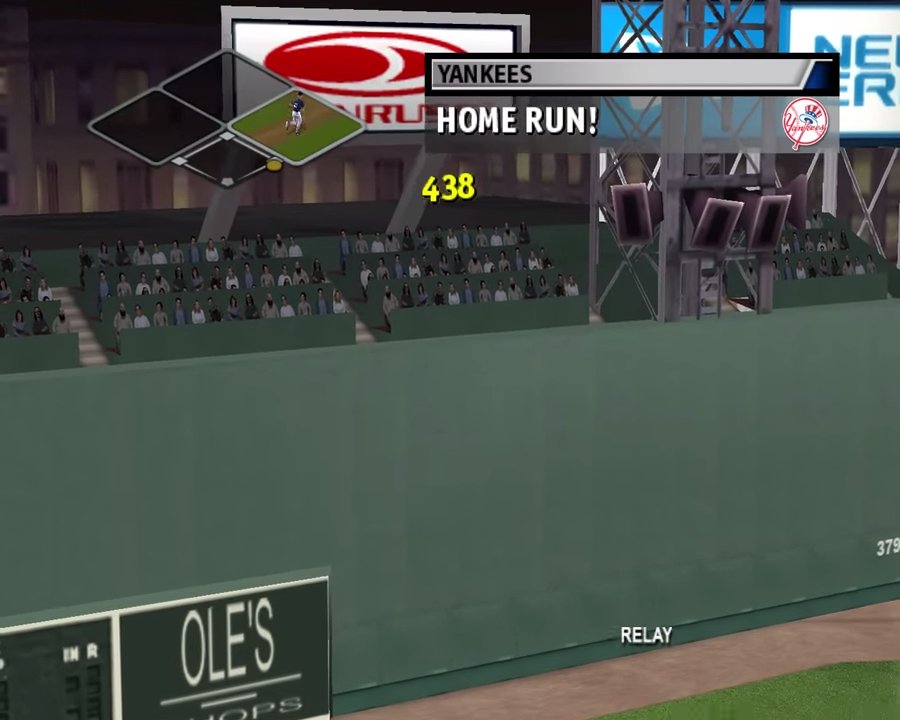
MVP Baseball 2005 introduced "Owner Mode". Much like the Madden series in owner mode you can set ticket prices, open new vendor stands, upgrade multiple aspects of your ball park and even build a custom park choosing among other things the walls, grass, lights, etc.
No comment nor review for this game at the moment.