


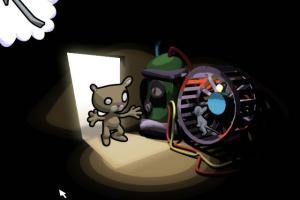


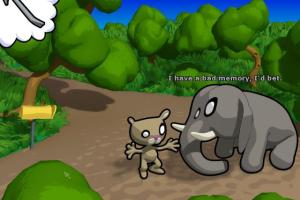
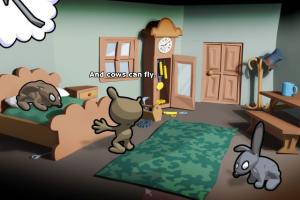
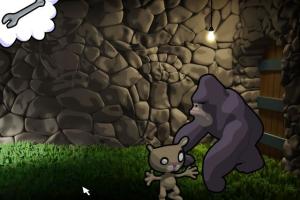
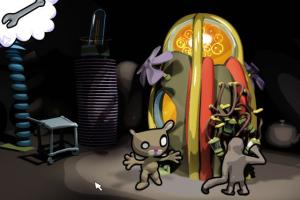
How to Play
Notes:
- The game should work fine on modern systems, it was tested on Windows 10 64-bit. If the game doesn't start - try to run it in Compatibility mode with Windows XP. For more information about the game check AGS page. For information about Spanish translation patch and how to install it, check this thread
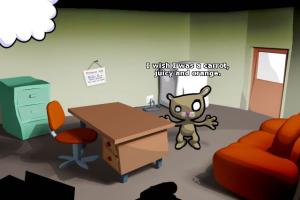
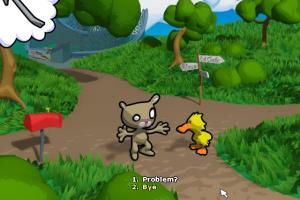
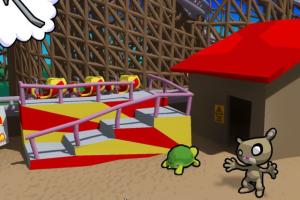
- To control the character in the game, press left-click to walk, right-click to look. Drag the character's hand to Interact, drag the mouth to Speak, and drag the items from the Inventory to use them. Note that you can grab the mouth even if the character is facing away, just drag the bottom of the head. To open Options menu press F5. If you stuck in some hard place in the game - here's the walkthrough guide
 English




 Spanish
Comments and reviews
No comment nor review for this game at the moment.