You are on the beta version of My Abandonware. The live site is still myabandonware.com. Your favorites and ratings here are copied to the live site. Comments and other changes are not — we delete them every morning at 08:00 Paris time, when this site goes down for about an hour. Leave feedback through this link to Pastel (email required).
The beta goes down at 08:00 Paris time, in a few minutes. We rebuild the database from the live site. It comes back in about an hour.
Windows 10 - Go to https://dege.freeweb.hu/dgVoodoo2/dgVoodoo2/ . Download dgVoodoo v2.84.1 (Or later) . Extract (to game folder) files from: » dgVoodoo2_84_1.zip\3Dfx\x86 (3 .DLL) » dgVoodoo2_84_1.zip\MS\x86 (4 .DLL) (Not sure if you have to open dgVoodooCpl.exe and indicate game folder in order to create there dgVoodoo.conf file)
5
V25 Mar. 2024
how to run???? i tried all compatibility versions of windows and my compatibility troubleshooter cannot help too...
damn, it starts, but then it closes
3
notplugandplay05 Jan. 2024
Tried both options and none work
5
Legpuska03 Feb. 2023
One of my first games. It's still a blast :D
2
No comment nor review for this game at the moment.


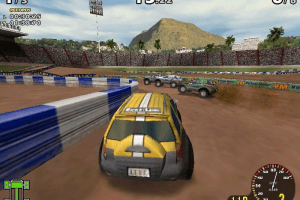
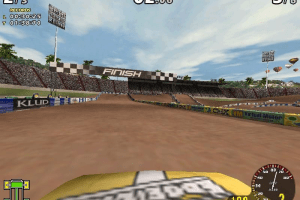
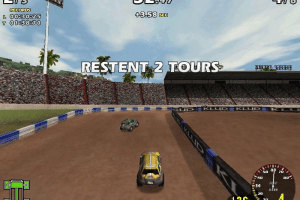

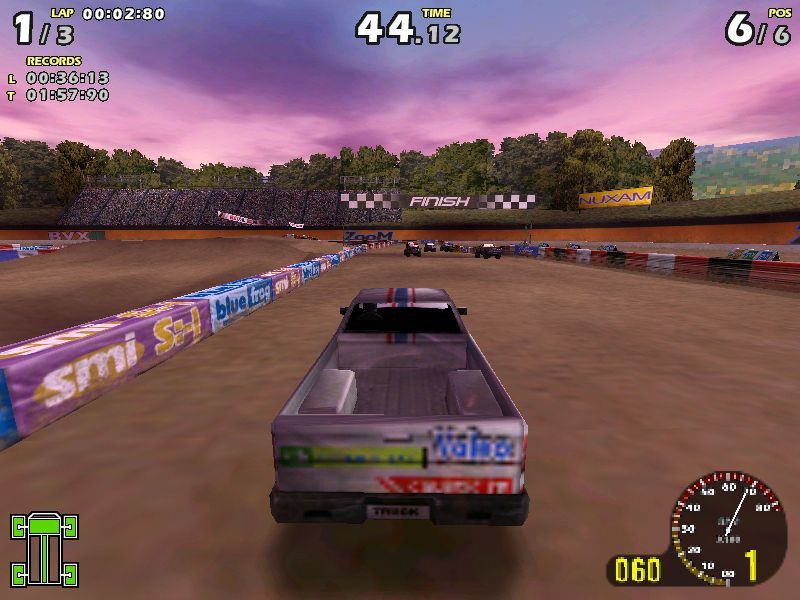



 English



Comments and reviews
Windows 10 - Go to https://dege.freeweb.hu/dgVoodoo2/dgVoodoo2/
. Download dgVoodoo v2.84.1 (Or later)
. Extract (to game folder) files from:
» dgVoodoo2_84_1.zip\3Dfx\x86 (3 .DLL)
» dgVoodoo2_84_1.zip\MS\x86 (4 .DLL)
(Not sure if you have to open dgVoodooCpl.exe and indicate game folder in order to create there dgVoodoo.conf file)
how to run???? i tried all compatibility versions of windows and my compatibility troubleshooter cannot help too...
damn, it starts, but then it closes
Tried both options and none work
One of my first games. It's still a blast :D
No comment nor review for this game at the moment.