



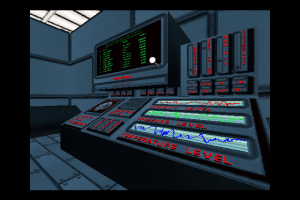
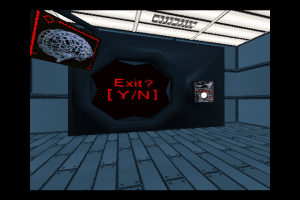
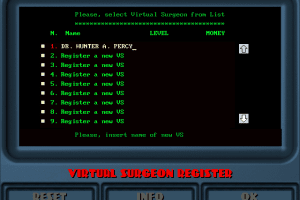
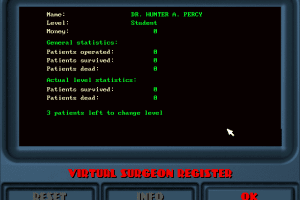
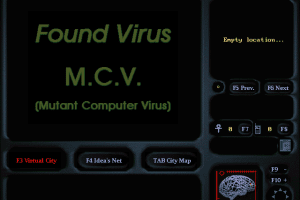
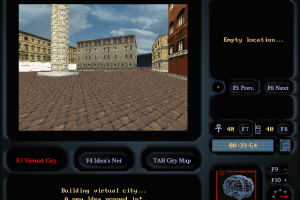
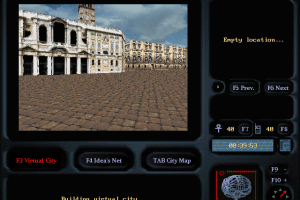
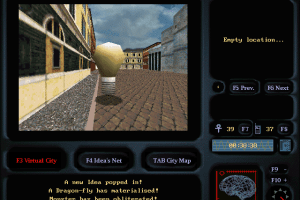
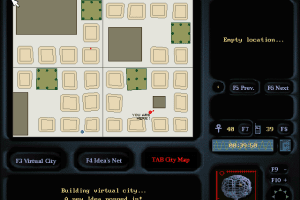
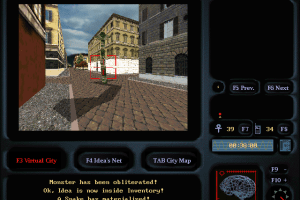
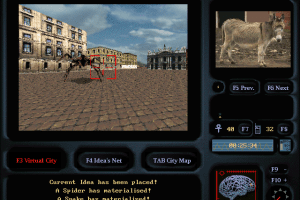
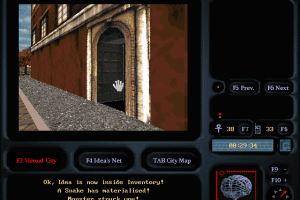
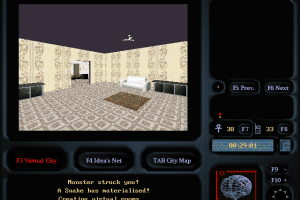
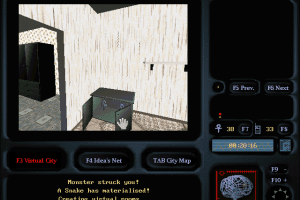
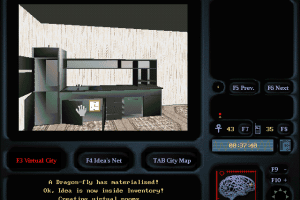
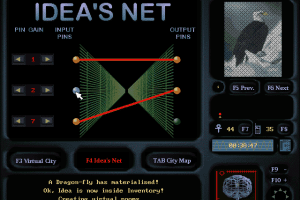
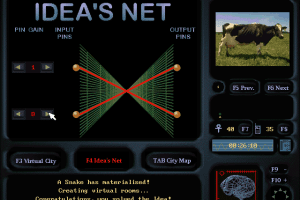
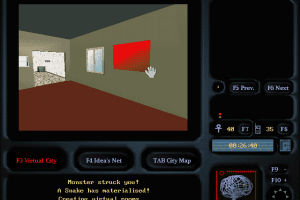
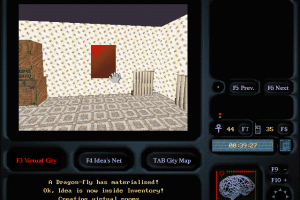
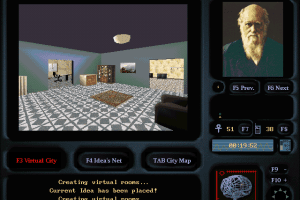
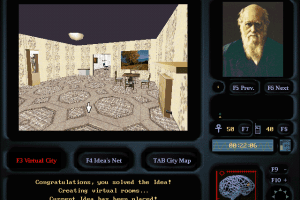
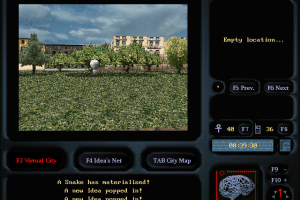
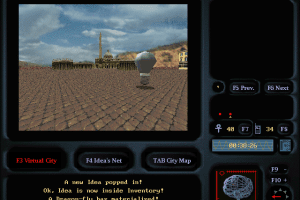
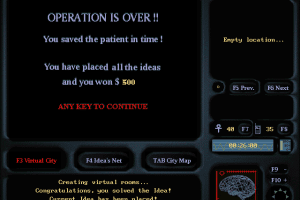

How to Play
Notes:
- To play the game on modern systems, use DOSBox, better with D-Fend Reloaded graphical environment. To install the game through DOSBox, in dosbox.conf write the next lines:
[autoexec]
mount c D:\DosGames
imgmount d "...ruta...\Plague CD.iso" -t iso
c:
Then install the game with "Install" command, choose "Pentium CPU". After you installed the game, configure the sound settings using "Setup", accept everything. Run the game from "Prague" to watch the intro video or from "Play" to skip the intro and start the game. To move around use the arrow keys
- If you don't know how to use DOSBox, you can download the custom installer by TheCollectionChamber, it includes the pre-configured DOSBox & the game. That installer was tested for work on Windows 10
 English
  Italian






Comments and reviews
No comment nor review for this game at the moment.