

How to Play
The game has been tested on Windows 7 64-bit, Windows 10 and Windows 11, it works fine. You may experience some small troubles when you play the game on modern systems, check our Guide and Notes for details
Install & play guide:
- Mount the ISO image with disc image utility, like WinCDEmu, UltraISO, Alcohol 52%/Alcohol 120% or Daemon Tools Lite, etc.
- Run cpysi.exe and simply enter the installation path, we recommend to install the game in some non-system folder, like
C:/Games/Poker Night at the Inventory. Also, check the box "Install Crack" to automatically "crack" the game - After you installed the game - go to the folder with installed game and find CelebrityPoker.exe. Right click on CelebrityPoker.exe -> Properties -> Compatibility -> Set "Run this app in compatibility mode with Windows XP SP2" and "Run as administrator"
- If the game doesn't work - run it in compatibility mode with some other old Windows OS. Also, try to use the alternative NoCD, it includes Goldberg Emulator files and should work better on modern systems
If the instruction sounds complicated for you - download the archive with pre-installed game, it includes the full game with NoCD, simple extract & play
Notes:
- If the installation doesn't start - try to run the installer in compatibility mode with old version of Windows (98, 2000 or XP) and as administrator
- It is recommended to install all versions of Microsoft Visual C++ Redistributable and NET Framework for the correct work of the game. Also it is recommended to install K-Lite Codec Pack for the correct work of in-game videos
- The game works on DirectX 9, so if you're using Windows 8, 8.1, 10 or 11 - you need to enable DirectPlay: Go to Control Panel, and select 'Programs'. Select 'Turn Windows features on and off', click on 'Legacy Components' and check the box 'DirectPlay'. Select OK, once the installation is done, restart your computer
- The game supports high and wide screen resolutions up to 4k. If you want to run the game on ultrawide screen or multi-display setup, you will need to use CheatEngine tool, check WSGF guide for instructions. If you want to run the game in Borderless fullscreen windowed mode, use the tools like GameCompanion or BorderlessGaming
- If you have the opened Steam client on your system and the game doesn't run - close the Steam client and try to run the game again
- If the game crashes after the intro video of Telltale Games logo and shows the error "CelebrityPoker.exe has stopped working" - try to run the game in compatibility mode with old Windows OS, like Windows 98; if it didn't work, delete the preferences and save files like in this guide. If it didn't help, re-install the game in some other folder and try again
- On the launch, the game may ask for permission to update Visual C++ Redistributable - make sure that you installed it in your system. If the game still asks you to update it - remove or rename 31280_install.vdf file in the game folder, or add the missed Windows Registry path like in this guide
- If you have problem with broken sound effects or cracking/disappearing sound - first try to change the sound settings. If it didn't work - set sound quality to 24 bit, 48000 Hz or 24 bit, 44100 Hz. Read this guide how to do that
- If you have the Steam version of the game and it doesn't launch, check this guide. If it crashes after the intro video of Telltale Games logo - try one of these solutions. Also, we recommend to check Steam forums of the game
- Don't forget to check PCGamingWiki if you have troubles, it is very useful!
 English




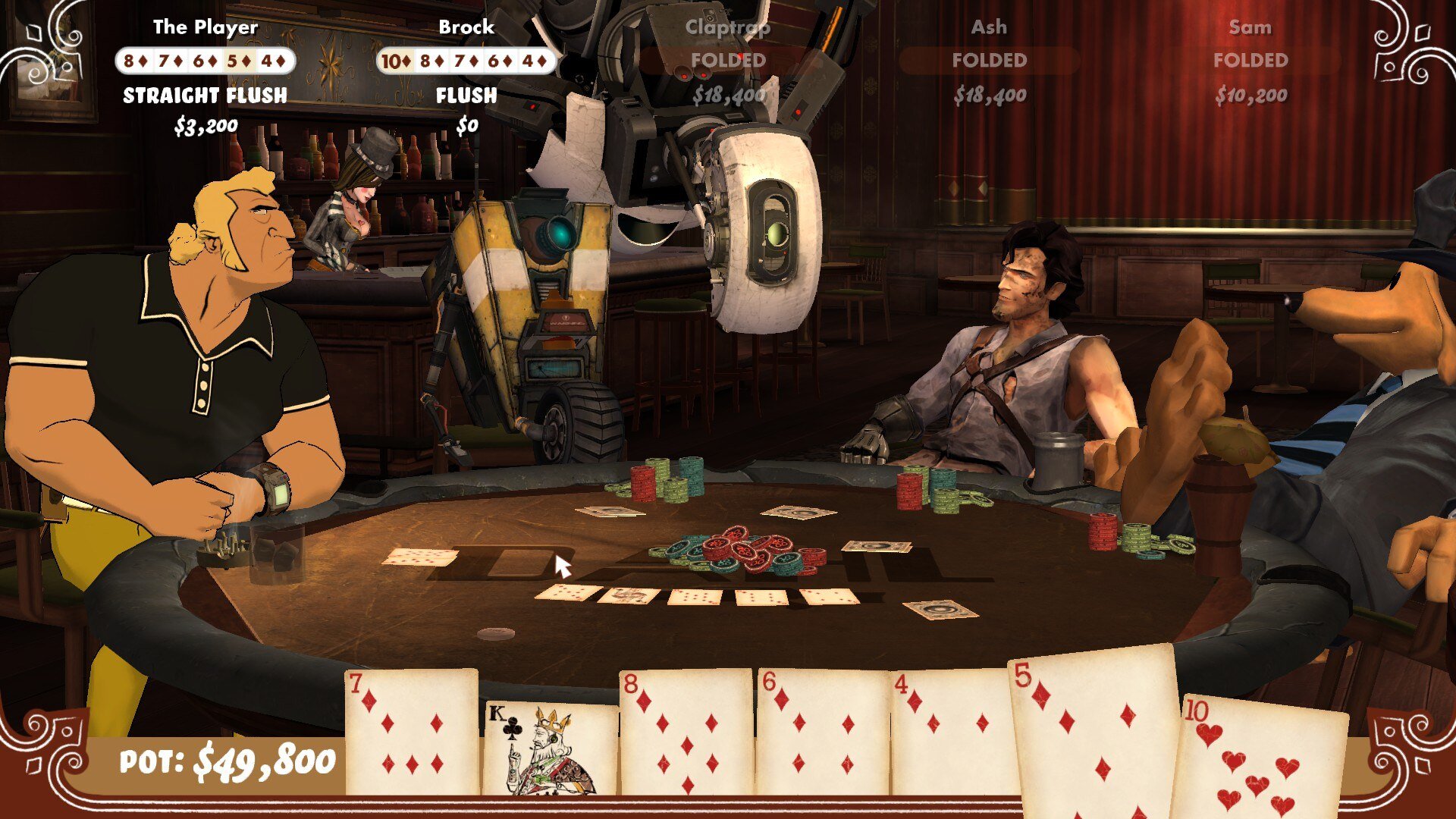


Comments and reviews
abandonware would def make it no longer abandonware because well, a different style and gameplay version came out.
get it now before it no longer becomes abandonware!
Don't remove it from here after the remaster since they have different gameplay and graphics
It won't, as it has no connection to your steam account. You'd need to have a license to the game on steam (either through owning or family share).
Pretty safe to assume that this will not give anyone the special drops that come from this game
No comment nor review for this game at the moment.