You are on the beta version of My Abandonware. The live site is still myabandonware.com. Your favorites and ratings here are copied to the live site. Comments and other changes are not — we delete them every morning at 08:00 Paris time, when this site goes down for about an hour. Leave feedback through this link to Pastel (email required).
The beta goes down at 08:00 Paris time, in a few minutes. We rebuild the database from the live site. It comes back in about an hour.
Yeah same for me, I went through DOSbox but on the last step, after hitting ENTER to launch the EXE, DOSbox says "Can't find the mouse pointer graphic" and crashes. If anyone knows how to play this game on Windows 10, I'd love you forever guys haha
1
lhking7418 Dec. 2020
has anyone every run into an issue, when launching the game, where the following message comes up when you go to run f1.exe.
unable to load DIG.INI
Then the following message appears on the screen:
error: Can't find mouse pointer graphic
2
No comment nor review for this game at the moment.








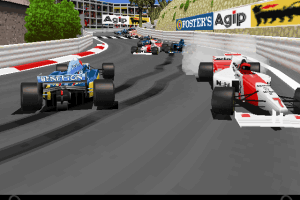
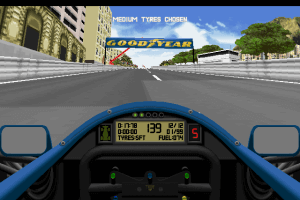
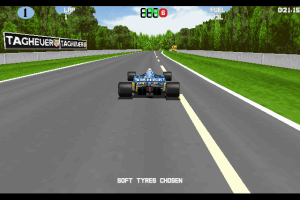
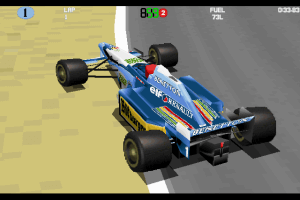




 English



Comments and reviews
Yeah same for me, I went through DOSbox but on the last step, after hitting ENTER to launch the EXE, DOSbox says "Can't find the mouse pointer graphic" and crashes.
If anyone knows how to play this game on Windows 10, I'd love you forever guys haha
has anyone every run into an issue, when launching the game, where the following message comes up when you go to run f1.exe.
unable to load DIG.INI
Then the following message appears on the screen:
error: Can't find mouse pointer graphic
No comment nor review for this game at the moment.