


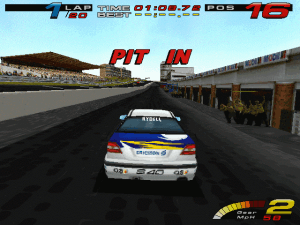
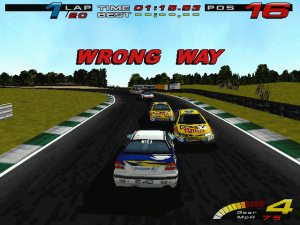
TOCA Touring Car Championship is a great racing game from Codemasters that remains relatively unknown to many racing fans.
A passionate and wonderfully comprehensive review at MobyGames says it all: "TOCA Touring Car Championship is the official game of the BTCC, which stands for British Touring Car Championship. I doubt whether a lot of people outside the UK have heard of the BTCC (here in the Netherlands we can receive the BBC, so I had seen a few glimpses of the action), but don't let that spoil your fun. Of course driving a Nissan Primera on the Snetterton circuit isn't as glamourous as let's say speeding through Monte Carlo in your Ferrari F1 car, but I actually enjoyed the fact that the game focusses on a niche.
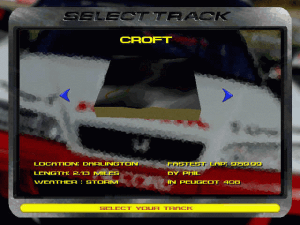
Almost all the tracks were completely new for me (we all know Hockenheim, Monza and Suzuka by now don't we). Silverstone was the only circuit I'd seen before. In TOCA there are nine different circuits to race on: Donington (GP and short version), Silverstone, Thruxton, Brands Hatch Indy, Oulton Park Fosters, Croft, Knockhill and Snetterton. The championship consists of 12 rounds of two races each for a total of 24 races. This means you'll have to race four times on certain circuits in a full championship.
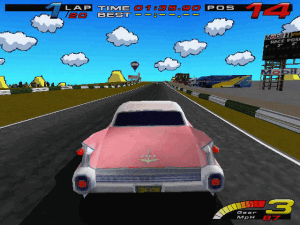
Since all tracks are located in the UK and are based on real tracks, there's not a wide variety of exotic locations (it ain't Need for Speed). But still, the tracks themselves are quite different. One has a lot of corners (Croft), the other has long straights (Snetterton) another is very short and bumpy (Brands Hatch). I got the impression that Codemasters put a lot of effort in recreating the tracks as accurately as possible.
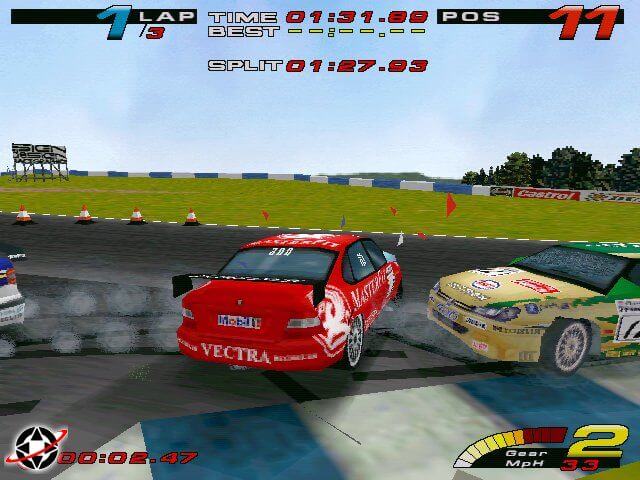
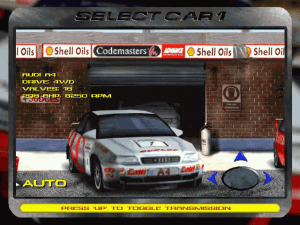
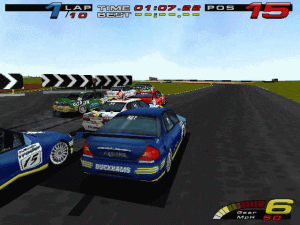
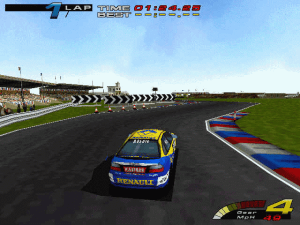
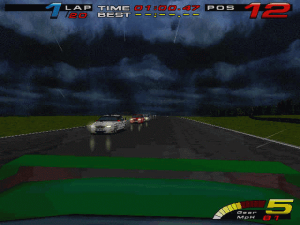
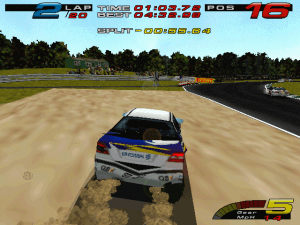
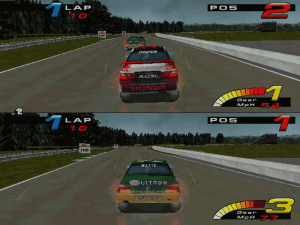
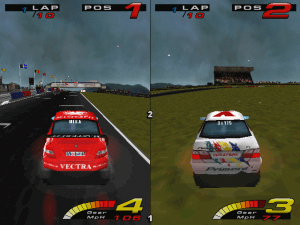
In TOCA you race in modified versions of common street cars (8 including Honda Accord, Ford Mondeo, Renault Laguna etc.). Each car feels a little bit different. You don't have the option to modify your car. That's fine with me since I take no joy out of changing tire pressures etc. Although all cars are from real brands, the cars take visible damage!! With a couple of hard crashes you can really turn your car into a wreck. Break the windows, demolish the bumpers, loose the hood etc. You can only damage the exterior of the car, it doesn't effect the way a car drives. Car handling is excellent with firm suspension & realistic tire-grip. When you drive on the grass next to the track you will certainly spin (it's rather easy to make a 360) if you don't know what you're doing. You'll need to know how to approach each corner. So there is a bit of a learning curve, but it also feels very rewarding when you have finally mastered the game and have driven a fast lap. The weather conditions (you can choose sunny, rain, clouded, storm or snow) really have an impact on the way your car behaves (driving during heavy rain is even more difficult). You need to stay focused all the time.
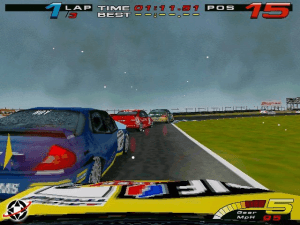
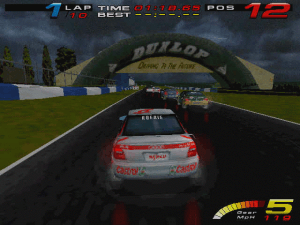
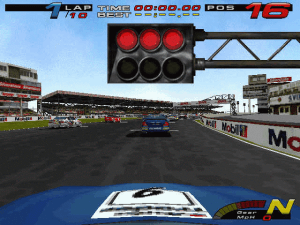
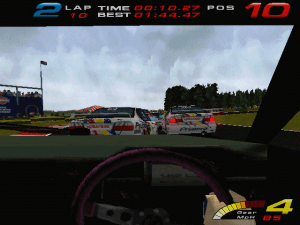
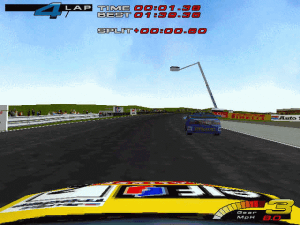
One of the best aspects of TOCA is the HeadCam View. This is the first person view, but with a difference. It's like there's a small camera on the front of the driver's helmet which records the action. The trick is that the image produced is not static. When the head of the driver moves your point of view changes, this is incredibly immersive and especially fun when you're hit from behind or spin-out since the camera shakes violently. You can also see both hands (one of them shifting gears) instead of just the steering wheel & dashboard. Every racing game should have this feature. I have one major problem with this game, the way the championship mode is implemented. As is common these days you don't get all the tracks at once (only two are available at the beginning), you have to earn them by progressing in the championship. You progress by scoring 20 points or more per round (=two races). Even when you've unlocked all the tracks you still need 20 points per round when you start a new championship.
The championship mode in TOCA isn't that easy and the fact that you're not allowed to practice on a track until you've progressed past it in the championship mode only makes it harder. Also, you can only save your game after two races. This means that if you compete in the full championship you will have to drive up to 50 laps (including qualification), which can take up to an hour, before you can save your game. It is frustrating to restart a race several times because you need a certain amount of points at each race before you can go to the next one. Especially when completing a round takes that long. Competing in the short championship (fewer laps per race) is not an option since the A.I. drivers perform really well during the qualifying sessions and you'll need a couple of laps to reach the front of the pack.
All this basically forces you to select one the faster cars in the championship mode. Why do game developers seem to make the same mistakes over and over again. Codemasters have made a great racing game with real cars, real tracks & realistic handling and then they go and spoil it all by implenting an arcade-like championship mode. Now that's bad game design. I want to be able to pick the worst car of them all, finish dead last in every race and cheer for the winner!
The bottom line is TOCA is a very immersive racing game due to the realistic handling, the HeadCam view and pack-racing. The real joy of TOCA Touring Car Championship lies in the driving itself. Too bad Codemasters almost ruins the mood with an annoying tournament structure."
Review By HOTUD
 English
  French
  German
  Polish





Comments and reviews
For anyone that has issues with windows 11 sound issues probably running AMD.
Go to https://youtu.be/xghrSaKn7yM?is=Cegkl99ydh321xBz
Use 86box to run it. Runs smoothly and without issues! Just follow this tutorial, install Toca, run the patch and enjoy
HELLO
I found the Italian and Spanish version of the game in this website:
https://www.abandonsocios.org/index.php?topic=13737.msg209156#msg209156
Download game:
https://www.mediafire.com/file/68fj8v972agqan5/TTCC_ITA_SPA_by_xBlas99.rar/file
We updated this page, added Polish version, plus some fixes and repack by Magipack
only getting linkup mode. not sure what else i can do to get single race or championship. I also installed the patch, but that didnt fix it.
Installed fine and patched. I had this boot to the main menu but crashed when selecting controls. And now I cant launch at all. Goes to black screen but then back to windows. Running Win11. Anyone get theirs working at all?
Running into the same issues the previous guy said, but in Windows 10 instead of 11
Does anyone know how to run this under Windows 11? There's no guide in the Internet.
There's a guide at PcGamingWiki in which you're directed to turn the Windows 98\Me (or 95) compatibility mode on, applying this to setup.exe file. This will work under Windows 10, but 11?
I did so under Win10: I applied Win98\Me mode to setup.exe (before install) and files were copied flawlessly. I applied the same mode for setup.exe and tourcars.exe (on the hard drive). The intro loaded up and the sound worked in the race.
But I'm trying to do the same under Windows 11: the files copy themselves properly, I apply Win98\Me mode to setup.exe and tourcars.exe, but the intro doesn't load! Sometimes the game crashes into the desktop, but if it doesn't crash, I get black screen with no intro. I pressed [space] and got to the main menu, but there's no sound! Race is also soundless.
As I wrote earlier, there's no guide for Windows 11.
Solo me aparece la opcion para jugar online alguien me puede ayudar?
Have it Cheats for dont need Points in Championship Mode ?
If you want to play single race or championship mode, you need to mount the iso and run the setup file in win 98 compatibility mode. After installing the game, you need to keep the iso mounted because the game reads most of its files form the cd. Also, dgvoodoo is necessary to run the game without crashing.
Loved this on the PlayStation 1 real drivers names you could pick your favorite after watching it on.Sunday tv i played Honda Accord - James Thompson and Gabriele Tarquini The game also features former racing driver Tiff Needell as the commentator.
I A Collector Racing Games 1996-2006
Codemasters From 1997-2000
i can only see the linkup mode, any solution??
How to show the championship mode in this game?
update you can use virtualbox to play this game just install windows 98 on virtualbox and you can select cd rom put the iso and bam its done
run windows compatibility to do so you have to right click on the toca logo then go to compatibility then press windows me or 98 or 2000
I need help, the game cause errors, it says the file (file name, but change everytime like, renault, volvo, etc,
Burn the game files onto a CD.
Install the game from that CD.
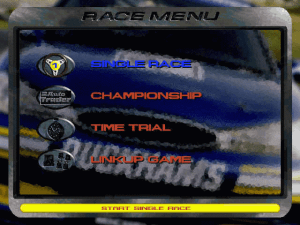
Skip the Patch 1.1a, and you will see all modes: Single Race, Championship, LinkUp.
The CD must be in the CD-ROM drive when playing the game.
I can't start a new career. Only the option "linkup mode" is available
reply to loko please
I can install it with success! But my problem is when i try to begin playing! The only mode available is the LinkUp Mode, I don't have the Single Race nor the Championship available! Anyone suffers from the same? I really really really want this game!
Hello Dientxpro46,
I personaly burnt a CD-Rw (rewritable) with the .BIN file. After that, I did a right click on the "setup.exe" file and chose "Check for windows compatibilies" (or something like that) and chose "Windows 98 / Windows Me". Then the game installed successfully... ;)
to run this game you need windows 98 or 2000
It won't run.
I'm trying to run it under a Pentium4 3.0GHz, 2GB RAM and a FX5200 AGP (128M)
Windows XP Professional 32-bit
This gem's definitely 1 of the best racing titles from 1997. I totally love it & recommend to anyone interested in a well ballanced game that takes from both hardcore sims and straightforward arcade road blasters. The produced mixture's truly stunning: it contains 8 licensed cars (and 2 special ones) that behave unlike each other, so that a player should choose his ride wisely depending on the forthcoming circuit. As far as I recall there are a total of 10 tracks available in the game, however one'll have to win several seasons before those become unlocked. And of course there's the "reverse" mode for every track in case anyone wants to race in the opposite direction.
Personally I used to tackle the time attack mode, where once you cross the finish line the game creates a ghost of your performance that completely mimics every subtle move of your previous attempt. This way one can compete against himself while trying to beat his best result thus far: what an experience I daresay! Total concentration, complete knowledge of pros&cons of a chosen vehicle, utter memorizing of every slight turn within particular circuit, switching to cockpit view and of course using MT in order to cut those precious seconds off the former try. It's just you against the asphalt - such an awesome feeling!
Great!!! Fantastic game! Thank you!
No comment nor review for this game at the moment.