




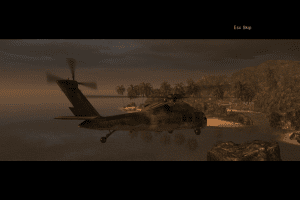
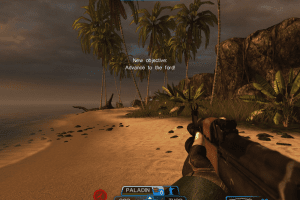
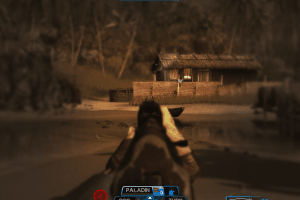
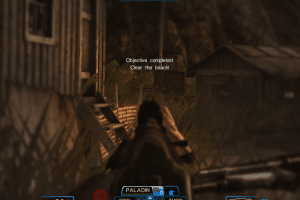
How to Play
The game has been tested on Windows 7 64-bit and Windows 10, it works fine, the game supports widescreen and high resolutions up to 4k. You may experience some small troubles when you play the game on modern systems, check our Notes for details
Notes:
- If the installation doesn't start - try to launch Setup.exe in compatibility mode with old version of Windows (98, 2000 or XP)
- It is recommended to install all versions of Microsoft Visual C++ Redistributable and NET Framework for the correct work of the game. Also it is recommended to install K-Lite Codec Pack for the correct work of in-game videos
- The game works on DirectX 9, so if you're using Windows 8, 8.1, 10 or 11 - you need to enable DirectPlay: Go to Control Panel, and select 'Programs'. Select 'Turn Windows features on and off', click on 'Legacy Components' and check the box 'DirectPlay'. Select OK, once the installation is done, restart your computer
- Multilingual version of the game is using SecuROM DRM protection, which may have issues on modern systems and requires the disc for launch. Use NoCD for launch, simply replace RS.exe in game folder. NoCD "breaks" DRM protection and allows to run the game without the disc. If you see error that there's not enough space on the hard drive when you copy NoDVD files - re-install the game in non-system folder, like
D:/Games/Raven Squad - If the game doesn't work - try to launch it in compatibility mode with old version of Windows (Windows XP, Windows 7, etc.) and as administrator
- Multilingual version has 3 languages: English, French and German. Run LanguageSelector.exe in game folder to change the language
- If you have problem with broken sound effects or disappearing sound - first try to change the sound settings. If it didn't work - set sound quality to 24 bit, 48000 Hz or 24 bit, 44100 Hz. Read this guide how to do that
- The game has controller support, it should work fine any XInput-type controllers (Xbox gamepad and similar). If you play the game on Windows XP, additionally install Xbox 360 gamepad drivers from the disc. If the game doesn't recognize your gamepad - try using one of the additional tools from PCGamingWiki guide for controllers
 English
  French
  German
  Russian





Comments and reviews
This game didn't run, it starts, you hear the first jingles of the intro music but no picture and then the game crash and goes back to desktop.
No comment nor review for this game at the moment.