






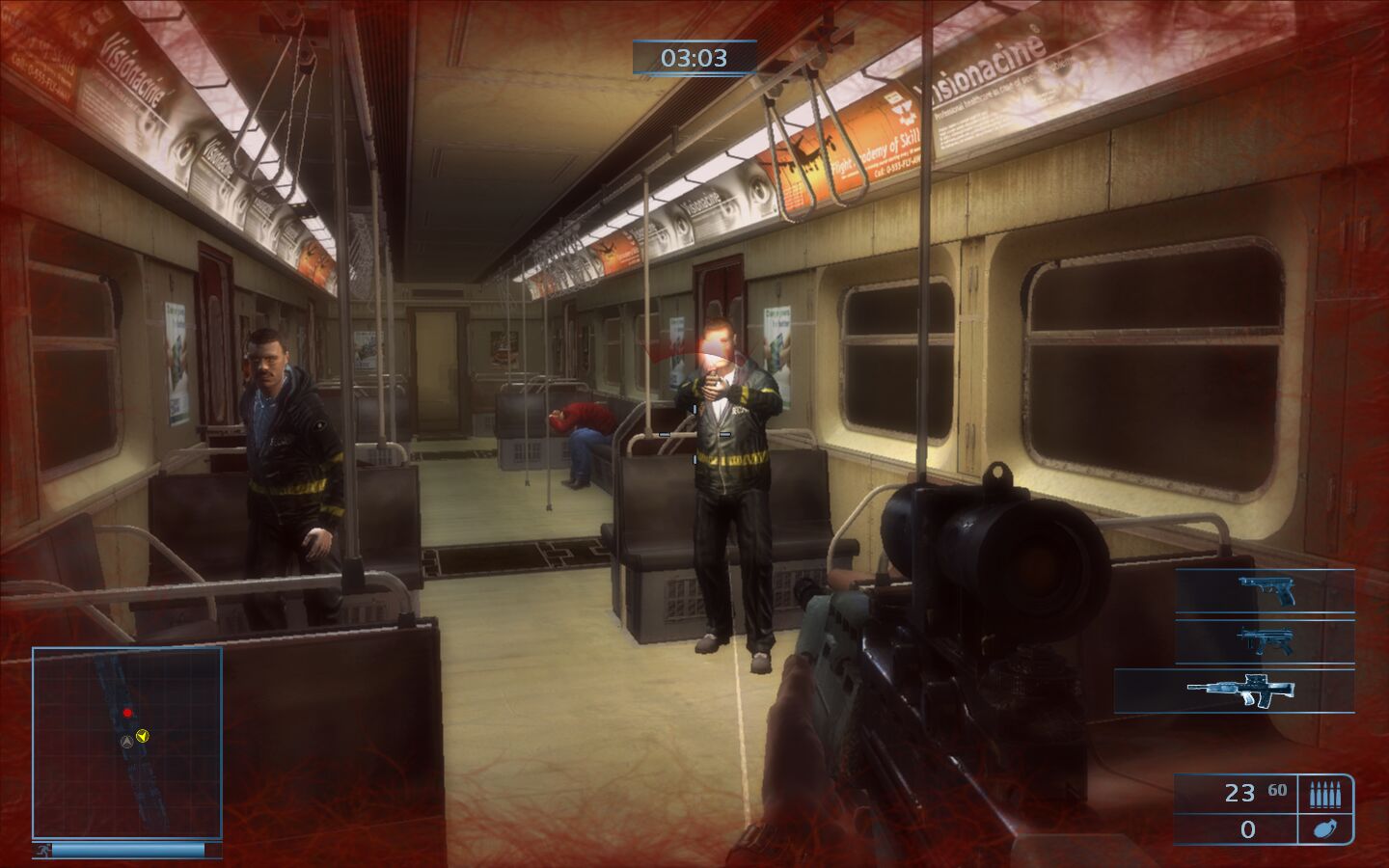
How to Play
Notes:
- If the installation doesn't start - try to launch Setup.exe in compatibility mode with old version of Windows (98, 2000 or XP)
- It is recommended to install all versions of Microsoft Visual C++ Redistributable and NET Framework for the correct work of the game. Also it is recommended to install K-Lite Codec Pack for the correct work of in-game videos
- The game works on DirectX 9, so if you're using Windows 8, 8.1, 10 or 11 - you need to enable DirectPlay: Go to Control Panel, and select 'Programs'. Select 'Turn Windows features on and off', click on 'Legacy Components' and check the box 'DirectPlay'. Select OK, once the installation is done, restart your computer
- Most versions of the game are DRM-Free or have only the simple disc check. Russian version was protected with infamous StarForce DRM, but we found the setup with removed StarForce. We uploaded NoDVD for Russian version for owners of Russian DVD, check this thread for more details about that NoDVD
- If the game doesn't start - try to launch it in compatibility mode with old version of Windows (Windows 98 or XP) and as administrator (right click on exe-file or desktop shortcut -> Properties -> Compatibility)
- The game supports wide screen resolutions. If you want to play the game in Windowed mode, use D3DWindower utility, to play in Borderless fullscreen windowed mode, use D3DWindower in combination with Borderless Gaming or similar utility
- For unknown reason, the game has strange framerate cap, when the game oddly caps at 512, 256, 128, 64, 32 or even as low as 16 or 8 FPS. There's currently no solution for that
- German retail release was censored due to German laws. If you want to play the uncesored game with German language - install German translation patch on English version, that translation patch includes full audio & text files from German version
- Brazilian translation patch showed some adware warnings, it should be safe to use. But if you want 100% safety, we recommend to use it on Virtual Machine
- Don't forget to check PCGamingWiki if you have troubles!
 English
  German
  Spanish
  Polish
  Russian





 Portuguese (Brazil)


Comments and reviews
WHICH DOWNLOAD WORKS GUYS
Is there anyone who knows hot to turn on vsync in this game? Screen tears apart whenever i move.
dgvoodoo not working.
We returned download links for the game since the game is not available for purchase on any digital stores anymore
Ok i finally disabled the blur and it looks incredible. This game actually has great graphics.
https://www.youtube.com/watch?v=a9P_rUH4bDA
if you want to see the game not-blurry, you gotta constantly delete and restore a file called dof.fxc inside the FX folder. He wont be able to grab pistol at start without the original file. So dont delete till after you get your first autosave. Then you needa do it again when you first play as the girl, which is where i am right now. So its not THAT annoying. It also breaks the graphics on a few 2-second long segments that are still beatable when he grabs hostages. The depth of field setting in the launcher does nothing.
Looks amazing. Too bad the clown developers destroyed the whole game by applying the strongest blur filter you have ever seen in a game. And there is no way to turn it off i spent almost 2 hours trying to hex edit the executable. Clownware. Embarrassing.
bug at the very 1st level
OK this is fun. The camera that follows the companion does irritate and hinder the forward progress somewhat. The gun play /cover system is very good. A much better game than Made Man for example.
No comment nor review for this game at the moment.