


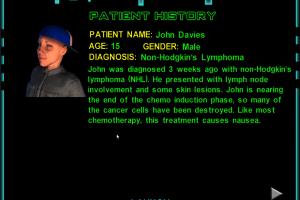
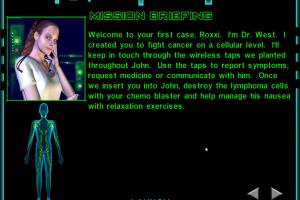
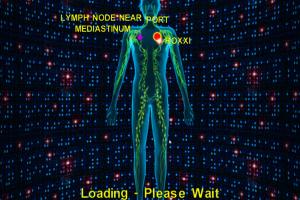
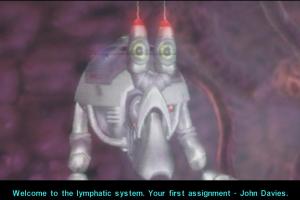
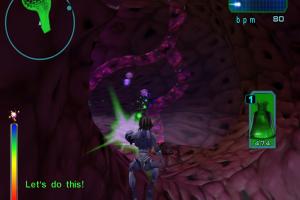
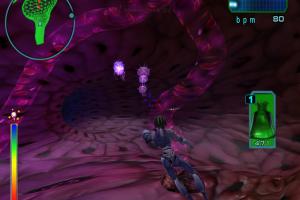
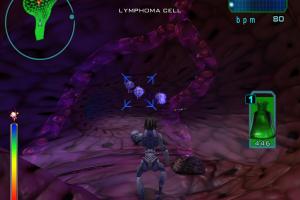
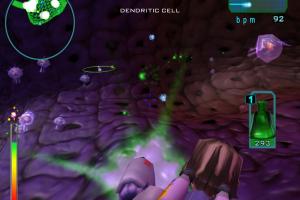
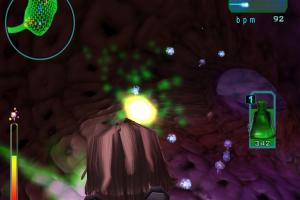
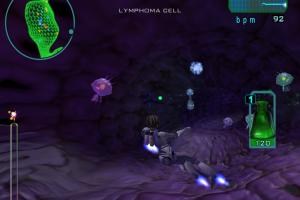
Re-Mission was a freeware action game about fighting with cancer. The game could be downloaded for free on official website, or purchased as a physical copy on 3 CDs or 1 DVD. You can read more information about the game and its development on this page
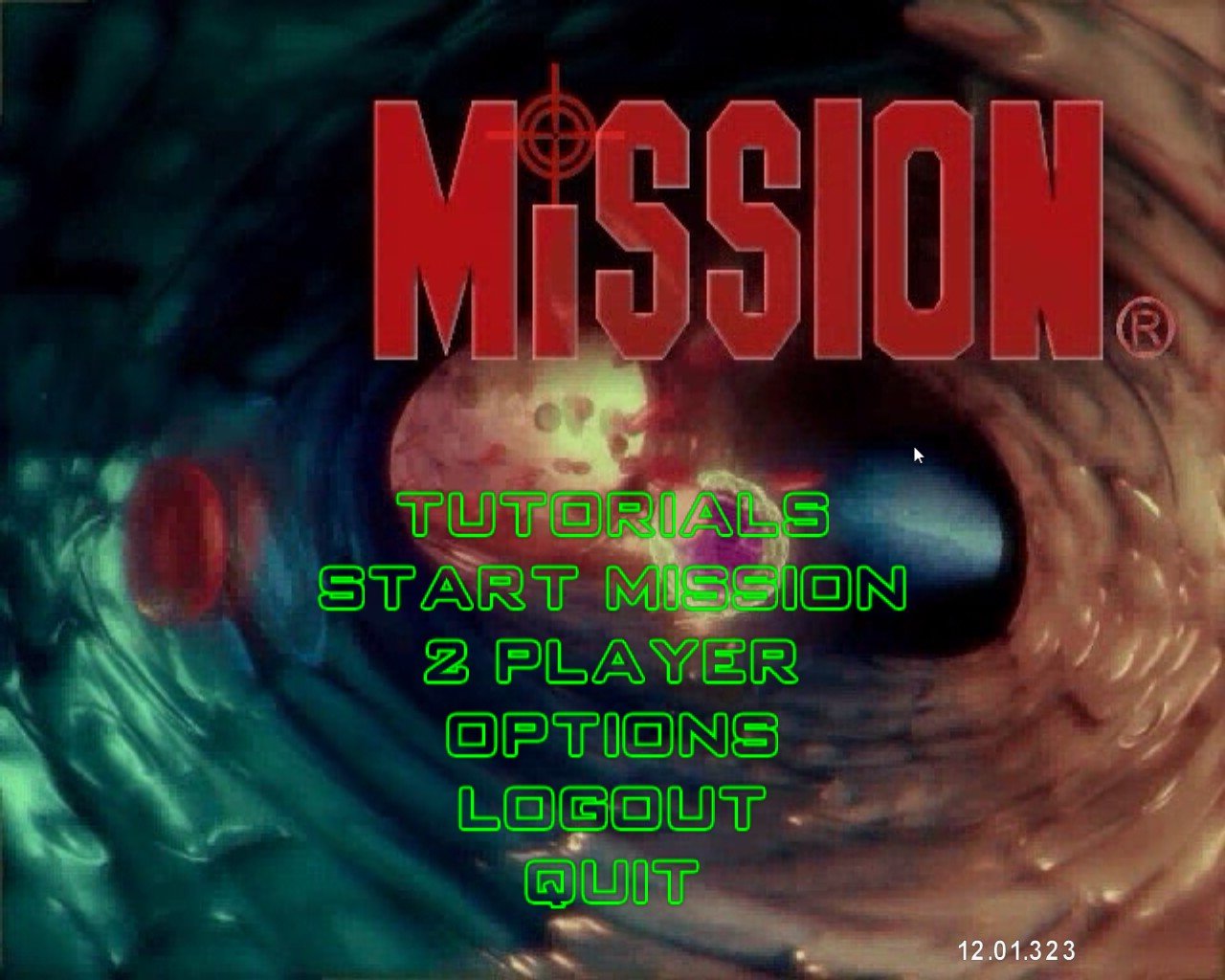
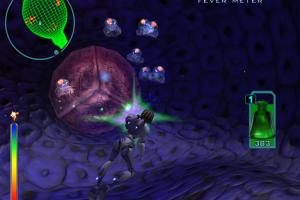
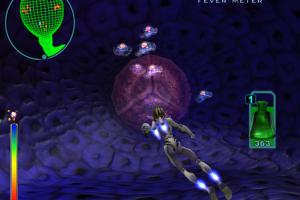

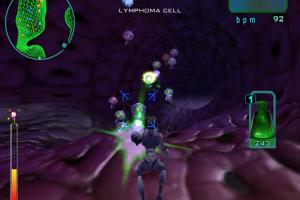
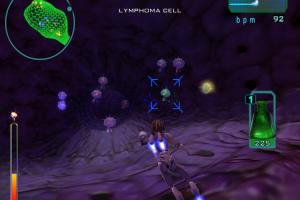
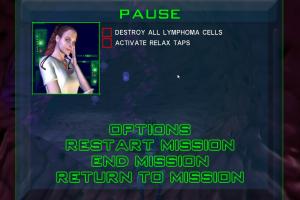
How to Play
The game has been tested on Windows 10, it works fine. The game is multilingual, with English, French & Spanish languages, you can select the language on starting screen. You may experience some small troubles when you play the game on modern systems, check our Notes for details
Notes:
- If the installation doesn't start - try to launch Setup.exe as Administrator and in Compatibility mode with old version of Windows, like Windows XP. Also, the installer will check the system requirements, if it shows the error - set Compatibility mode with old Windows for SysCheck.exe
- It is recommended to install all versions of Microsoft Visual C++ Redistributable and NET Framework for the correct work of the game. Also it is recommended to install K-Lite Codec Pack for the correct work of in-game videos
- The game works on DirectX 9, so if you're using Windows 8, 8.1, 10 or 11 - you need to enable DirectPlay: Go to Control Panel, and select 'Programs'. Select 'Turn Windows features on and off', click on 'Legacy Components' and check the box 'DirectPlay'. Select OK, once the installation is done, restart your computer
- If the game doesn't start - try to launch it in Compatibility mode with old version of Windows, like Windows XP, and as Administrator. To do that right click on RM.exe or desktop shortcut -> Properties -> Compatibility
- There's a button "Update game" in main menu - do not press it, otherwise the game will crash, trying to connect to "dead" update servers
- The game supports only 4:3 screen resolutions up to 1600x1200 but you can run it in wide screen resolution with dgVoodoo 2, however the image will be stretched. To use it copy the DLL-files from the
MS/x86folder, dgVoodooCpl.exe and dgVoodoo.conf to the game folder, next to RM.exe, then run dgVoodoo Control Panel (dgVoodooCpl.exe) as Administrator and change the settings; after that close it and run the game - If you have graphical glitches in game, or any other issues - run it through dgVoodoo 2, it should help
Downloads
Windows version
 English
  French
  Spanish





Comments and reviews
No comment nor review for this game at the moment.