You are on the beta version of My Abandonware. The live site is still myabandonware.com. Your favorites and ratings here are copied to the live site. Comments and other changes are not — we delete them every morning at 08:00 Paris time, when this site goes down for about an hour. Leave feedback through this link to Pastel (email required).
The beta goes down at 08:00 Paris time, in a few minutes. We rebuild the database from the live site. It comes back in about an hour.
Man, I remember getting hype, waiting for for ArEyeP to put these together. Pretty much the best Wolf-engine mods that I've ever played.
0
MarkTheMorose02 Jul. 2019
Solved: we were being impatient, the game is running too slow in a standard DOSbox setup. Once you've started the game, increase the emulation speed (cycles) by continually tapping Ctrl+F12. You want around 30,000 cycles, suddenly things start happening, and you can play the game. Much more than that, and the music starts distorting, and the game doesn't get any more responsive.
There is a way to make a configuration file for this specific game, but I don't know how to do that yet, having just started using DOSbox.
1
MarkTheMorose02 Jul. 2019
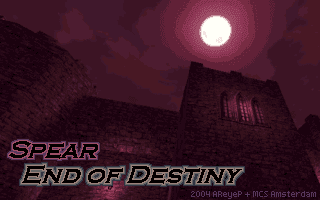
Same here in DOSbox under Linux Mint. There is a splash screen, music, sometimes by hitting random combinations of keys the game responds, but the screen just goes black after that. Pity.
0
Chuck14309 Apr. 2018
My screen goes black too after I try too start a game, too. :-(
0
Pepper19 Aug. 2017
When I want to start the game the screen turns black.
-1
No comment nor review for this game at the moment.



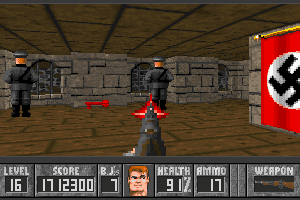
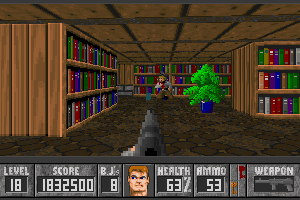
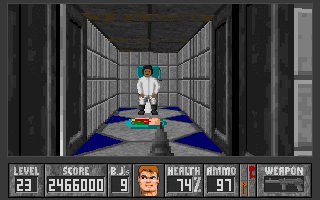
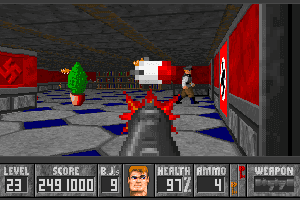




 English



Comments and reviews
REM Put this in a .bat file
@echo off
set "HERE=%~dp0"
"C:\Program Files (x86)\DOSBox-0.74-3\DOSBox.exe" -fullscreen ^
-c "config -set \"cpu core=dynamic\"" ^
-c "config -set \"cpu cycles=22000\"" ^
-c "mount c \"%HERE%\"" ^
-c "c:" ^
-c "SPEAR.EXE" ^
-c "exit"
Man, I remember getting hype, waiting for for ArEyeP to put these together. Pretty much the best Wolf-engine mods that I've ever played.
Solved: we were being impatient, the game is running too slow in a standard DOSbox setup. Once you've started the game, increase the emulation speed (cycles) by continually tapping Ctrl+F12. You want around 30,000 cycles, suddenly things start happening, and you can play the game. Much more than that, and the music starts distorting, and the game doesn't get any more responsive.
There is a way to make a configuration file for this specific game, but I don't know how to do that yet, having just started using DOSbox.
Same here in DOSbox under Linux Mint. There is a splash screen, music, sometimes by hitting random combinations of keys the game responds, but the screen just goes black after that. Pity.
My screen goes black too after I try too start a game, too. :-(
When I want to start the game the screen turns black.
No comment nor review for this game at the moment.