You are on the beta version of My Abandonware. The live site is still myabandonware.com. Your favorites and ratings here are copied to the live site. Comments and other changes are not — we delete them every morning at 08:00 Paris time, when this site goes down for about an hour. Leave feedback through this link to Pastel (email required).
The beta goes down at 08:00 Paris time, in a few minutes. We rebuild the database from the live site. It comes back in about an hour.
with the patch i had the same issue of not being able to load the 640x480 colour scheme, but it is running now after I checked the "reduced colour mode" box in the applications properties
0
gg05 Jun. 2022
no wonder the Jedi lost to the Sith, they were wasting time playing toddler games with Jar Jar instead of actually working.
1
blooblue12 Sep. 2020
It still doesn't work for me. Even after the registry edit, it says that the game is unable to load 640x480 thousands of color resolution. The smallest my laptop can go is 800x600. I'm trying to use it on my x32 laptop, but I'm not exactly sure how the patch works. I've extracted the zip folder that I get from the download, and then I extracted the patch folder, too. I run the patch.bin, but the only thing that happens is that the windows command processor opens up for a split second and then closes, and then nothing happens. Is there any help for me, please?
0
reyan28 Apr. 2019
In case the registry editor fix doesn't work for you (32 bit systems?), I made a patch here that makes the game run even without it: https://mega.nz/#!o1NTzYCL!TVTnXeQsnRC8A52eBqS2S6AkGCzUJByMnm0MQRDhnBc
5
Maxah07 Jun. 2018
I try so many things, but they always ask me the CD. What can I do ?
1
reyan17 Dec. 2017
Top comment
Sorry about that. I ran into the CD issue after clean installing windows. There is a registry check for some key created at installation. To bypass it, open your registry editor and go to "HKEY_LOCAL_MACHINE\SOFTWARE\WOW6432Node\Lucas Learning\Star Wars Yoda's Challenge\1.0" (if some of the path doesn't exist on your computer, create it yourself by rightclicking = new key) When you're there, right click = new string value. Name it "SourcePath" and give it a value like "C:". Hope this works for you
14
Emy26 Jul. 2017
It asks for me to insert a CD. Is there ....a crack or something somewhere I can use? What are we suppose to do?
-1
wolflow13 Jun. 2017
There is no way to install the game or run it, any help?
1
Bliky02 Jun. 2017
It asked for CD to play...any ideas?
0
reyan23 May. 2017
I got through there while searching for the windows version of this game so I'll just leave a link for what I found...
Hope this can help.
EDIT : Thx reyan ! I added the file to the game. Admin.
1
Pearlite13 Sep. 2015
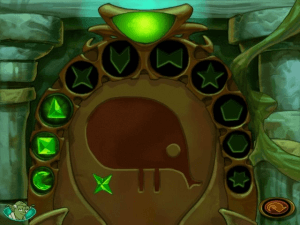
My local library had this game on the children's computers, so I played it all the time. We explored Gungan caves for hours.
2
dummy03 Apr. 2015
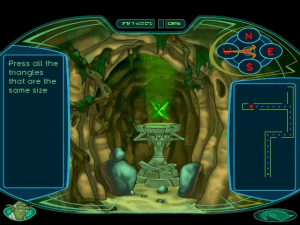
is it me, or does the game UI look like the one from Kotor?
0
Bit Mage23 Oct. 2014
This game was also released for Windows, and it's the StarWars abandonware title that I can't find. I've been looking for like 5 years.
2
No comment nor review for this game at the moment.





 English



Comments and reviews
with the patch i had the same issue of not being able to load the 640x480 colour scheme, but it is running now after I checked the "reduced colour mode" box in the applications properties
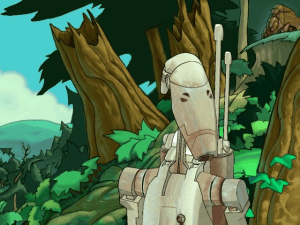
no wonder the Jedi lost to the Sith, they were wasting time playing toddler games with Jar Jar instead of actually working.
It still doesn't work for me. Even after the registry edit, it says that the game is unable to load 640x480 thousands of color resolution. The smallest my laptop can go is 800x600. I'm trying to use it on my x32 laptop, but I'm not exactly sure how the patch works. I've extracted the zip folder that I get from the download, and then I extracted the patch folder, too. I run the patch.bin, but the only thing that happens is that the windows command processor opens up for a split second and then closes, and then nothing happens. Is there any help for me, please?
In case the registry editor fix doesn't work for you (32 bit systems?), I made a patch here that makes the game run even without it:
https://mega.nz/#!o1NTzYCL!TVTnXeQsnRC8A52eBqS2S6AkGCzUJByMnm0MQRDhnBc
I try so many things, but they always ask me the CD. What can I do ?
Sorry about that. I ran into the CD issue after clean installing windows. There is a registry check for some key created at installation.
To bypass it, open your registry editor and go to "HKEY_LOCAL_MACHINE\SOFTWARE\WOW6432Node\Lucas Learning\Star Wars Yoda's Challenge\1.0" (if some of the path doesn't exist on your computer, create it yourself by rightclicking = new key)
When you're there, right click = new string value. Name it "SourcePath" and give it a value like "C:".
Hope this works for you
It asks for me to insert a CD. Is there ....a crack or something somewhere I can use? What are we suppose to do?
There is no way to install the game or run it, any help?
It asked for CD to play...any ideas?
I got through there while searching for the windows version of this game so I'll just leave a link for what I found...
Hope this can help.
EDIT : Thx reyan ! I added the file to the game. Admin.
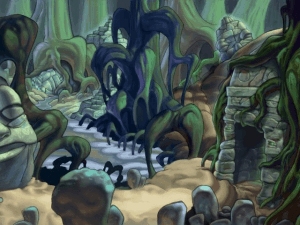
My local library had this game on the children's computers, so I played it all the time. We explored Gungan caves for hours.
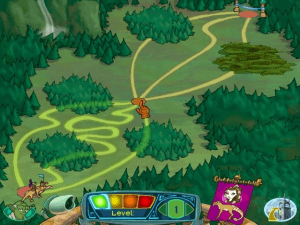
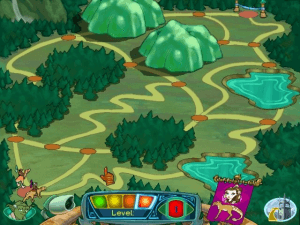
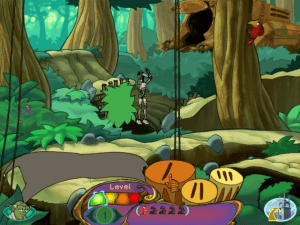
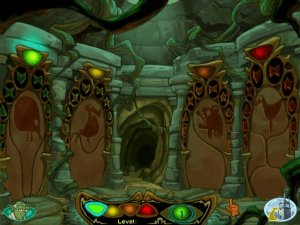
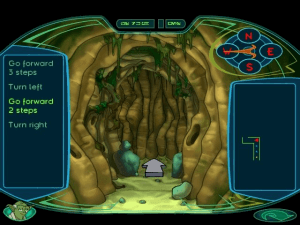
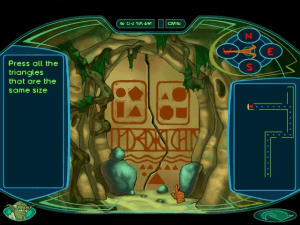
is it me, or does the game UI look like the one from Kotor?
This game was also released for Windows, and it's the StarWars abandonware title that I can't find. I've been looking for like 5 years.
No comment nor review for this game at the moment.