
- Export saves: export the savegame files from your browser, so you can switch to another browser or computer. You can also use them in an emulator installed on your computer.
- Import saves: import savegames that you exported before with the Export saves button.
- Download disk: export the whole game from your browser, with all your savegames. Useful to switch to an emulator installed on your computer.
- Reset game files: if you somehow messed up the game files, you can reset them to an exact copy of the original.
- Reset saves: delete all savegames from your browser. We recommend that you export them first: there is no turning back!
The Hitchhiker's Guide to the Galaxy - Play Online
DOS - 1984
For small DOS games like The Hitchhiker's Guide to the Galaxy, you can play online immediately with your browser (Chrome, Firefox, Safari, Edge, Opera...). This feature is experimental, the game may not work properly.
Warning: game save should work, but you should try it early! Also, be careful to select the right game executable in the list above.

 English

Similar games
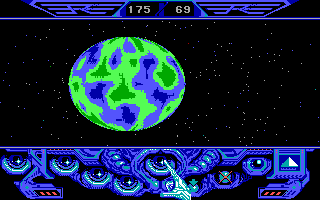
4.4/5 - 39 votes
Captain Blood DOS, Mac, Commodore 64, Amiga, ZX Spectrum, Amstrad CPC, Atari ST, Apple IIgs
1988
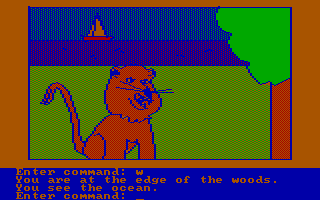
4.3/5 - 107 votes
Hi-Res Adventure #2: The Wizard and the Princess PC Booter, Commodore 64, Atari 8-bit, Apple II, FM-7, PC-88
1982

Comments and reviews
The shift key is not working and because of that i can't type double-quotes. Without double-quotes you can't enter the "password" to open the box. Try early in the game and use Dosbox if not working. Or give advice if you know a solution.
amazing
Anyone know how I can get this to work on Android phone?
an amazing classic. also one time i played and made it to 42 turns
Hehe so much fun, I can't remember the solutions..i'm old..! Meh. It's a classic!
Still have no clue what I'm supposed to do.
I'm loving it. Keep on typing in the most random things and it actually takes it and responds with some hilarious way that I died! So much old school fun to be had here
Thank you so much for this. Seriously. This is amazing.
No comment nor review for this game at the moment.