


How to Play
Notes:
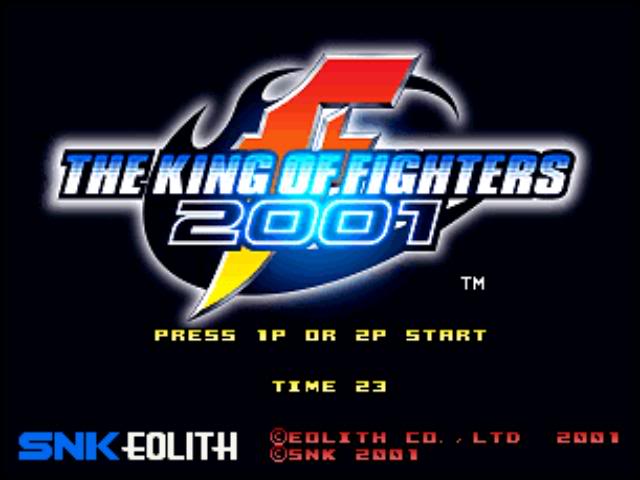
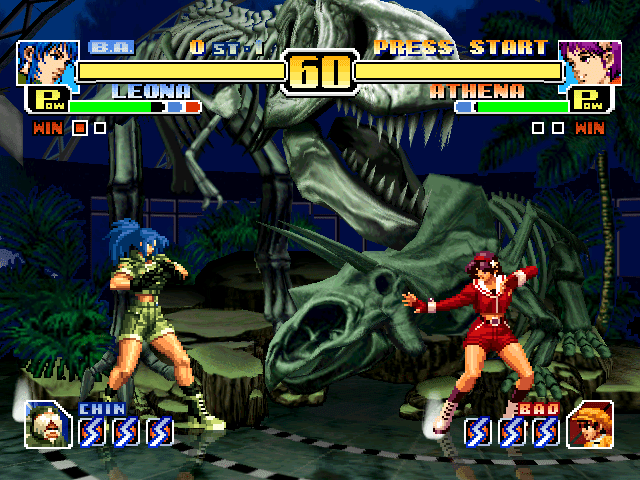
- PC version of the game released only in South Korea. The main menu of the game is in English language, all other text is in Korean
- If the game doesn't start, run it in Compatibility mode with old Windows OS, like Windows 95, 98 or XP (right-click on kof2001.exe -> Properties -> Compatibility). Also, Data Execution Prevention on modern Windows systems may block the game's executable - if the game doesn't start at all, try to add kof2001.exe to the list of DEP exceptions, here's the guide how to add any app to DEP exceptions
- To configure the game settings and controls, run kof2001.exe from the game folder and click on Option. The configurator tool is in Korean, if you don't speak Korean simply make a screenshot and put it in translation machine
- If you have troubles with running the game on modern systems, try to use dgVoodoo 2 or DxWnd utilities
- It seems that the game doesn't support pads or other controllers, so you will need to use extra tools like Xpadder or JoyToKey. Check PCGamingWiki guide for controllers for the full list of such tools
 Korean
  English






Comments and reviews
No comment nor review for this game at the moment.