




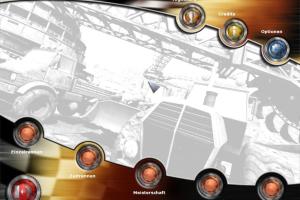
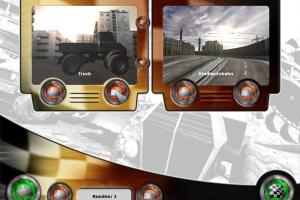
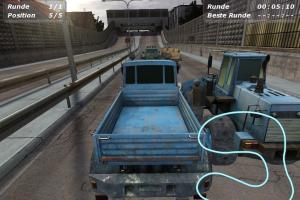
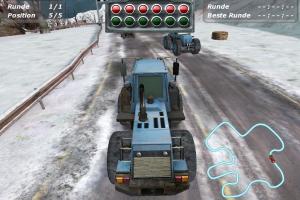
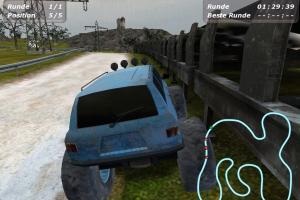
How to Play
If the game doesn't start or crashes - try to run it in Compatibility mode with old Windows. It seems that the speed of vehicles in game are tied to the framerate, if vehicles drive too fast, try to limit the framerate with one of framerate limiter utilities








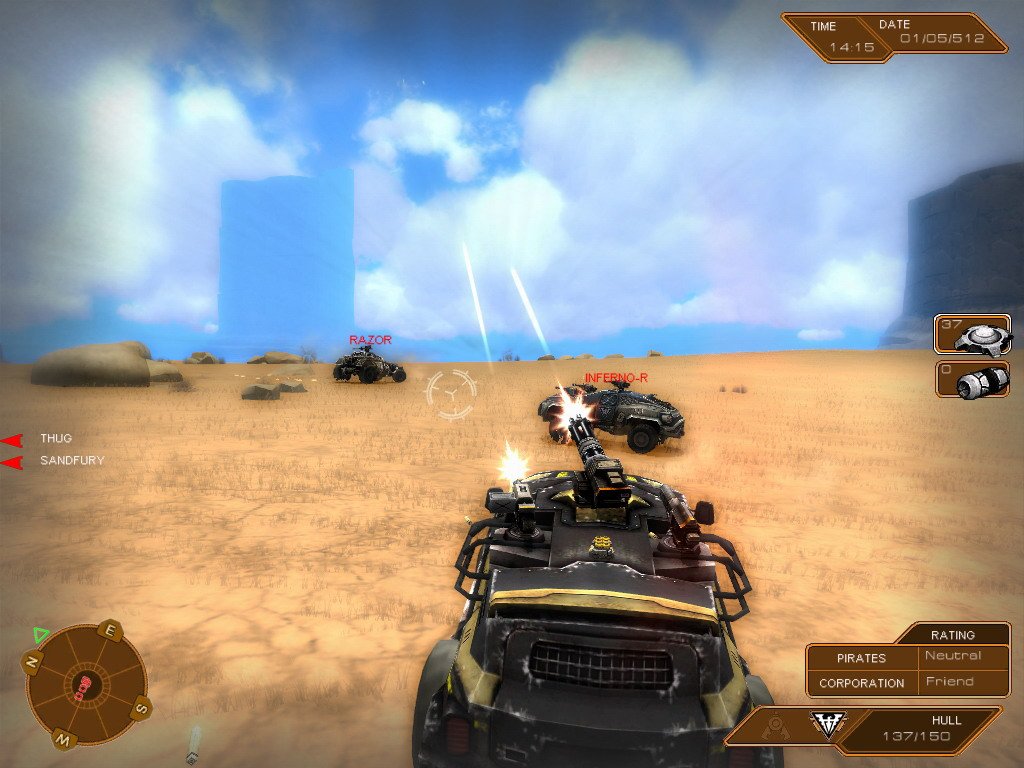

Comments and reviews
There is also a directx folder in the "setup download option". you can download and try to install directx from there. Basically the zip is the extracted cd image file from maybe iso or some other format.
THANK YOU MYABANDONWARE FOR BRINGING OLD GAMES BACK. If anyone is getting directx error. try using "DirectX End-User Runtime Web Installer" from this page from microsoft. it will install optional old components if they are not there. Though using this tool won't crash your system or create errors but still "IT IS RECOMMENDED TO CREATE A SYSTEM RESTORE POINT BEFORE THE UPDATE."
https://www.microsoft.com/en-in/download/details.aspx?id=35
It's on your Windows\System32 or SysWOW64 folder.
Just copy from there to the game's folder...
game wont start (tried the pre-installed version). asks for d3dx9_35.dll. based on win 11 pro, recent patchlevel. can you provide that file?
No comment nor review for this game at the moment.