




How to Play
Windows
Unreal Tournament: Game of the Year Edition is an updated release of Unreal Tournament with all official patches and 3 additional bonus packs. It is recommended to use this version of the game if you want to play Unreal Tournament on modern systems.
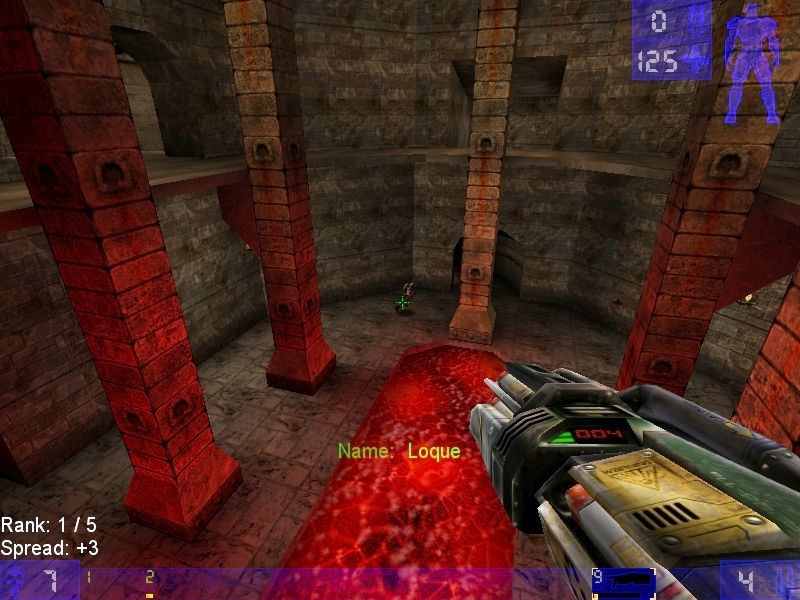
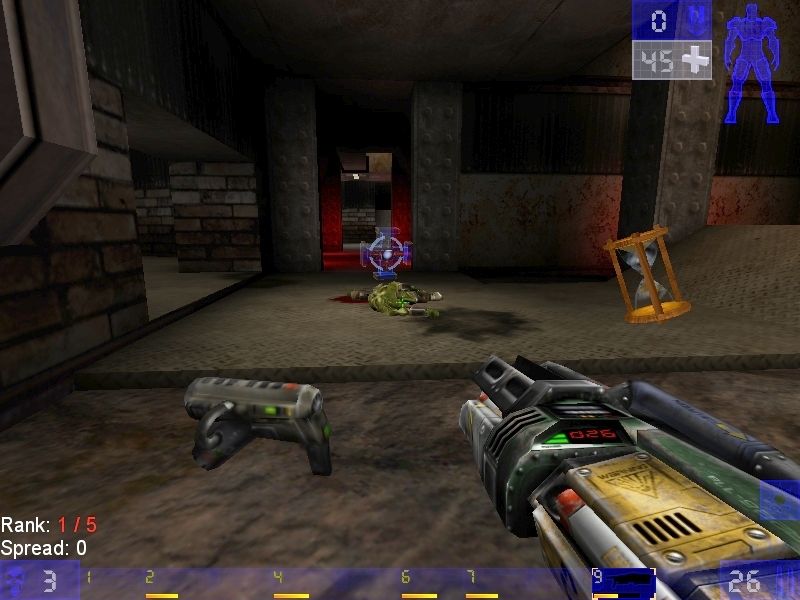
The game with OldUnreal patch has been tested on Windows 7 64-bit, Windows 8, Windows 10 and Windows 11, it works fine. The game supports widescreen and ultra-high resolutions up to 4K. You may experience some small troubles when you play the game on modern systems, check our Guide and Notes for details
Install & play guide (with OldUnreal patch):
- Install the game from Disc 1. You will need the utility for mounting disc image files, like WinCDEmu, UltraISO, Alcohol 52%/Alcohol 120% or Daemon Tools Lite
- Optionally install pack of high-res S3TC textures from Disc 2, if you want
- After you installed the game, install Bonus Pack #4, simply run .umod file to start the installation. Bonus Packs were official mini-addons with new maps, models and mutators; GOTY edition included 3 bonus packs but doesn't include fourth pack
- And finally, install OldUnreal patch for Unreal Tournament. With that patch you can start playing right away, so once you installed it, launch the game and play
- If the game doesn't run - try to launch it in compatibility mode with old version of Windows and as administrator (go to
Unreal Tournament/Systemfolder, right-click on UnrealTournament.exe -> Properties -> Compatibility)
If you can't install the game from the disc or the instruction looks too complicated for you - you can use Online Installer by OldUnreal. It is the simple installer that automatically downloads the ISO images from Internet Archive and then install the game with OldUnreal patch. That installer has been approved by Epic Games themselves
What is OldUnreal patch:
- OldUnreal patch is an unofficial patch for the first Unreal Tournament, with a big list of features, such as a better compatibility with modern systems, including Linux and MacOS systems, improved mouse input, new renderers, restoration of 3D Surround sound, new languages, etc. etc. For full list of changes added in v469d check this page. Authors of patch plan to regularly update it, we recommend to check OldUnreal forums or GitHub page for future updates
- OldUnreal patch also includes enhanced OpenGL and DirectX 9 renderers by Chris Dohnal, so you don't need to download them separately. But in case if you want to play the game without OldUnreal patch but with enhanced renderers, it is available on Chris Dohnal's blog
How to play the game in multiplayer:
- Unreal Tournament still has very active community, fans keep playing the game on unofficial servers. The game with OldUnreal patch v469d should automatically connect to the community master servers. If your server browser is still empty after installing the patch, then go to Options -> Preferences -> Network in the game menu and click the "Update/Fix Network Settings" button to restore your game's online functionality
- The other method is to manually add Master Server list by 333networks to UnrealTournament.ini, here's the instruction by 333networks how to do it. Also, visit UT99 website and UT99 forum for more instructions and troubleshooting
- Plus, you can find the list of live servers on multiplayer games monitoring lists, like GS4u.net, GameTracker or Game-State. Also, there's a lot of Discord groups with players who still host the servers and make online tournaments, like Dopepugs
About mods:
- The game was and remains one of the pillars of the modding scene. Mods are still being released for the game, most of them can be found on ModDB, OldUnreal, UnrealArchive, NexusMods or GameBanana. We also recommend to check megapack of mods by Shanze and the ultimate mappack by xX3p1c5n1p3rXx, because that archives may include mods and maps that are not available anywhere anymore
- Most of mods for Unreal Tournament are presented in .umod format and install automatically, it is recommended to use UMODBrowser tool to sort out the mods. The mods that are not in .umod format must be installed manually, read this guide how to do it. If you have the game on Steam and want to install mods on Steam version - check this and this threads, plus additionally check this guide
Notes:
- If the installation doesn't start - try to launch Setup.exe in compatibility mode with old version of Windows (98, 2000 or XP) and as administrator
- It is recommended to install all versions of Microsoft Visual C++ Redistributable and NET Framework for the correct work of the game. Also it is recommended to install K-Lite Codec Pack for the correct work of in-game videos
- The game has support of Glide, OpenGL and DirectX renderers. If you're using Windows 8, 8.1, 10 or 11 and want to play with DirectX renderer - you need to enable DirectPlay: Go to Control Panel, and select 'Programs'. Select 'Turn Windows features on and off', click on 'Legacy Components' and check the box 'DirectPlay'. Select OK, once the installation is done, restart your computer
- Additionally, you can download new renderers for the game: enhanced OpenGL and DirectX 9 renderers by Chris Dohnal (it also included in OldUnreal patch); DirectX 10 renderer by Kentie; DirectX 11 renderer by darknovismc; Vulkan, DirectX 11 & 12 renderer by dpjudas. Please note that some renderers may not be compatible with OldUnreal patch
- If the game crashes on startup - disable DirectSound, go to
Unreal Tournament/Systemfolder, open UnrealTournament.ini in Notepad and changeUseDirectSound=TruetoUseDirectSound=False; save the changes and run the game - It is highly recommended to increase system memory for the game, to do that go to
Unreal Tournament/Systemfolder, open UnrealTournament.ini in Notepad, find the lineCacheSizeMegsand enter higher values, like64or128. By default it is set4, so the game uses only 4 MB of RAM. By entering the higher values, you let the game to utilize more RAM, we recommend to set it to512, for optimal experience. In addition, you can also use 4GB patch to let the game to utilize more than 2 GB of virtual memory - For Windows 10 & 11 users: if you have low framerate in the game - select 32-bit color depth in game settings. If it didn't help - use DDrawCompat, extract it in
Unreal Tournament/Systemfolder (DDrawCompat should be compatible with OldUnreal too) - If Brightness slider in game doesn't work - use same DDrawCompat, extract it in
Unreal Tournament/Systemfolder - The game has support of 3D Surround sound, through OpenAL API. However, OpenAL doesn't work on modern systems without additional tools. Install OldUnreal patch (it includes a working 3D Surround sound) and select "OpenAL 3D Audio" in setting, to enable 3D Surround sound. If for some reason it didn't work and you don't hear 3D Surround sound - follow this guide
- If you don't want to use OldUnreal but want to play with 3D Surround sound - you can use alternative variants, like DSOAL, to make OpenAL audio work through DirectSound, here's the full list of such utilities
- If you don't want to play with OldUnreal patch, it is recommended to use enhanced OpenGL renderer by Chris Dohnal with launcher for Unreal Engine games by Sebastian Kaufel to run the game on modern systems
- If you have troubles with flickering textures - enable Vsync and cap the framerate to 60 FPS in Options. If it didn't help - reinstall the game but don't install high-res S3TC textures from second disc. For unknown reason, that textures has glitches on some modern video cards, could be the compatibility issue with drivers
- To change FOV (Field of View), go to
Unreal Tournament/Systemfolder, open User.ini in Notepad, find the linesDesiredFOVandDefaultFOVand et the values to desired ones - If you play on ultra-widescreen display - use foxWSFix-UT99, it adds the correct ratio for ultra-widescreen displays. That fix is compatible with OldUnreal patch
- OldUnreal patch includes multiple different languages: English, French, German, Italian, Spanish, Catalan, Portuguese, Dutch, Greek & Russian. The languages can be switched in game options. There are also unofficial text translation patches in Czech and Polish languages, they should be compatible with OldUnreal patch
- The game can be played with controller, to play with controller you need to edit configuration files like in this guide
- Don't forget to check PCGamingWiki if you have troubles, it's very useful!
Mac
The best way to play UT GOTY on modern Mac systems is to use OldUnreal patch v469d, it can be installed on Mac by following this instruction (there's also a video guide in the link). We also recommend to visit MacintoshGarden for more details about Mac version
How to play Mac version of UT GOTY in multiplayer:
- The game with OldUnreal patch v469d should automatically connect to the community master servers. If your server browser is still empty after installing the patch, then go to Options -> Preferences -> Network in the game menu and click the "Update/Fix Network Settings" button to restore your game's online functionality
- The other method is to manually add 333networks masterserver list to UnrealTournament.ini, here's the instruction by 333networks how to do it
Linux
Even thought GOTY Edition didn't have the official port to Linux systems, it can be installed on Linux the same way as the original Unreal Tournament:
- To install the game on Linux systems, first you need to get the files of Windows version of the game, and then use this installer by PCGamingWiki (here's also some extras). After you installed the game, install OldUnreal patch for Linux, and you're good to go!
- Another method is to use Lutris script to install the game, and then install OldUnreal patch
- We also recommend to check LinuxGaming guide how to install Unreal games on Linux. In case if you install the game on Ubuntu - we recommend to additionally check this thread, and if you install the game on DebianOS - check this one
- If the game runs too fast (usually it happens on modern CPUs) - use one of these fixes. If you have audio issues on Linux - check this guide for solutions
 English
  French
  Spanish
  Italian





 Czech
Czech  Polish


Comments and reviews
I have the game, but I need to Know how to upload it to your website, I downloaded it old time before from some old website before game to be unable to be downloaded now from it.
Thanks for the Info, 18.10.2025, now i know that there also was a Goty.
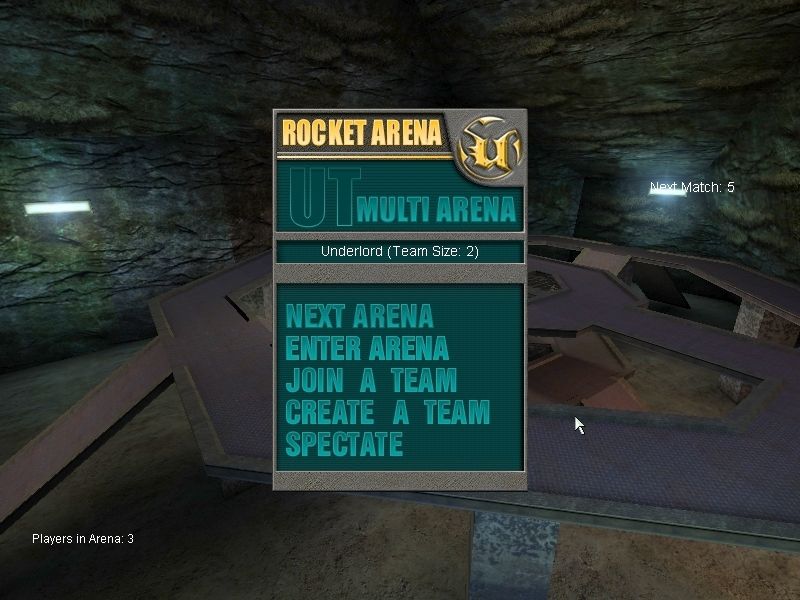
No difference in content, the only difference is that Rocket Arena and ChaosUT mods are not presented in digital versions, they are available only on Disc 2 of retail version.
Also, it is easier to install OldUnreal patch on retail version than Steam version
Are there any differences between this and the steam version?
Okay, it's here :-)
El juego no esta disponible en ningun lado, hay forma de conseguirlo?
please I beg bring it back, cannot find it anywhere to dl :( can only find copies for purchase for console, not pc in my region
Not possible to purchase anywhere anymore. Truly abandoned.
All Unreal games have been taken off all online store shelves. It became abandonware. Please, enable us to download the game through here again! I beg you!
It's not longer avalaible in the steam store, it became a true abandonware guys.
You can still download this game as well as every other Unreal game formerly on GOG through this link: https://archive.org/details/Unreal-GOG-Collection
Hi, I'm Huguito from YouTube Chile, and I'm very happy to see Unreal Tournament here in this site!! Honestly Epic Games did a big "EPIC FAIL" killing his own game just to overrate Fortnite...., but anyways I love this game, it's from my childhood and for more people is same. Unreal always in my heart, and for so much people too.
And now every Unreal Tournament title is now back to being abandonware.
It's time to bring it back. The game is now abandonware since epic doesn't want people playing their back catalog anymore.
yo I have files for gog and the CD with Old Unreal patches... this is abandonware Epic dropped all the titles including 2k4 editors choice.. and Black edition of UT3 (original) but UT3 is getting patched and getting a f2p rerelease
No comment nor review for this game at the moment.