





How to Play
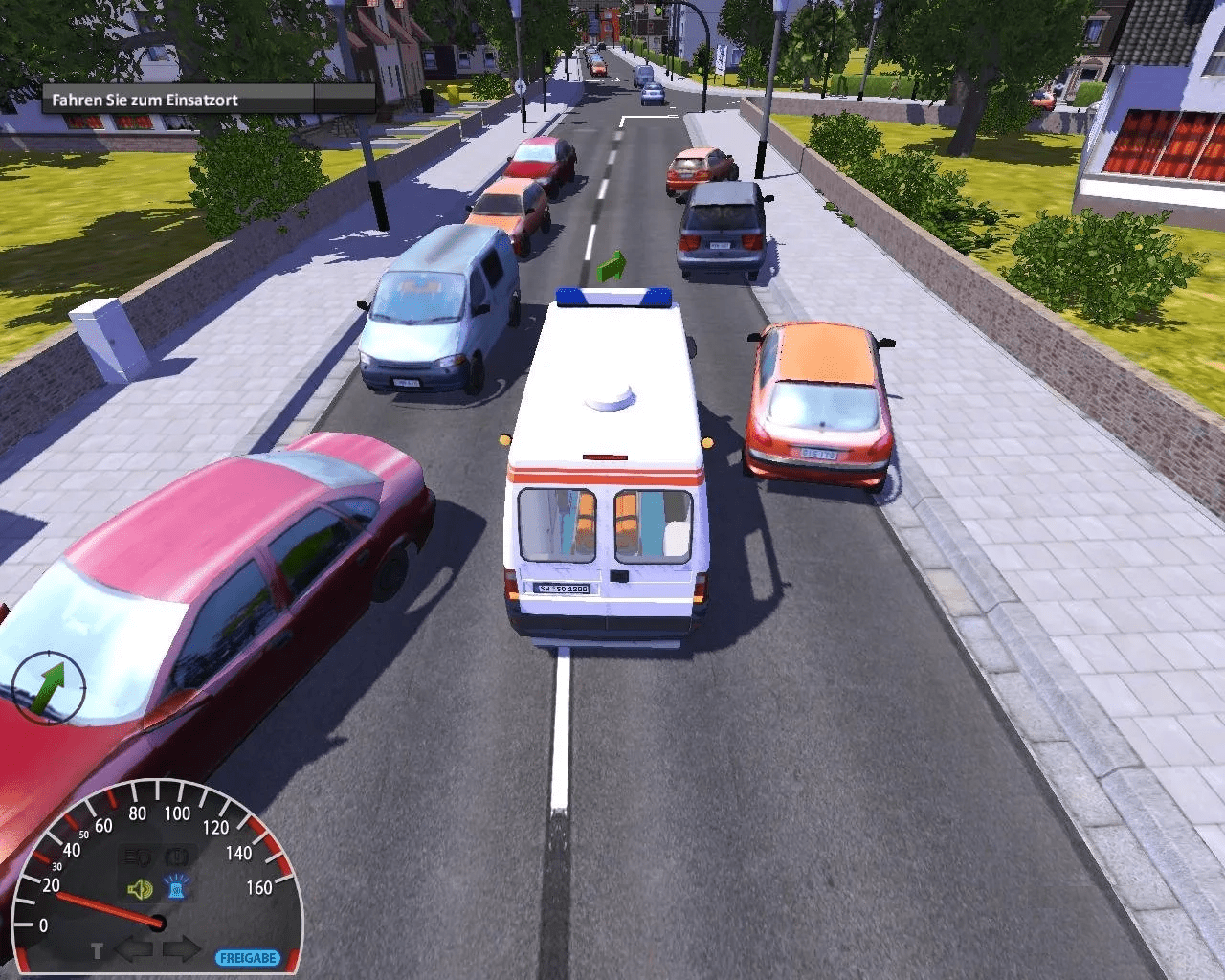
If you cannot change the screen resolution in the game, go to C:/Users/%USERNAME%/AppData/Roaming/Sonderfahrzeug-Simulator 2012 folder, open variables.cfg in Notepad and change $displayHeight = and $displayWidth =, enter the screen resolution you need (for example, if you want to set 1366x768 screen resolution, enter $displayHeight = "768", $displayWidth = "1366"). You can also change key bindings by editing input.cfg file in the same folder
 English
  German




Comments and reviews
No comment nor review for this game at the moment.