


How to Play
To add this speech pack, download Wing Commander: Privateer then copy the Speech Pack files in the original game folder.
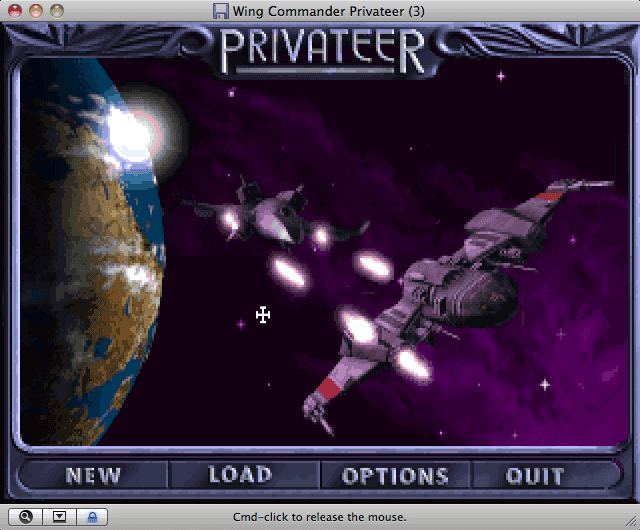
To add this speech pack, download Wing Commander: Privateer then copy the Speech Pack files in the original game folder.
Wing Commander: Privateer - Speech Pack is available for a small price on the following website, and is no longer abandonware.




Comments and reviews
i just copied the files into my privateer directory and it works,except for the cops that search you for contraband,they are silent.is that normal? i don't think it is,as it is one of the most common interactions.thats using d-fend,also don't try setting memory above 32 megs or speech stops working
By the way: I use dosbox 0.74
Here is a tip for people trying get this speechpack working. I use a laptop with windows vista.
After installing the package in the privateer folder, nothing happened. Actually, all sound stopped working. So I copied the original WC Privateer files into the folder without deleting the existing ones. Works brilliantly. Changing the sound configurations wasn't necessary at all. Both speech and music are set at sound blaster pro.
Run INSTALL and change your Music Card to WAVE BLASTER and your Sound Card to SOUND BLASTER.
Depending on the version of DosBox you're running it may not support all the sound cards on the list, such as ADLIB. If you get a 'halted by code' error message, its most likely a sound card issue.
Believe it or not I'm playing Righteous fire on a MAC and it runs great thanks to DOSBOX and the masters of emulation.
same no sound for me either.
same as mckraken. no speech only the games intro...
Cant get the speech pack to work. I unzipped the file into the priv folder. what else do i do?
Love the story and the videos of each part
No comment nor review for this game at the moment.