



How to Play
Notes:
- Both the original Italian release and 2004 North American release have Italian and English languages, you can switch the language in main menu
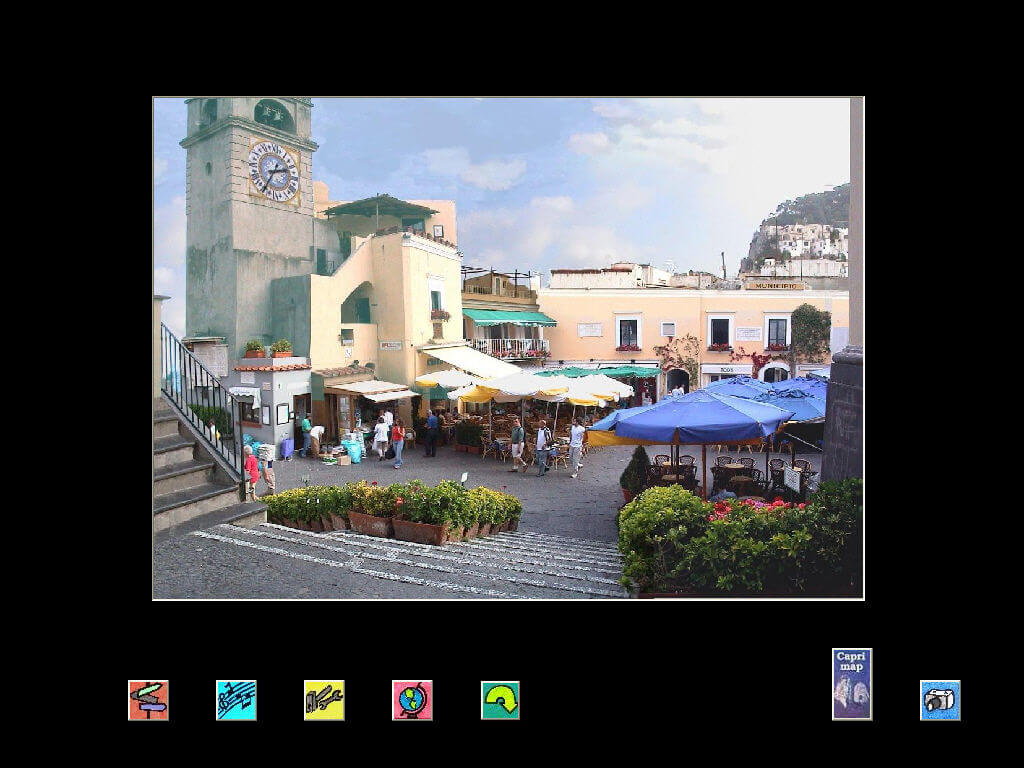
- The game installs and runs without problems on any version of Microsoft Windows, from Windows 98 to Windows 10 64-bit, including Virtual Machines (if you install it on Windows 98, you also need to install Windows Media Player). Before launching, make sure that the desktop resolution is 1024x768 ( larger resolutions are also acceptable, but are not officially supported and may show aspect ratio distortion or large black boxes at the edges of the screen), and Font Scaling must be turned off (i.e. corresponded to the setting "small", "100%" or "DPI = 96" - depending on the type of OS)
- You can use the attached QRes utility for the quick switch to the required 1024x768 desktop resolution. To use it copy the files from the archive to game folder then run Capri.bat file. The default settings are set for 1920x1080@60Hz/32 bit mode, if you use something other than that - edit Capri.bat file
- If you have problems with passing the game, here is a walkthrough guide
 English
  Italian
  Russian







Comments and reviews
Download the QRes utility and run the Capri.bat file to play the game. It will change your monitor's resolution to make the game run and it'll revert it when quitting.
No comment nor review for this game at the moment.