



How to Play
The game has been tested on Windows 7 64-bit, Windows 10 and Windows 11, it works fine. The game supports widescreen. You may experience some small troubles when you play the game on modern systems, check our Guide and Notes for details
Install & play guide:
- Mount the disc image. You will need the utility for mounting disc image files, like WinCDEmu, UltraISO, Alcohol 52%/Alcohol 120% or Daemon Tools Lite
- Install the game. It is recommended to install the game not in default path, but in some other, non-system folder, like
C:/Games/Goin Downtown, so you won't have troubles with NoCD - After you installed the game - use NoCD, simply copy Downtown.exe from the archive and put them in game folder, agree to replace the original file
- Open the game folder and find Downtown.exe. Right-click on Downtown.exe -> Properties -> Compatibility -> Set "Run this app in Compatibility mode with Windows XP" and "Run as Administrator"
- Launch the game and play. If the game doesn't work in compatibility mode with Windows XP - try to launch it in Compatibility mode with other version of Windows (Windows Vista, Windows 7, etc.)
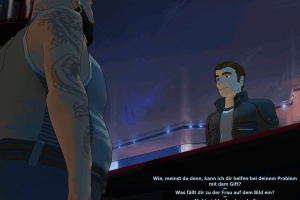
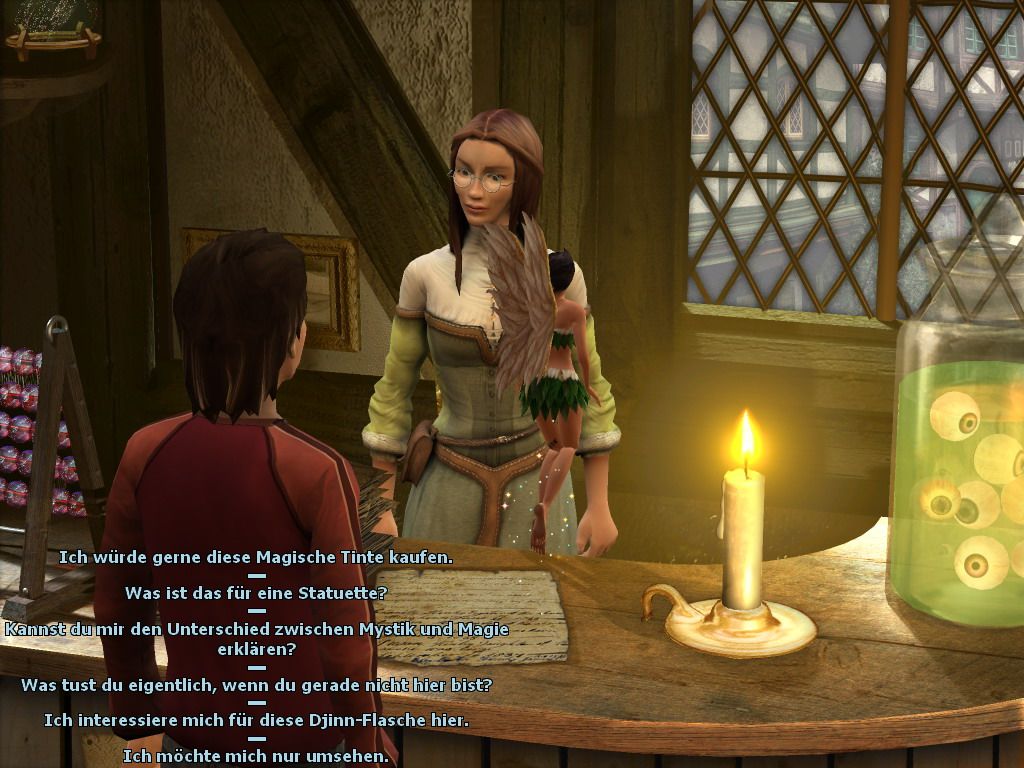
About English release: English release has German audio and English menu & subtitles. That happened because the original publisher of the game, The Games Company, went bankrupt before it could be localized into English. Another publisher, Kalypso Media, purchased the rights for the game and released it only with text localization on English, leaving the original German audio
Notes:
- If the installation doesn't start - try to launch Setup.exe as Administrator and in Compatibility mode with old version of Windows (98, 2000 or XP)
- It is recommended to install all versions of Microsoft Visual C++ Redistributable and NET Framework for the correct work of the game. Also it is recommended to install K-Lite Codec Pack for the correct work of in-game videos
- The game works on DirectX 9, so if you're using Windows 8, 8.1, 10 or 11 - you need to enable DirectPlay: Go to Control Panel, and select 'Programs'. Select 'Turn Windows features on and off', click on 'Legacy Components' and check the box 'DirectPlay'. Select OK, once the installation is done, restart your computer
- The game is protected with Tages SolidShield DRM which has serious compatibility issues with modern systems, so we recommend to use NoCD to play the game. NoCD "cracks" the DRM protection and allows to play the game without it. To use NoCD simply copy the files from the archive and put in game folder, agree to replace the original files. If you get the error that there's not enough space on the hard drive when you copy NoCD files - re-install the game in non-system folder, like
D:/Games/Goin Downtown, Windows Protection may block copying of files to system folders (likeC:/Program FilesorC:/Windows) - If you don't hear the voices in the game - check the settings of audio, by default the volume of voice set to 0, for unknown reason
- If you have problem with broken sound effects or disappearing sound - first try to change the sound settings. If it didn't work - set sound quality to 24 bit, 48000 Hz or 24 bit, 44100 Hz. Read this guide how to do that
- In original Russian release the cursing words were censored - audio were censored with bleep censor and subtitles were having * symbols in cursing words. Later the publisher released decensor patch that removes that censorship. That decensor patch is already included in the installer of Russian version
 English
  German
  Polish
  Russian





 French
  Hungarian



Comments and reviews
We updated this page, added more language versions plus some translation patches.
The English version has German audio & English subtitles because the publisher released it that way, there was no English audio for this game
how to change audio to english ??
My game has Russian audio but English subtitles
Hello the key doesn't work it gives an Unexpected error (13:6) Thx
If anyone knows how to play this game with Russian audio but English subtitles... it would be greatly appreciated!
How did you guys get this to work ? It just goes to desktop after the intro.
Thanks.
This isn't the version with english subs, right?
is this it?
TGC-0105-20-LMPRFB-310509
i accidently bought a german copy
this was the only thing that looked like a serial
someone let me know if it works.
I would be very grateful if there was a German serial key.
Please post the serial
DRM is Tages.
It asks for 25-digit serial number.
No comment nor review for this game at the moment.