




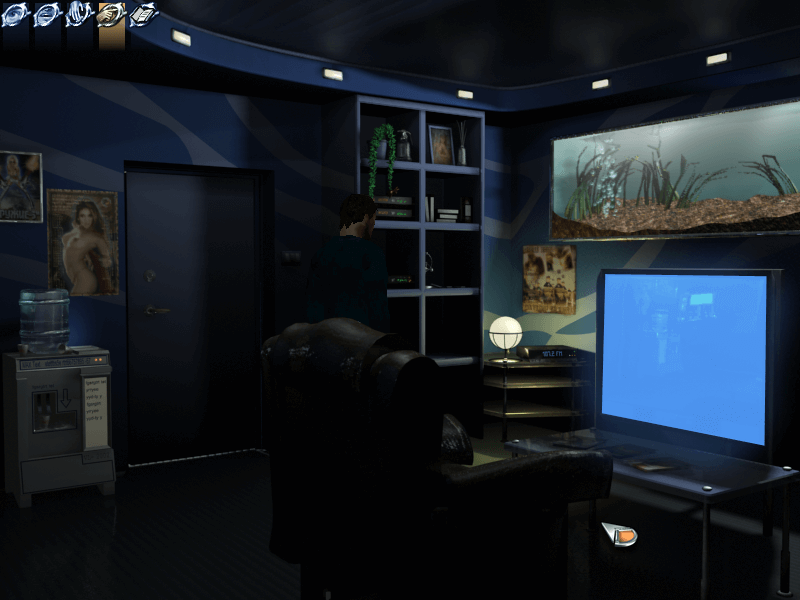
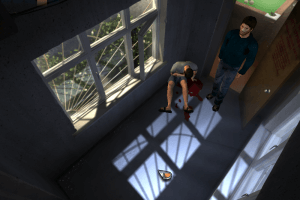
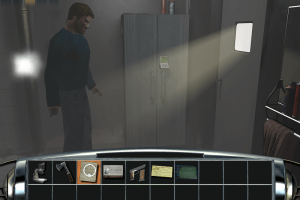
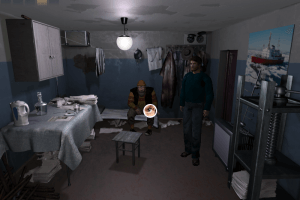
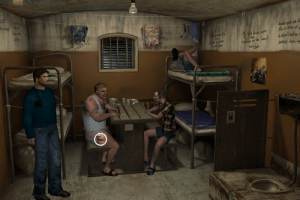
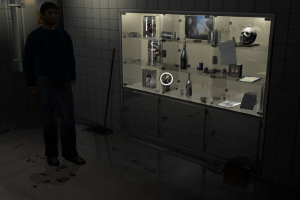
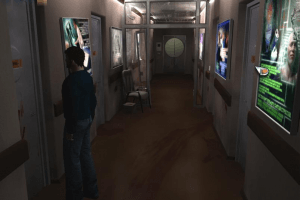
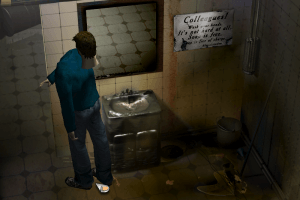
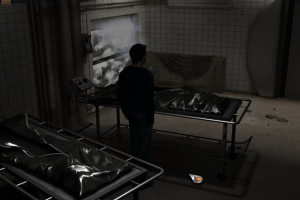
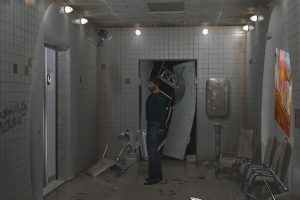
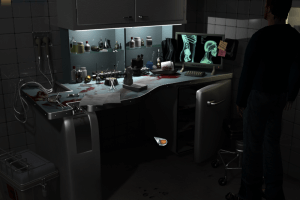
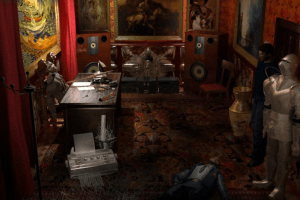
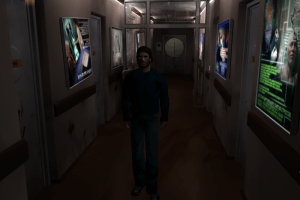
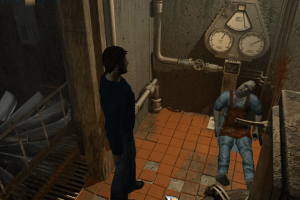
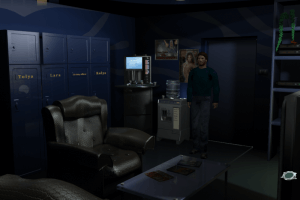
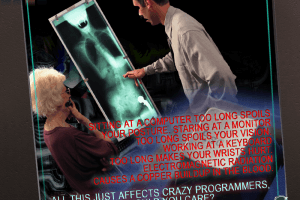
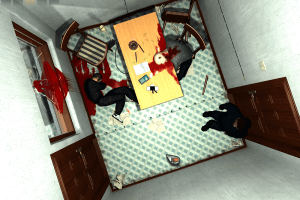
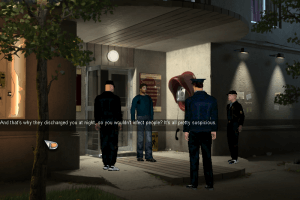
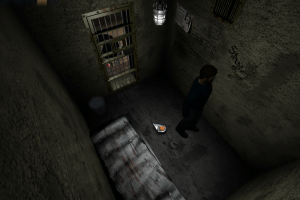
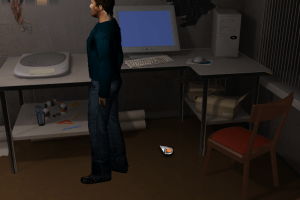
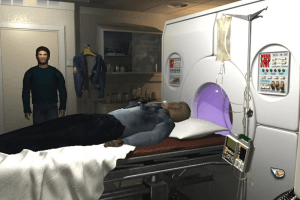
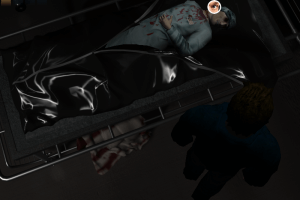
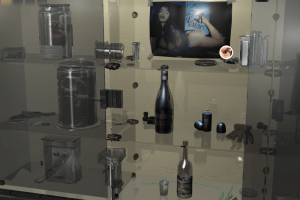
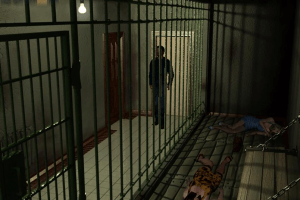
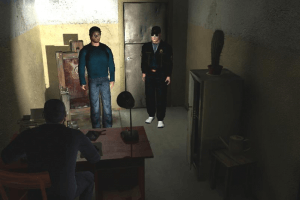
Murders... Dozens of horrific murders.People are leaving the town in panic. The police are bending over backwards to catch the criminal; the military are putting cordons round the town... but nothing can stop the maniac. New people are found dead every day. Horror and death reign over the town... You wake up and find yourself in a mortuary. The room, which you are in, is in a mess. Dead bodies lie scattered all around you... What am I doing here? What happened in the room? You cannot remember... The answers await you at the end of your journey...
Game Features:
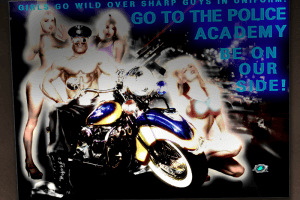
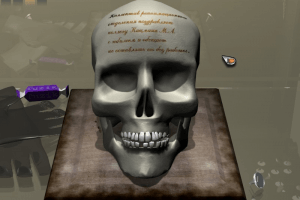
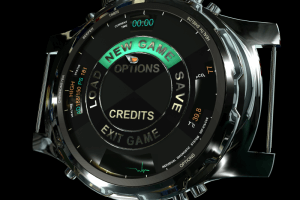
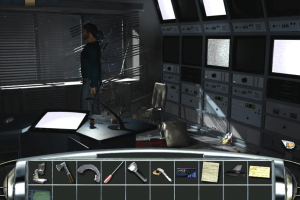
- Stunning 3D graphics and animation;
- More then 60 immersive environments to explore;
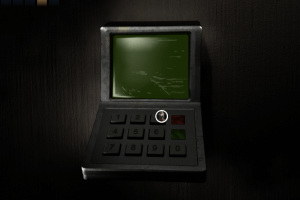
- Numerous puzzles to solve and characters to encounter;
- Thrilling atmosphere and intriguing storyline will keep you glued to your seat for hours and hours.


 English
  Spanish
  Italian
  Polish
  Portuguese (Brazil)
  Russian







Comments and reviews
to fix music use this version of audiere.dll https://cloud.mail.ru/public/3QDN/pkoTbZmFT
Spanish :
https://archive.org/details/midnight-nowhere-cd-2
Italian :
https://archive.org/details/pc.game.ita.midnight.nowhere.2cd
Portuguese :
https://archive.org/details/mn-1_20220419
Russian :
https://archive.org/details/midnightnowherebuka
I forgot very important thing - remove "music" folder, music causes game to freeze.
1)Install game
2)Right click on executable, compatibility mode WINDOWS98\ME
2)Download DGVodoo2 files from https://dege.freeweb.hu/dgVoodoo2/dgVoodoo2/
3)Copy .dlls from dgvodoo/MS/x86 to the game folder
4)Try to launch the game
5)Close it
6)Now remove .dlls you previously copied (yes, i dont know why but it works)
7)Launch game with BorderlessGaming program to get rid of box
Haha! This game is so edge-lord it’s kinda funny. Very much a product of the early 2000’s.
I thought I'd try 86Box first. I managed to get the opening to run but it did so very slowly. When I got to the menu, my cursor disappeared. So I decided to try Wine with PlayOnLinux. I got the opening if I installed DirectX9 and emulated a virtual desktop, but when I selected New Game, it froze but the music kept playing. That's when I gave up.
Finally got this working in Windows 10. It's such a pain in the butt. I spent hours after hours after hours tinkering with it. In the end, it didn't need Voodoodg files at all.
What I did, was installing it in the default location of C:\Windows\Program Files(x86)\Buka\Midnight Nowhere\ folder. If I installed it anywhere else, it didn't even start. It crashed right back to windows with a red or grey screen, or it soft locked the whole computer, And I had to log off and on again, because it didn't let even task manager to do anything.
Then I noticed that the EXE (even the fixed one) has a bug: It should ask for settings when launched. Whatever you do with a BuildRes.exe or Config.exe doesn't matter - It won't affect the game itself. I'm not entirely sure how did I manage to get the game's main exe file to give me option window, but when it did that, The game finally launched.
Next issue was that it didn't go to fullscreen - nor it didn't open properly in the window. It gave me a fullscreened window, which had buttons but it was immovable and inaccessible. Game worked, it even had sounds, voice acting, music and videos, but it had those stupid window frames.
Next, I downloaded a program called BorderlessGaming, installed it, and ran the game's exe file through that. And - Boom - the frames were finally gone.
Hope this will help someone trying to get this thing running. It certainly isn't easy. I'ts one of the hardest games to get to work ever, and I've been playing thousands of different games.
@Diabeto How I got it on w10 (without music)
1) Downloaded both cd`s
2) emulated them with PowerISO (virtual mounting and shit)
3) copied both contents to local folders (games/Midnight/localCD1 and localCD2)
4) Ran the setup (when trying to run straight from the PowerIso I got the Ikernel.exe problem)
5) Downloaded DGVodoo2 files from https://dege.freeweb.hu/dgVoodoo2/dgVoodoo2/
6) copied .dlls from dgvodoo/MS to the installed folder
7) right click on executable, compatibility mode WINDOWS98\ME (is not winXP is Win98)
and currently playing it with no sound (and a bit slow)
If you’re trying dgVoodoo with a DirectX game, then you should open the “MS” sub folder and copy all the contents to your games installation directory. I also found this small trick to copy the contents of the CD's to one temp folder. You can either burn it to DVD or just play without burning the disc.
https://www.cd-2-dvd.com/midnight-nowhere/
I cant even get this thing to run on virtualbox:windowsXP.
@SETH can you go into more detail about what you did with dgvoodoo2 to make game run in windows 10 please?
The only way I could get this game to work on Windows 10 was using dgVoodoo2. So I recommend it.
Can't get it to work on Win10. Basically there is no information in about this game on the internet in English.
does this work on win 10?
beware: the link to CD2 saves a file with the same name of CD1 though it holds the correct CD2 image. Be careful not to overwrite the first archive with the second. Would be nice to fix this file naming problem.
No comment nor review for this game at the moment.