


Arthur's Camping Adventure
Windows - 2000

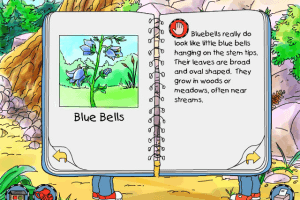
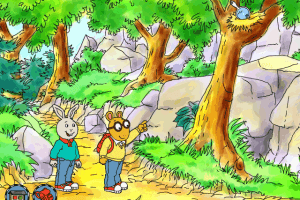
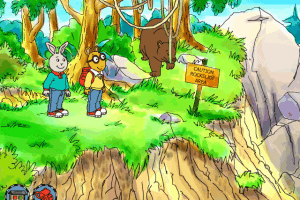
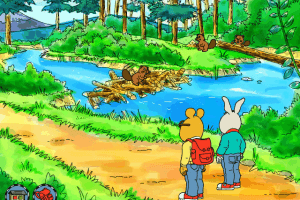
Buy on Digital Stores
Arthur's Camping Adventure is available for a small price on the following website, and is no longer abandonware.
Arthur's Camping Adventure is available for a small price on the following website, and is no longer abandonware.



Comments and reviews
On modern operating systems, the rock climbing part is known to be prone to severe framerate drops making it genuinely unplayable. I recommend using DXWND to launch it. I made quite a few changes (mostly with the intent of trying to figure out how to bypass it going into full screen), here are my settings that I turned on.
Main:
✔ Early hook
✔ No banner
✔ Run in Window
✔ Terminate on window close
✔ Force windowing
✔ Lower background priority
✔ Keep Aspect ratio
Video:
✔ Prevent Win Maximize
Screen resolution (HD (16:9)
Compat. (you may need to enable advanced settings for this):
✔ Pretend Win visible & on top
✔ Win insulation
✔ Handle Exceptions
✔ Set NOPs
✔ Fake Version (Windows 98/SE)
You may need to mess around with it more, but I'm running it on a modern laptop on Windows 10 and it is running perfectly fine at 60 FPS.
Update to add: In order to run the game, you'll need to go to the game's installation directory (wherever you set it) and open Arthur.exe. Alternatively, you can open the shortcut and change TLCRUN.exe to Arhut.exe if you want an easier solution to just click and open it.
I tried running the setup.exe and it does not start (Windows 10). However, I was able to get the installer to work by going into the /INSTALL folder and running setup32.exe, in case someone needs to get it working.
rock climbing part towards the end doesn't work. too slow to play a time sensative game.
No comment nor review for this game at the moment.