



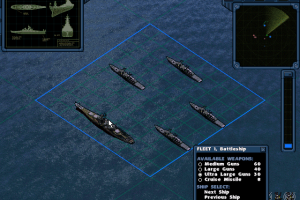
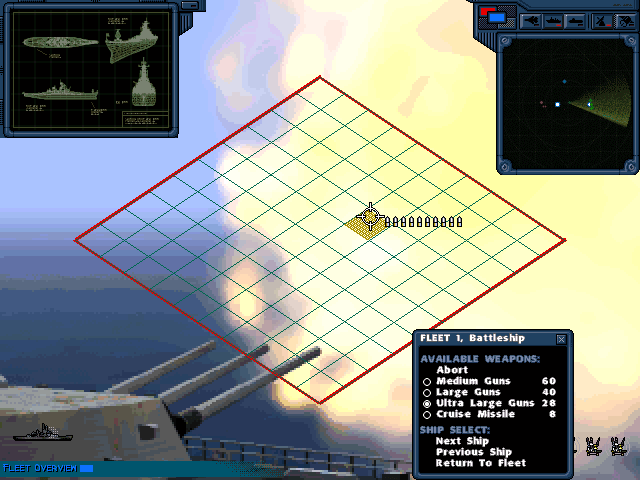
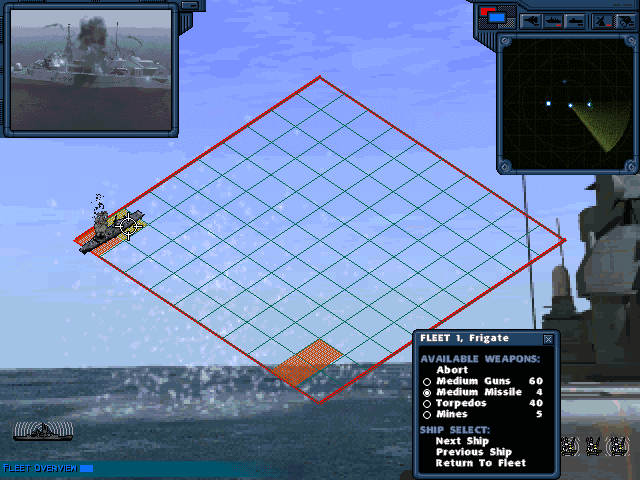
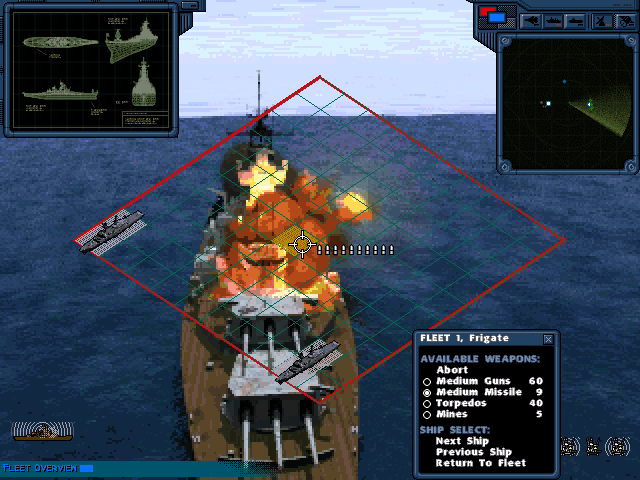
How to Play
After unpacking, run the install_32bit.reg file.
On Windows XP, the game must be run in compatibility mode with Windows 95.
To fix the color problem in Windows 7, you can run the game through START THE GAME.bat.
If the game crashes after the splash screen, you can try using programs like DXWND / D3DWindower / dgVoodoo.
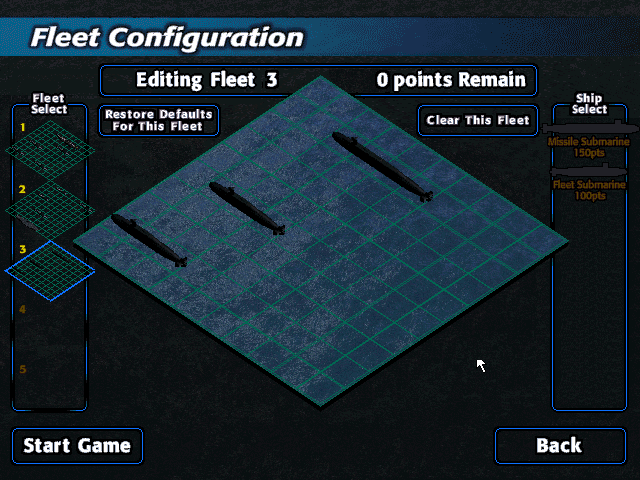
Note that the "Classic" mode has been added in the American version - in addition to the "Ultimate" mode, which was the only one in the European version.
 English








Comments and reviews
update: it still gives me the same error even with the cd inserted
i tried the registry fix but it still gives me an error saying to insert the cd???
this game a is a nest level on no because no one has disks anymore
when ever i try to load the game even in compatability mode i cant get it to start it loads a black screen then goes back to dashboard
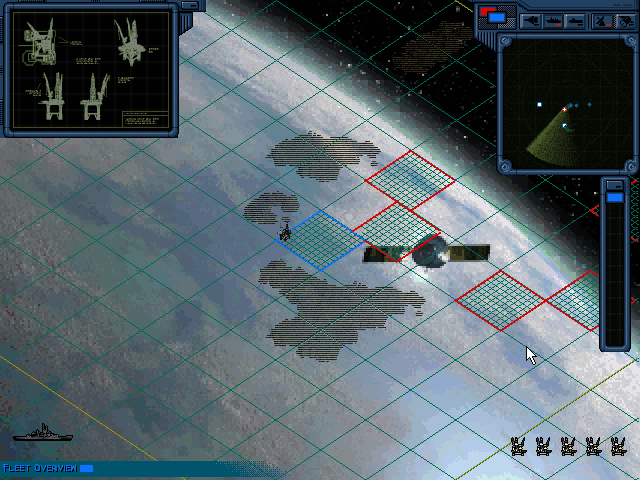
To capture an island, from the game manual:
"In some scenarios, you are given the task of capturing enemy held islands. To do this, destroy the missile battery and the radar installation. Next, set a way point in the island and click on the fleet when it reaches its destination. In the Fleet Command Menu, click on INVADE ISLAND to capture it. The radar installation is the only object that is repaired when an island is captured"
how do i capture the island????
A president can declare war against foreign aggression without congressional approval then goes in front of congress in 30 days to discuss if the war is in best interest of the country
i downloaded and play compatibility mode but throwing error insert cd.. how do i fix it ?
Oh right
No comment nor review for this game at the moment.