You are on the beta version of My Abandonware. The live site is still myabandonware.com. Your favorites and ratings here are copied to the live site. Comments and other changes are not — we delete them every morning at 08:00 Paris time, when this site goes down for about an hour. Leave feedback through this link to Pastel (email required).
The beta goes down at 08:00 Paris time, in a few minutes. We rebuild the database from the live site. It comes back in about an hour.
@Bininging a mi działało na chwile i po 2 dniach znów samo sie wyłącza i nie działa mi a zrobiłam wszytsko . weszłam w link i do folderu gry wypakowałam ten 1 plik tam ich z 5 było czy kazdy trzeba ? może coś źle robie jestem laikiem jesli chodzi o komputery
0
bugg04 Dec. 2025
@Bininging bro u so cool
0
bininging30 Nov. 2025
Let me preface this by saying that i am not good at reverse engineering, and that this only applies to the deluxe version.
To get the running it's best to download the ddraw compatibility dll from here: https://github.com/narzoul/DDrawCompat/releases and simply drag it into the folder where you have the game downloaded. Then set compatibilty mode to windows xp sp 2, limit the colors to 16bit, and i get better results running as admin.
After about 1 hour of playing, the game will lock up because that is how the trial mode works. The only way to circumvent this is to delete the registry keys it creates and it will let you play for up to an hour. The paths are as follows: - HKEY_LOCAL_MACHINE\SOFTWARE\WOW6432Node\Licenses - HKEY_CURRENT_USER\SOFTWARE\Classes\VirtualStore\MACHINE\SOFTWARE\WOW6432Node\Licenses and the values you are looking for are: 0D726CC7FF1FAB61C, ID726CC7FF1FAB61C and K7C0DB872A3F777C0, the same names are in both of the paths. The last thing to delete is a .hsc file that gets created where you have the game download. Do keep in mind that due to some windows bullshit, this doesn't work instantly. You have to wait a bit and restarting doesn't help????
Once I have a bit more time, and actually figure out how to use debuggers and other tools, hopefully i will be able to know more and create a proper patch.
If by any chance you are a smarter engineer than i am, please contact me about your findings since i would really like to learn more! discord: cavic6647
2
bugg04 Nov. 2025
@Schnee, please, how did you fix it?
1
Sword10 Aug. 2025
@Schnee, I have the exact same problem. How did you fix it?
1
Schnee03 Jun. 2025
@LuzNoceda04 I fixed it back then. Thanks for the reply^^
0
lool842103 May. 2025
nvm, the game started crashing after like 1h of gameplay and even running it in a virtual machine with windows xp installed doesn't seem to work
1
lool842102 May. 2025
I must take my revenge on the final boss that beat me up when i was 6
0
Leone07 Jan. 2025
I was able to get it to play in a small screen, but then it just randomly closes. It doesn't work anymore. It doesn't even start! What do I do?
1
LuzNoceda0430 Aug. 2024
@schnee have you tried downloading the bass.ddl wrapper and then setting the compatibility and later set dgoovoo wrapper
1
Schnee19 Apr. 2024
I did everything "N" said in his comment and the game was running fine. Now when I open the game all I get is a black screen for 1-2 and the game crashes. I also put the ddraw.dll in the folder with the .exe file but it still doesn't work. Even if I delete the extracted folder, delete it and extract the original winrar folder again it doesn't work. I didn't change anything outside the game tho so I am kinda confused? Anyone with a similiar problem here?
1
Thy02 Apr. 2024
Nevermind, I'm silly and searched inside the dll...
-2
Thy02 Apr. 2024
@dwarf, which file do you mean exactly? There's no .dll in the github.
And the game will work properly without any compatibility settings changing on Windows 10 / 11
4
uzmusiu11 Feb. 2024
Did they upload a demo of the deluxe version? It works fine for a while and then just stops running.
2
nemo09 Apr. 2023
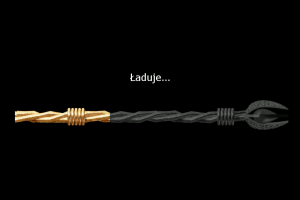
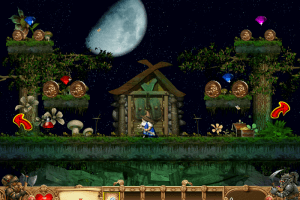
someone knows how to download the version where the store door was a circle and the loading screen was a mage staff? It was the Gold version, I think. Is the version of the screenshots, but different from the download links
0
Blorg26 Nov. 2022
Hey, N, I did all the instructions you said and the game does indeed run fullscreen now. I went to the dgVoodoo2 website and followed the instructions. The game runs smoothly now, but all the graphics are messed up. It's all a white, pixel-y mess. I'm not sure what I did wrong. I found out that it's the "D3D8, D3D9 (etc" DLL files that make the game run smoothly, but this also messes up the graphics.
2
atkuzis10 Sep. 2022
Top comment
I downloaded it yesterday fallowed everything it worked great, now it instantly closes before I even start the game up
9
N06 Aug. 2022
Top comment
Using Windows 10, was able to get this to run with a few tweaks. - Right clicked on the EXE and under the compatibility tab, set to run in compatibility mode for Windows XP (Service Pack 3) - Checked the box for "Reduced color mode" and chose 16-bit (65536) color - Checked the box to run program as administrator
To get it to run full screen, edited the BraveDwarves2.ini to have "Fullscreen = 1". This made the game laggy (it was running well but small before) so I followed instructions to use dgVoodoo2 to make the game run smoothly. If you google dgVoodoo2 you can find the last stable version; follow instructions on the site, but it's basically just downloading the file and then copying several .dll files into the same folder as the Brave Dwarves 2 EXE.
So happy to have this game back in my life! Such a nice blast from the past :)
10
Felipe10 Mar. 2022
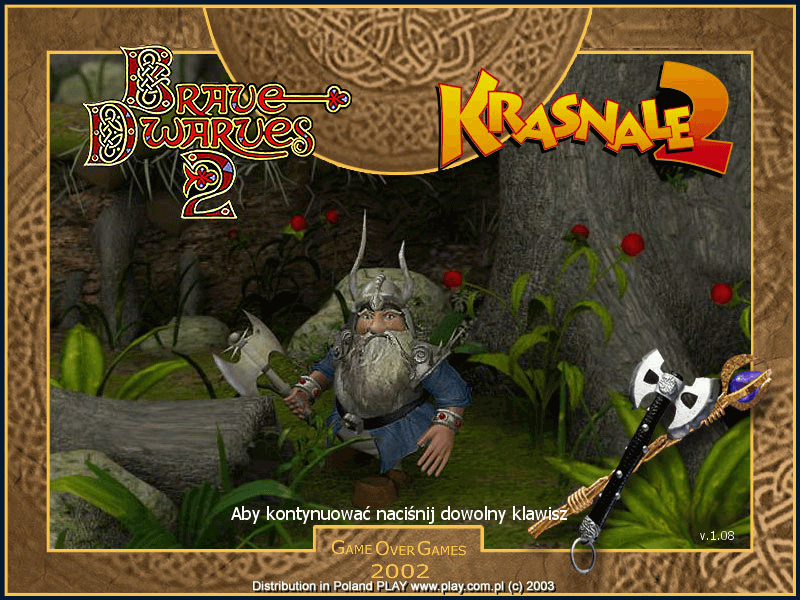
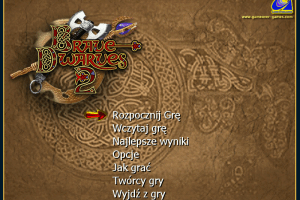
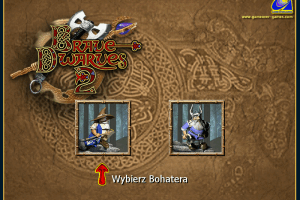
Just a suggestion for those who make the pics: not against posting the pics of your native language but it would be good to have a few english ones.
1
No comment nor review for this game at the moment.








 English
  Italian
  Polish
  Russian



Comments and reviews
@Bininging a mi działało na chwile i po 2 dniach znów samo sie wyłącza i nie działa mi a zrobiłam wszytsko . weszłam w link i do folderu gry wypakowałam ten 1 plik tam ich z 5 było czy kazdy trzeba ? może coś źle robie jestem laikiem jesli chodzi o komputery
@Bininging bro u so cool
Let me preface this by saying that i am not good at reverse engineering, and that this only applies to the deluxe version.
To get the running it's best to download the ddraw compatibility dll from here:
https://github.com/narzoul/DDrawCompat/releases and simply drag it into the folder where you have the game downloaded. Then set compatibilty mode to windows xp sp 2, limit the colors to 16bit, and i get better results running as admin.
After about 1 hour of playing, the game will lock up because that is how the trial mode works. The only way to circumvent this is to delete the registry keys it creates and it will let you play for up to an hour. The paths are as follows:
- HKEY_LOCAL_MACHINE\SOFTWARE\WOW6432Node\Licenses
- HKEY_CURRENT_USER\SOFTWARE\Classes\VirtualStore\MACHINE\SOFTWARE\WOW6432Node\Licenses
and the values you are looking for are: 0D726CC7FF1FAB61C, ID726CC7FF1FAB61C and K7C0DB872A3F777C0, the same names are in both of the paths. The last thing to delete is a .hsc file that gets created where you have the game download. Do keep in mind that due to some windows bullshit, this doesn't work instantly. You have to wait a bit and restarting doesn't help????
Once I have a bit more time, and actually figure out how to use debuggers and other tools, hopefully i will be able to know more and create a proper patch.
If by any chance you are a smarter engineer than i am, please contact me about your findings since i would really like to learn more! discord: cavic6647
@Schnee, please, how did you fix it?
@Schnee, I have the exact same problem. How did you fix it?
@LuzNoceda04 I fixed it back then. Thanks for the reply^^
nvm, the game started crashing after like 1h of gameplay and even running it in a virtual machine with windows xp installed doesn't seem to work
I must take my revenge on the final boss that beat me up when i was 6
I was able to get it to play in a small screen, but then it just randomly closes. It doesn't work anymore. It doesn't even start! What do I do?
@schnee have you tried downloading the bass.ddl wrapper and then setting the compatibility and later set dgoovoo wrapper
I did everything "N" said in his comment and the game was running fine. Now when I open the game all I get is a black screen for 1-2 and the game crashes. I also put the ddraw.dll in the folder with the .exe file but it still doesn't work. Even if I delete the extracted folder, delete it and extract the original winrar folder again it doesn't work. I didn't change anything outside the game tho so I am kinda confused? Anyone with a similiar problem here?
Nevermind, I'm silly and searched inside the dll...
@dwarf, which file do you mean exactly? There's no .dll in the github.
Put the ddraw.dll file from here into the directory of the game (with the exe file):
https://github.com/narzoul/DDrawCompat
And the game will work properly without any compatibility settings changing on Windows 10 / 11
Did they upload a demo of the deluxe version? It works fine for a while and then just stops running.
someone knows how to download the version where the store door was a circle and the loading screen was a mage staff? It was the Gold version, I think. Is the version of the screenshots, but different from the download links
Hey, N, I did all the instructions you said and the game does indeed run fullscreen now. I went to the dgVoodoo2 website and followed the instructions. The game runs smoothly now, but all the graphics are messed up. It's all a white, pixel-y mess. I'm not sure what I did wrong. I found out that it's the "D3D8, D3D9 (etc" DLL files that make the game run smoothly, but this also messes up the graphics.
I downloaded it yesterday fallowed everything it worked great, now it instantly closes before I even start the game up
Using Windows 10, was able to get this to run with a few tweaks.
- Right clicked on the EXE and under the compatibility tab, set to run in compatibility mode for Windows XP (Service Pack 3)
- Checked the box for "Reduced color mode" and chose 16-bit (65536) color
- Checked the box to run program as administrator
To get it to run full screen, edited the BraveDwarves2.ini to have "Fullscreen = 1". This made the game laggy (it was running well but small before) so I followed instructions to use dgVoodoo2 to make the game run smoothly. If you google dgVoodoo2 you can find the last stable version; follow instructions on the site, but it's basically just downloading the file and then copying several .dll files into the same folder as the Brave Dwarves 2 EXE.
So happy to have this game back in my life! Such a nice blast from the past :)
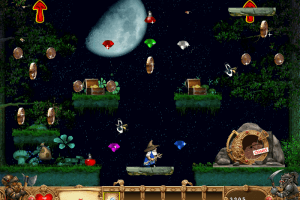
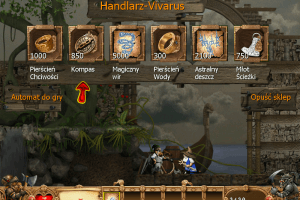
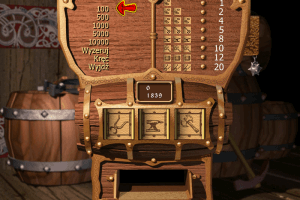
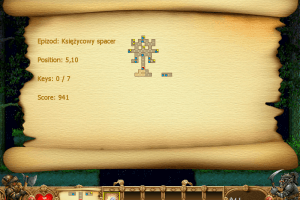
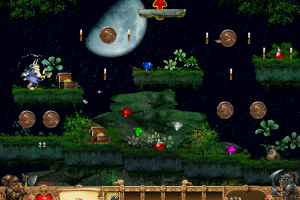
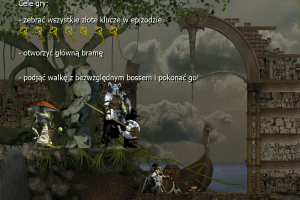
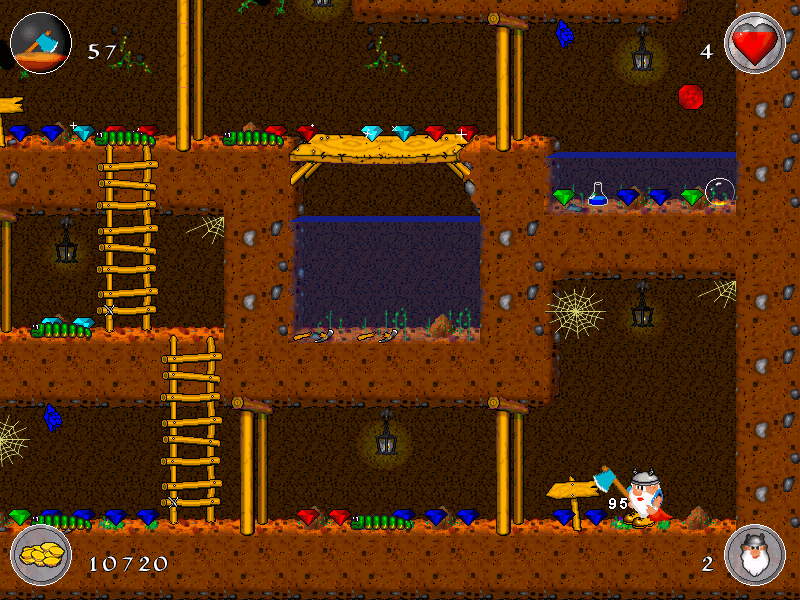
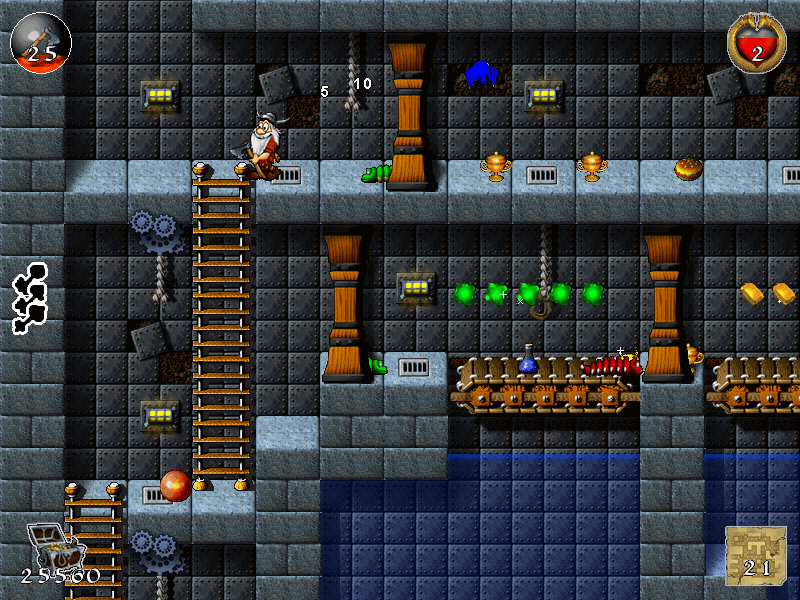
Just a suggestion for those who make the pics: not against posting the pics of your native language but it would be good to have a few english ones.
No comment nor review for this game at the moment.