




How to Play
The game has been tested on Windows 7 64-bit, Windows 10 and Windows 11 22H2, it works fine. You may experience some small troubles when you play the game on modern systems, check our Notes for details
Notes:
- The original English & German version had Solidshield/TAGES DRM protection which works very bad on modern systems. We uploaded 2011 re-release by Green Pepper, which is DRM-Free and includes all patches, you can simply install & play! You don't need to install any patches or NoCD for that re-release, we added patches and NoCD just in case if someone will be looking for it
- If the installation doesn't start - try to launch Setup.exe in compatibility mode with old version of Windows (98, 2000 or XP)
- It is recommended to install all versions of Microsoft Visual C++ Redistributable and NET Framework for the correct work of the game. Also it is recommended to install K-Lite Codec Pack for the correct work of in-game videos
- The game works on DirectX 9, so if you're using Windows 8, 8.1, 10 or 11 - you need to enable DirectPlay: Go to Control Panel, and select 'Programs'. Select 'Turn Windows features on and off', click on 'Legacy Components' and check the box 'DirectPlay'. Select OK, once the installation is done, restart your computer
- If the game doesn't start - try to run it in compatibility mode with Windows XP and as administrator. Right click on desktop shortcut -> Properties -> Compatibility -> Set "Run this app in compatibility mode with Windows XP" and "Run as administrator"
- If you see only the black screen after launch - open Launcher (C11_Setup.exe) and uncheck
Play Videosbox - If you have stretched in-game image - check or uncheck
Widescreen (16:9)box in Launcher (C11_Setup.exe) - If the HUD edges are off the screen, press Alt+Tab while in-game, to minimize the game and then again to get back into it
- Be careful, Polish & Russian versions are protected with StarForce DRM! Make sure to use NoCD before the first launch, to avoid the installation of StarForce DRM drivers; that drivers is not compatible with modern systems and can ruin your computer!
- Russian version has its own NoCD, however, it have issues such as broken text in random places, check this thread for details. Alternatively, you can download the pack with Russian audio files from official Russian version, and put it into the folder with installed English/German version, and play with English/German text & Russian audio
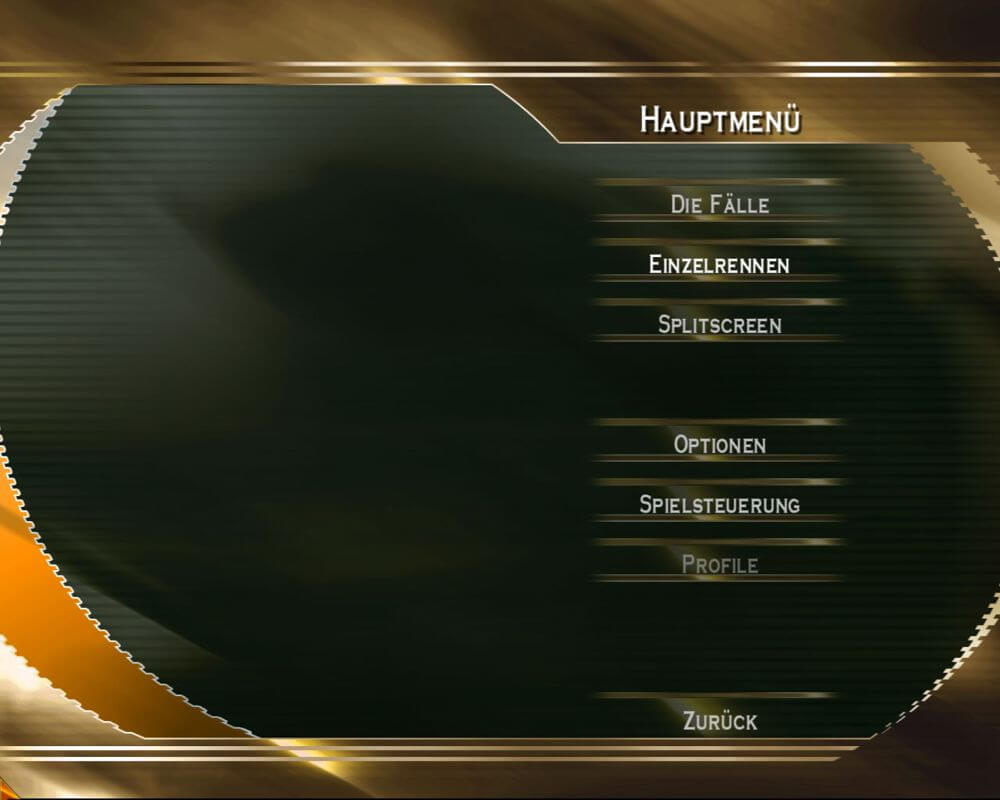
- English/German version has full audio & text localization on English and German languages, the language can be selected in main menu. If you want to play with original German audio without changing UI language, follow this guide
- If you have problem with broken sound effects or disappearing sound - first try to change the sound settings. If it didn't work - set sound quality to 24 bit, 48000 Hz or 24 bit, 44100 Hz. Read this guide how to do that
- Don't forget to check PCGamingWiki if you have troubles!
 English
  German
  Czech
Czech  Polish
  Russian





Comments and reviews
Ah yes i love crashing my car
pls i just created the new profile then the saving loading sooo to looong
progress is saved only once you complete whole case, not after single parts
the autosave doesn't work
No comment nor review for this game at the moment.