
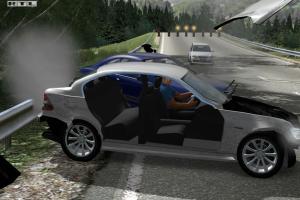
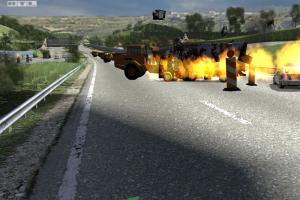
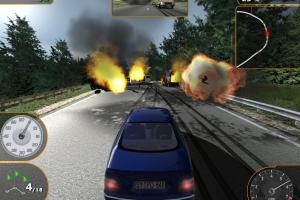
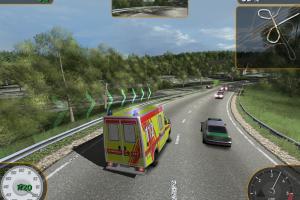
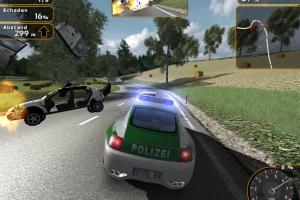
How to Play
NoCD showed few generic flags, it is safe to use, all warnings are about suspicious/unsafe file, the usual case with "cracked" executables
The game has been tested on Windows 7 64-bit and Windows 10, it works fine. You may experience some small troubles when you play the game on modern systems, check our Notes for details
Notes:
- If the installation doesn't start - try to launch Setup.exe in compatibility mode with old version of Windows (98, 2000 or XP)
- It is recommended to install all versions of Microsoft Visual C++ Redistributable and NET Framework for the correct work of the game. Also it is recommended to install K-Lite Codec Pack for the correct work of in-game videos
- The game works on DirectX 9, so if you're using Windows 8, 8.1, 10 or 11 - you need to enable DirectPlay: Go to Control Panel, and select 'Programs'. Select 'Turn Windows features on and off', click on 'Legacy Components' and check the box 'DirectPlay'. Select OK, once the installation is done, restart your computer
- German/English version of the game is using ProtectDisc DRM, NoCD is required for the launch because that DRM has many issues on modern systems. If you see error that there's not enough space on the hard drive when you copy NoCD files - re-install the game in non-system folder, like
D:/Cobra 11 Nitro, Windows Protection may block copying of files to system folders (likeC:/Program FilesorC:/Windows). Other versions of the game are DRM-Free - If you see only the black screen after launch - open Launcher (C11_Setup.exe) and uncheck
Play Videosbox - It is recommended to NOT use
Widescreen (16:9)andSquare Pixelsoptions at the same time, to avoid possible graphical glitches - If you have stretched in-game image - check or uncheck
Widescreen (16:9)box in Launcher (C11_Setup.exe) - The game doesn't have a framerate limit, if the game works too fast on your system - use one of framerate limit utilities
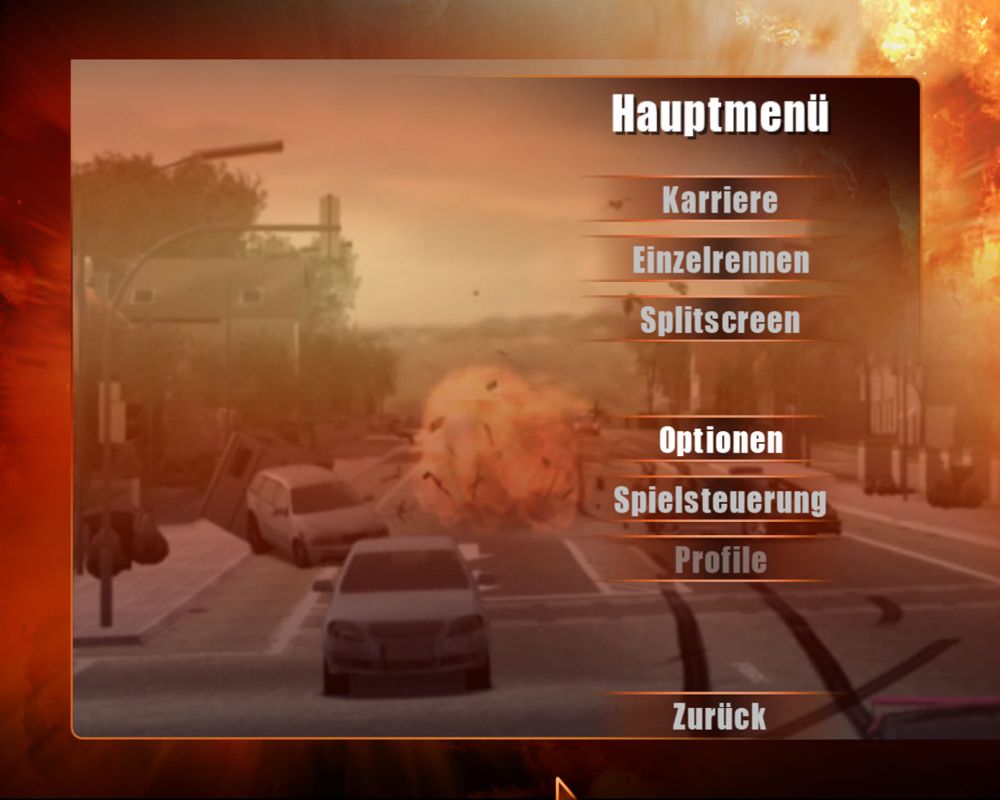
- The German version of the game has full audio & text localization on English and German languages, the language can be selected in main menu. The German version features the original actors from the original German TV show, if you want to play with original German audio without changing UI language, follow this guide
- If you have problem with broken sound effects or disappearing sound - first try to change the sound settings. If it didn't work - set sound quality to 24 bit, 48000 Hz or 24 bit, 44100 Hz. Read this guide how to do that
 English
  German
  Czech
Czech  Slovak
  Polish
  Russian




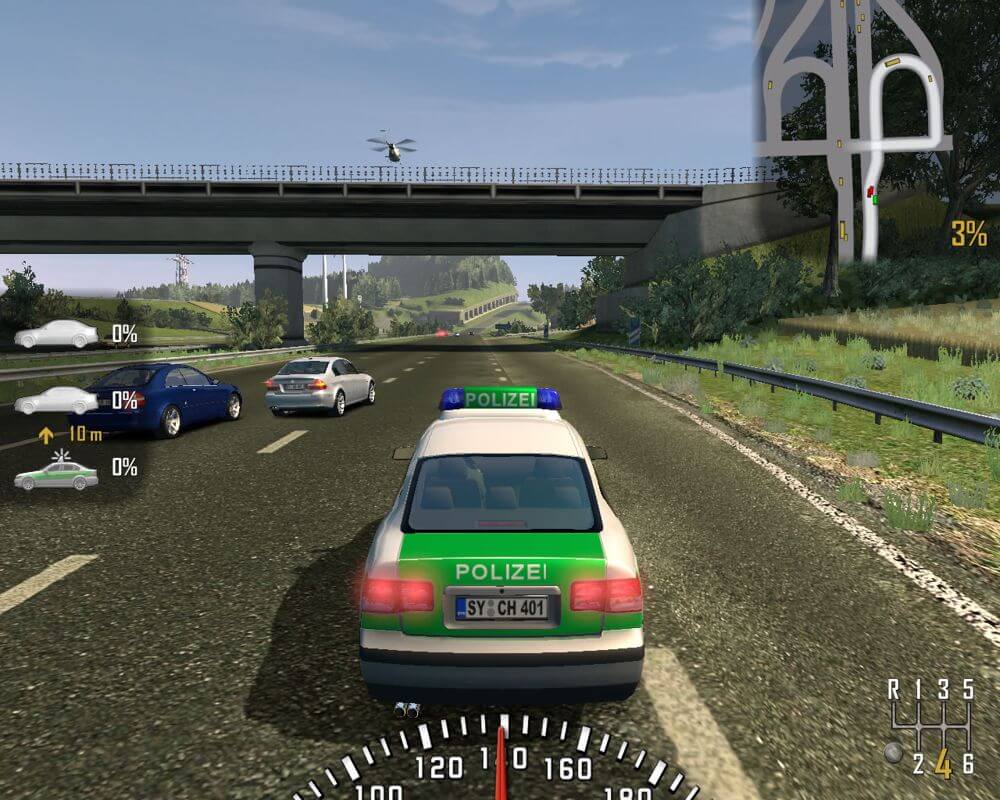


Comments and reviews
wow this game works with no virus and stupid stuff and it is cool it also technically works for modern systems try it out guys!
ahoj te jak prosím udelam instalaci je to moje detství a rad bych si to zahral :D
This is great! I like it
Good nostalgia
Crash Time from 2007 is even considered abandonware!
thank you for this, never thought I'd be able to play this game again with modern windows systems, somehow it's better than I remember from the childhood
No comment nor review for this game at the moment.