You are on the beta version of My Abandonware. The live site is still myabandonware.com. Your favorites and ratings here are copied to the live site. Comments and other changes are not — we delete them every morning at 08:00 Paris time, when this site goes down for about an hour. Leave feedback through this link to Pastel (email required).

Search more than 30000 retro games
/ Genres / Racing / Driving / World Racing

World Racing

Windows - 2003

Description from the publisher:

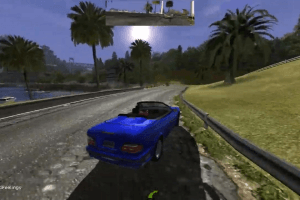
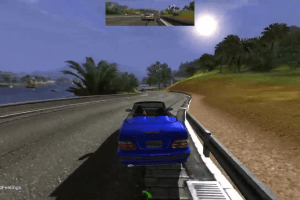
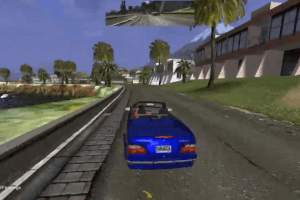
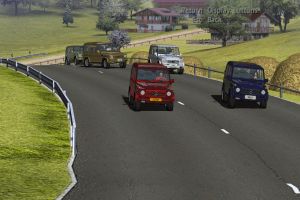
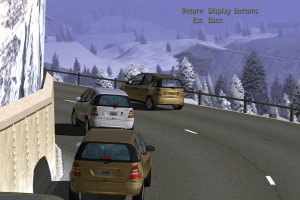
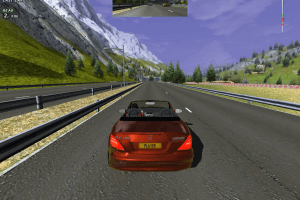
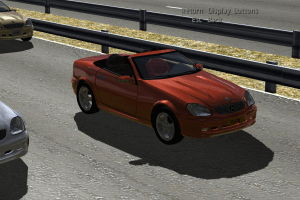
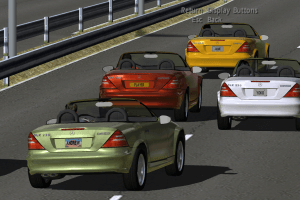
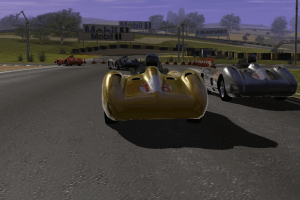
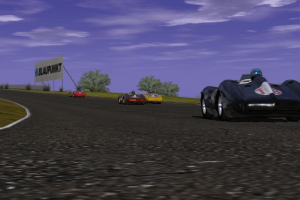
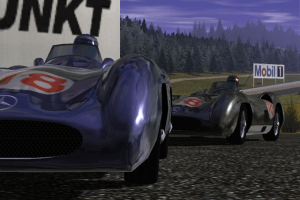
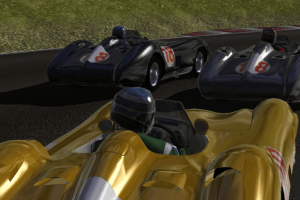
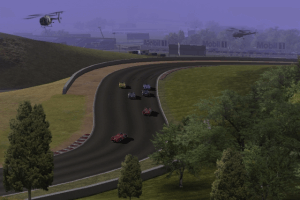
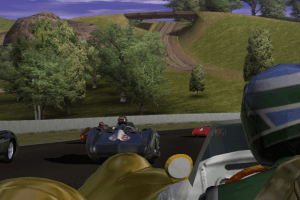
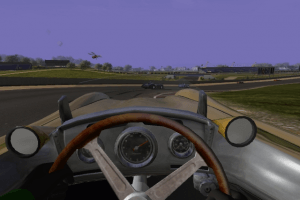
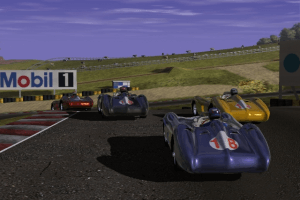
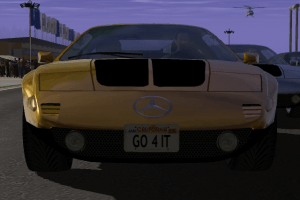
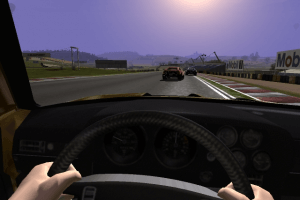
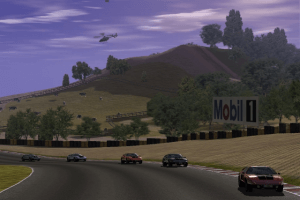
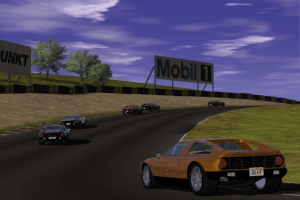
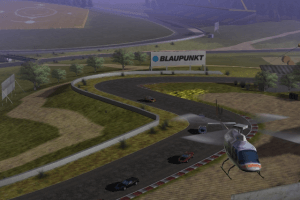
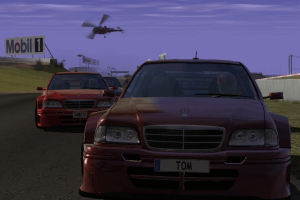
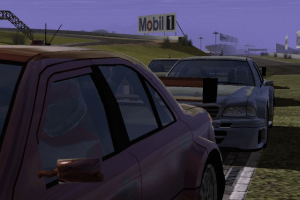
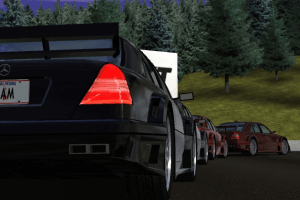
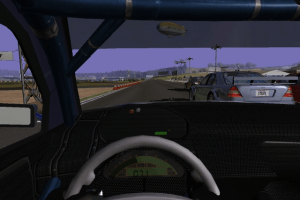
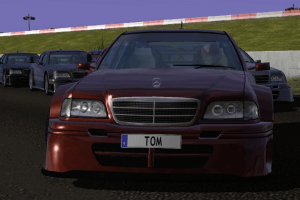
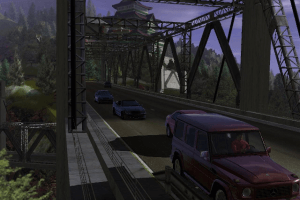
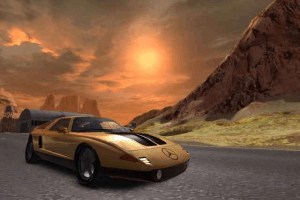
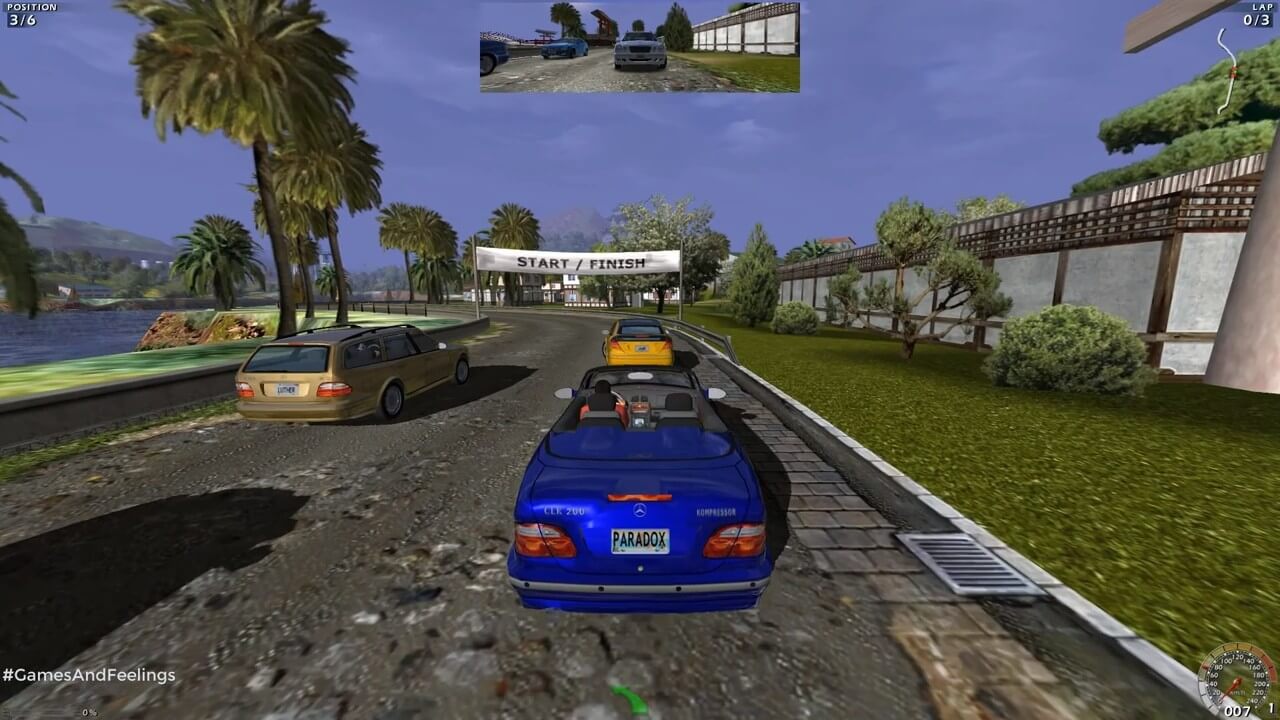
World Racing gives you total control over your race. Stay on track, search for shortcuts, or simply free roam--you're in control as you take your Mercedes-Benz on a romp around the world. In one of 110 original cars, you'll take on 120 different tracks in seven expansive landscapes, ranging from Nevada and Japan to the Alps and Mercedes' own Test Center. Defeat your rivals with powerslides, burnouts, and wild stunt driving en route to becoming the world's number one driver

The game has many mods by fans, visit games.reveur to find new cars and scenarios made by fans
How to Play

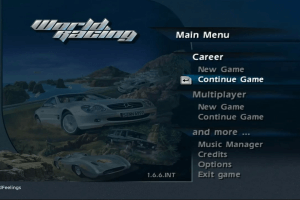
The game with patch v1.6.6 and NoCD has been tested on Windows 7 64-bit and Windows 10, works with no problem. The game supports widescreen

Install & play guide:

  • Mount the disc image of CD1. You will need the utility for mounting disc image files, like WinCDEmu, UltraISO, Alcohol 52%/Alcohol 102% or Daemon Tools Lite
  • Launch the installation (if it doesn't run - simply launch the installation from Setup.exe inside the disc, run it in compatibility mode with Windows XP)
  • When the installation process will ask for CD2 - mount the disc image of CD2
  • Finish the installation
  • Also it is recommended to install DirectX from the disc (if you're using Windows 10 - enable DirectPlay, read this or this guide how to do it)
  • After you installed the game - install the patch v1.6.6
  • Then install official addon with new cars, that pack includes 4 new cars: Mercedes-Benz Truck Racing Truck, Aston Martin DB5, Buggy ATV 7000S and Slipstream V8. That addon works only on patched game
  • After you done all of that - install NoCD for version 1.6.6 (simply copy exe-files from the archive and replace the original exe-files inside the game folder)
  • Open the directory with the game and find mbwr_pc.exe, mbwr_pc_mx.exe and WR_Setup.exe. Right click on all files - Properties - Compatibility - Set "Run this app in compatibility mode with Windows XP" and "Run as administrator"
  • Launch WR_Setup.exe, configure your setting and press "Play". If the game doesn't work - try to launch the game, then open Task Manager (Ctrl+Alt+Del by default) and check for processes mbwr_pc.exe, mbwr_pc_mx.exe and rundll32.exe. Close mbwr_pc.exe, mbwr_pc_mx.exe but don't touch rundll32.exe (it's a Windows app for running old apps from 32-bit operational systems, most old games running through rundll32.exe). Now try to launch the game again, it must work. Don't forget to close rundll32.exe process in Task Manager after finishing playing

Notes:

  • NoCD is required for the launch because the game is using SecuROM DRM protection (some versions of the game even used StarForce DRM), which doesn't work correctly on modern systems. . That NoCD "breaks" DRM protection and allows the game to work on modern systems
  • If you have troubles with in-game music - install K-Lite Codec Pack
  • The game supports widescreen, you can select desired resolution in WR_Setup.exe. If you're playing in widescreen and game looks stretched - uncheck the box "Widescreen 16:9"
  • The game works on DirectX 8.1 and DirectX 9, so if you're using Windows 8, 8.1, 10 or 11 - you need to enable DirectPlay: Go to Control Panel, and select 'Programs'. Select 'Turn Windows features on and off', click on 'Legacy Components' and check the box 'DirectPlay'. Select OK, once the installation is done, restart your computer
  • If it didn't help - you can try to run the game through dgVoodoo, it is utility that helps to run old games on modern systems, you can find it here (please note that dgVoodoo doesn't work on Intel graphics). Just copy the dll-files from the MS/x86 folder, dgVoodooCpl.exe and dgVoodoo.conf to the game folder(it must be next to exe-file), then launch the game from WR_Setup.exe. Also, with dgVoodoo you can launch the game with extra graphics settings, like texture filtering and antialiasing, to do that open dgVoodooCpl.exe, go to DirectX tab and select new settings, then run the game from desktop shortcut. Visit this page for more info about dgVoodoo utility

Comments and reviews

Chris_04 14 May. 2026

@DB.99 I play at 240fps and i don't see any issues

0
elvn 01 Dec. 2025

how can i get ps4 controller inputs to work in game? they only work in menus

-3
AltDunya 26 Oct. 2025

Nasıl kurarım diyenler için, Kurulum Rehberi:
https://youtu.be/LwXQfh4FULY

-4
DB.99 24 Sep. 2025

The camera turning is tied to FPS, so it will be fine if you limit your FPS with something. I use RivaTuner Statistics Server for that.
The amount of FPS you use is a matter of personal preference (how much camera movement you tolerate vs. how smooth you want it to be), personally I use 90 FPS. It already moves quite a bit at 120, but it's not terrible.

3
robert tosic 09 Jun. 2025

IS there any way to turn off the moving camera while turning? problem tooo windows 10 please how to fix it???? any idea????? need help guys! :D

3
LazarheaD 02 Feb. 2025

I enjoyed this more than the second World Racing. It has an actual championship mode, not just terribly balanced missions. Also the soundtrack is better. It's in the fundamentals that it falls short like the camera and driving physics.

3
simon 27 Apr. 2024

nice game i really love it so much

1
Buralba 09 Apr. 2024

I agree with MR. SIEROWSKI on the issue that Win 10-11 are rubbish for running these incredible retro games, I cry to install basic games while Win 7, XP and even Vista itself play without any effort to run

0
JohnAzzy 23 Nov. 2023

IS there any way to turn off the moving camera while turning?

0
me 29 Jan. 2023

is windows 8 work for the game

0
Tism 14 Dec. 2022
Top comment

I have massive autosim

13
admin 16 Nov. 2022
Top comment
Admin

We have updated the game, added more languages plus patch & addons

7
amethyst 04 Mar. 2022

Supposedly the Russian and Spanish versions have StarForce, other versions have SecuROM. I got the game from a different site, so I don't know what version this is, but if it has SecuROM, then there are NoCD .exes out there that can allow you to run the game just fine in Windows 10.

2
blask 16 Jul. 2021

Starforce DRM?

-3

No comment nor review for this game at the moment.

Comments posted on the beta are not kept. We delete them at 08:00 Paris time and they never reach the live site. Post on myabandonware.com if you want your comment to stay.

Downloads

Windows version
Disc 1
United Kingdom English
Spain Spanish
Italy Italian
517 MB
Disc 2
United Kingdom English
Spain Spanish
Italy Italian
627 MB
Full-Rip
United Kingdom English
Spain Spanish
Italy Italian
1018 MB
Disc 1
Germany German
France French
514 MB
Disc 2
Germany German
France French
713 MB
DRM Free version from Computer Bild Spiele
Germany German
France French
1021 MB
Disc 1
Russia Russian
738 MB
Disc 2
Russia Russian
513 MB

Extras

Patch Patch 1
International patch v1.6.6
Windows 4 MB English French Spanish German Italian
Misc Misc 1
Official addon with new cars
Windows 6 MB English English
Demo Demo 1
Extra file
Windows 132 MB English French German Italian Spanish
NoCD NoCD 2
NoCD for version 1.6.6 (compatible with all languages)
Windows 1 MB English English
NoCD for Russian license
Windows 2 MB Russian Russian

Similar games

Need for Speed: Underground 2
4.5/5 - 2063 votes
Need for Speed: Underground 2
Windows
2004
Blur
4.5/5 - 3330 votes
Blur
Windows
2010
Pro Race Driver
4.2/5 - 138 votes
Pro Race Driver
Windows
2003
Need for Speed: Underground
4.5/5 - 675 votes
Need for Speed: Underground
Windows
2003
Need for Speed: Carbon
4.6/5 - 685 votes
Need for Speed: Carbon
Windows, Mac
2006
Need for Speed: ProStreet
4.5/5 - 315 votes
Need for Speed: ProStreet
Windows
2007