

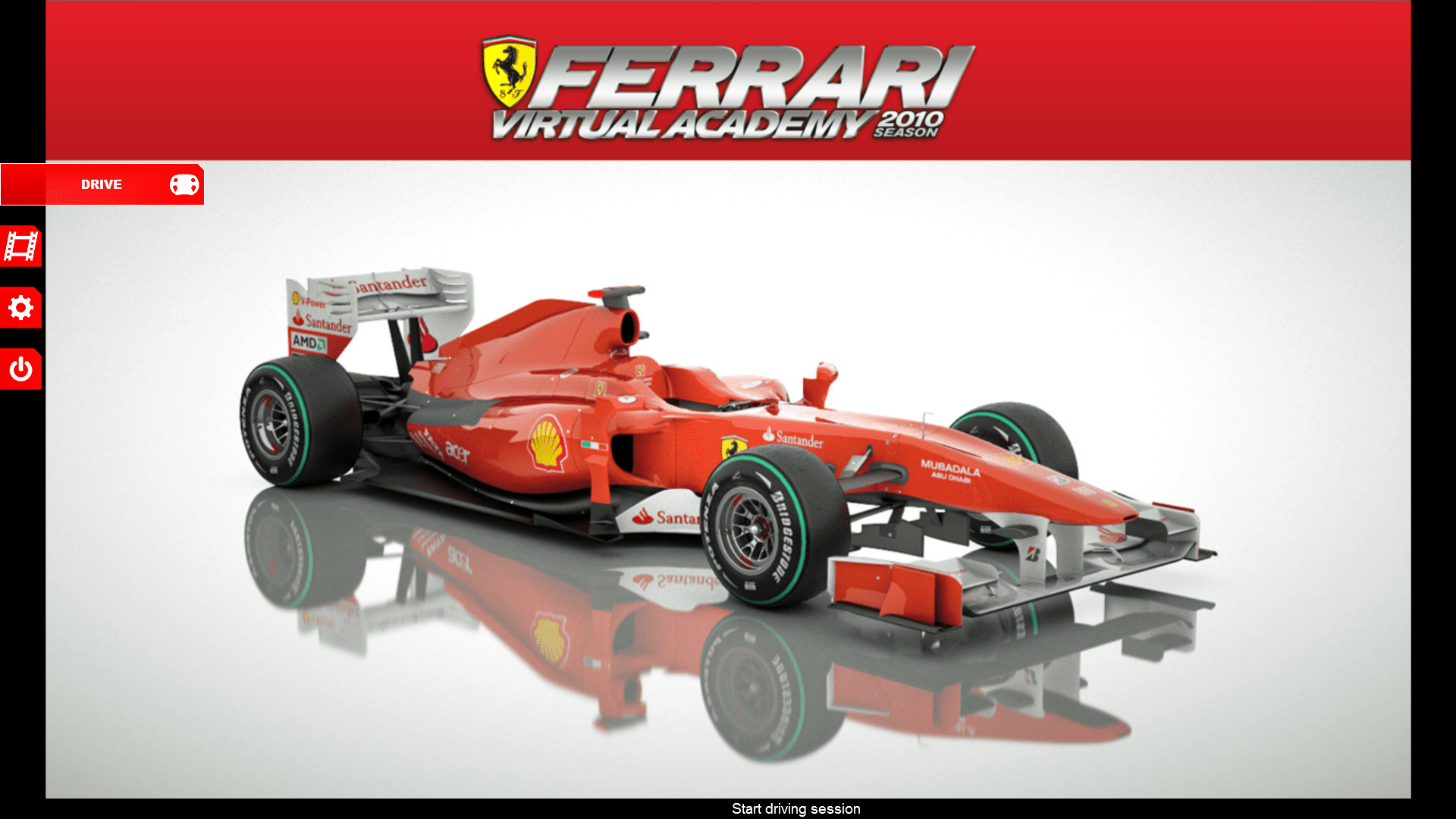
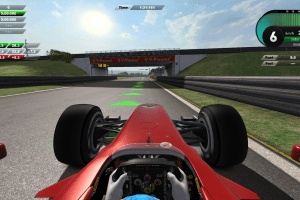
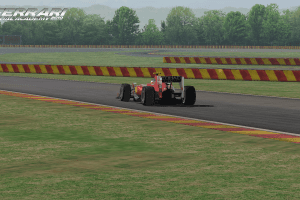
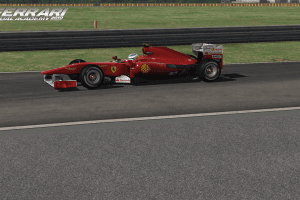
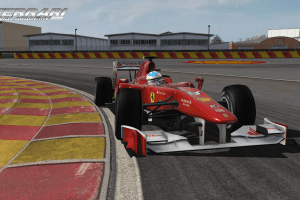
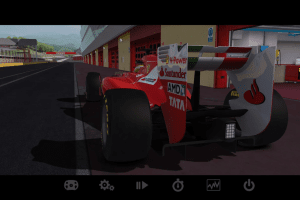
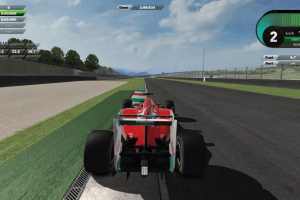
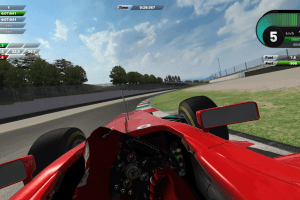
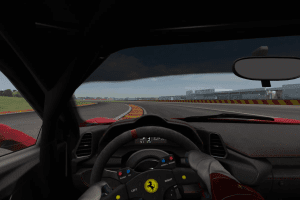
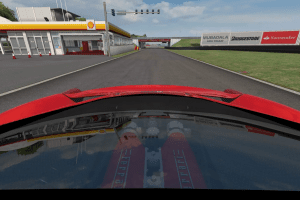
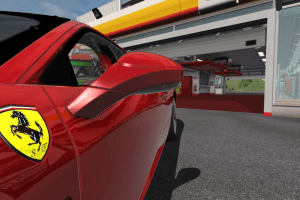
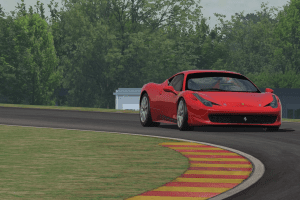
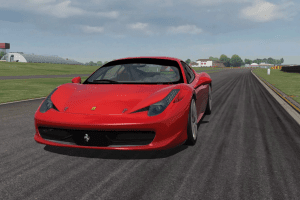
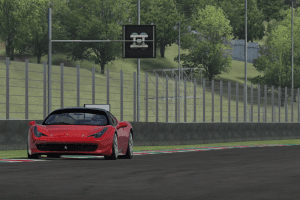
Ferrari Virtual Academy with all DLCs provides 3 track: Fiorano test track, Mugello and Nürburgring race circuits, and 3 cars: Ferrari F10 Formula One car, Ferrari 150º Italia Formula One car of the 2011 season and the Ferrari 458 sports car. The simulation allows the player to drive a Ferrari against the clock at a race track. There are no other vehicles to race against in real time
How to Play
Notes:
- If the installation doesn't start - try to launch Setup.exe in compatibility mode with old version of Windows (98, 2000 or XP)
- It is recommended to install all versions of Microsoft Visual C++ Redistributable and NET Framework for the correct work of the game. Also it is recommended to install K-Lite Codec Pack for the correct work of in-game videos
- The game works on DirectX 9, so if you're using Windows 8, 8.1, 10 or 11 - you need to enable DirectPlay: Go to Control Panel, and select 'Programs'. Select 'Turn Windows features on and off', click on 'Legacy Components' and check the box 'DirectPlay'. Select OK, once the installation is done, restart your computer
- Ferrari Virtual Academy's servers were closed in 2015, when Ferrari ended the support for the game. That made the game unplayable, because the connection to servers were required even for singleplayer game. Luckily, there's a fix for that - Server Patch that allows to play the game, simply copypaste the files into game folder, and on login screen enter random e-mail and license number, like
mail@mail.com / 12345-54321. That fix showed few generic warnings, it is safe to use - If you play from the keyboard, the default controls are A for acceleration and Z for brake, to switch the gear press Space+A to gear up or Space+Z to gear down
- The game has support for multiple types of wheel controllers, the full list is available in settings. If you cannot find your wheel controller, select the variant "Customize..." and then configure your controller in "Custom controls" tab
Downloads
Windows version
 English
  Italian
  German





Comments and reviews
When i click to go to the track it freezes and i then have to restart i tried with other tracks and cars yet nothing can someone help me out
Any chance of a server patch for the v1.0 of the game? Would like to try that version which allowed you to change the car setup for the F10 at Fiorano.....
Dipendenti scolastici
how you visualize in 16:9?
Finally! It's back after the services being shut down!
No comment nor review for this game at the moment.