















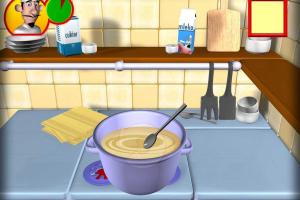
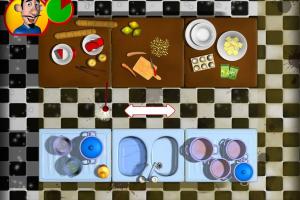

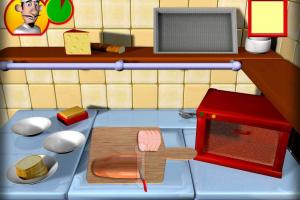

How to Play
Notes:
- The game works on DirectX 9, if you haven't enabled DirectPlay or didn't install DirectX, the game may crash with an error. If you're using Windows 8, 8.1, 10 or 11 - you need to enable DirectPlay: Go to Control Panel, and select 'Programs'. Select 'Turn Windows features on and off', click on 'Legacy Components' and check the box 'DirectPlay'. Select OK, once the installation is done, restart your computer. If you use Windows 7 or older OS - simply install DirectX 9
- If you get "Runtime Error" when you start the game - try to re-install the game to drive
C:/. Also, it is recommended to install all versions of Microsoft Visual C++ Redistributable for the correct work of the game - The game may crash if you minimize the game's windows by pressing Windows or Alt+Tab buttons. But don't worry, the progress in the game saves automatically
 English
  Polish
  Russian







Comments and reviews
No comment nor review for this game at the moment.