
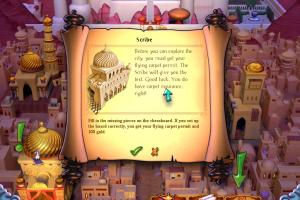
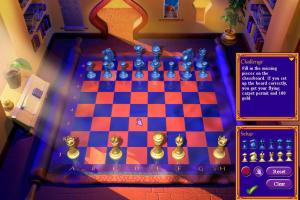
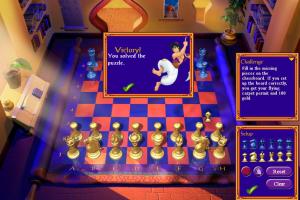
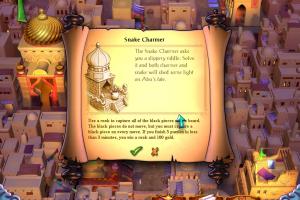
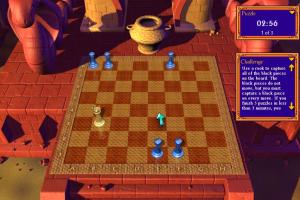
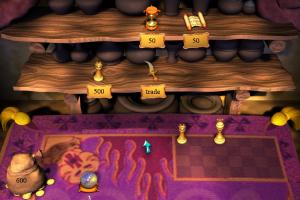
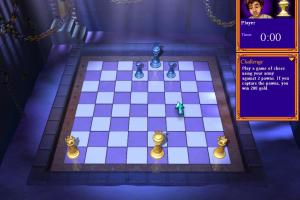
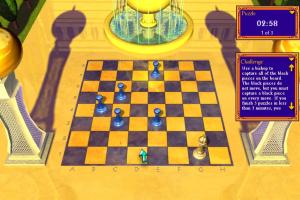
How to Play
The game has been tested on Windows 7 64-bit and Windows 10, it works fine. You may experience some small troubles when you play the game on modern systems, check our Notes for details
Notes:
- If the installation doesn't start - try to launch setup.exe as Administrator and in Compatibility mode with old version of Windows (98, 2000 or XP)
- It is recommended to install all versions of Microsoft Visual C++ Redistributable and NET Framework for the correct work of the game. Also it is recommended to install K-Lite Codec Pack for the correct work of in-game videos
- The game works on DirectX 9, so if you're using Windows 8, 8.1, 10 or 11 - you need to enable DirectPlay: Go to Control Panel, and select 'Programs'. Select 'Turn Windows features on and off', click on 'Legacy Components' and check the box 'DirectPlay'. Select OK, once the installation is done, restart your computer
- English version uploaded on our website is DRM-Free, simply install & play. There was also a scene release of the game protected with ActiveMark 5 DRM, we uploaded NoCD from that scene release just in case, it is not required if you install the game from ISO image from our website. It seems that NoCD have issues and doesn't work on most systems, so we additionally added ActiveMark 5 Generic Loader in the archive with NoCD, that tool allows to bypass ActiveMark 5 DRM
- When you exit the game, make sure to save the game by clicking on a scroll! On the next launch, load the game by clicking on a scroll again, otherwise you will start a new game and lost your progress!
- If you have any graphical glitches or other issues - try to run the game through dgVoodoo 2, it should help
- If the game doesn't save the progress: re-install the game on any other local disk except disk
C:(install somewhere in the path likeD:/Games/Aladdin Chess Adventures). If it didn't work - check your system username, if it has any non-English symbols - create a new user profile in your system with only English letters in the username, and play the game from that new user profile - If the game crashes with "dca.dll error" or without any errors - manually change your desktop resolution to 800x600, it should help
- For Windows 11 users: if the game runs but you don't see in-game fonts - use locale emulator tool, it should help
- About Russian version: official Russian version released on 2 CDs because the publisher added "trash" files (patches and demo videos of other games), to make the game more expensive. But the size of installed game is the same. You may have troubles with installation of official Russian version on modern systems, check this thread how to fix it. We additionally add "pirated" Russian release that had different voice & text translation, check this thread for more details about it
 English
  Russian





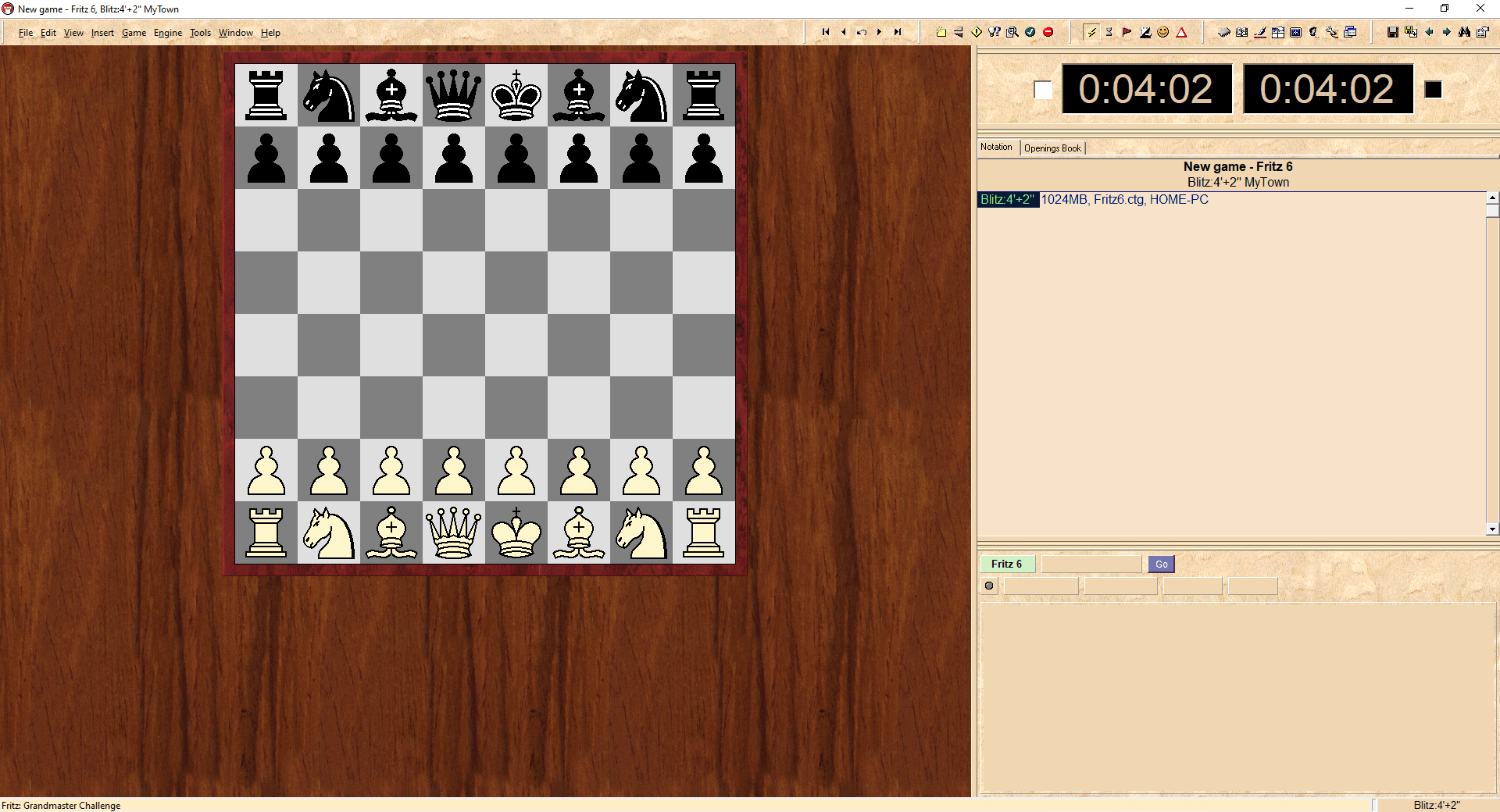

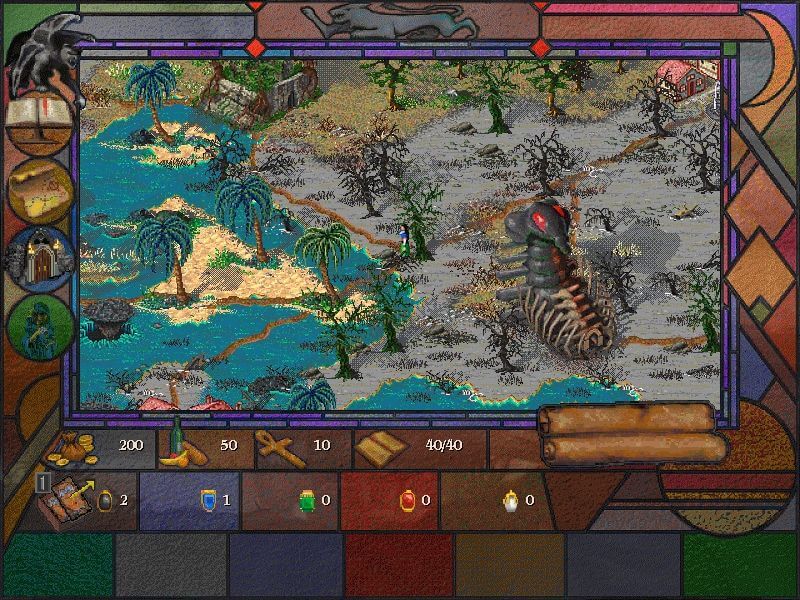
Comments and reviews
I fought for my life trying to get this game to run on my 98 or XP virtual machines and failed at both, only for it to run perfectly when launched from the Windows 11 desktop. Sometimes the simplest solution is the best one. Worth it, because this game is better than chess dot com.
No comment nor review for this game at the moment.