You are on the beta version of My Abandonware. The live site is still myabandonware.com. Your favorites and ratings here are copied to the live site. Comments and other changes are not — we delete them every morning at 08:00 Paris time, when this site goes down for about an hour. Leave feedback through this link to Pastel (email required).
The beta goes down at 08:00 Paris time, in a few minutes. We rebuild the database from the live site. It comes back in about an hour.
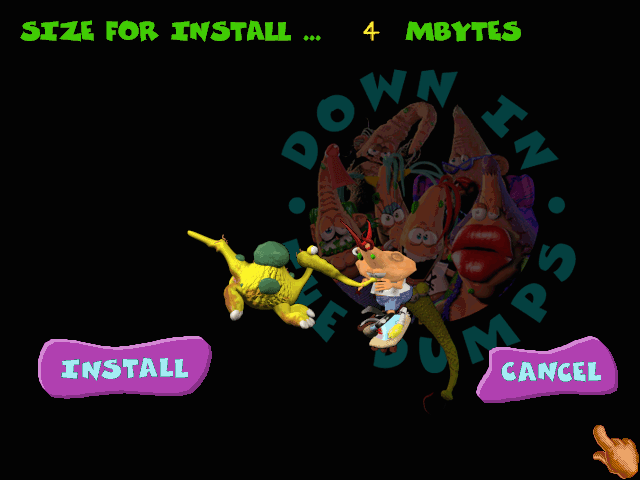
I cannot install the game. Tried several combinations with dosbox, dosbox-x and freedos in virtualbox. VM was working but poorly. Slow, async and other issues. But dosbox and dosbox-x were crashing - dos4gw error. any hints?
0
moomoo20 Dec. 2023
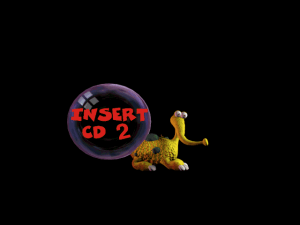
Standard shortcut in Dosbox to change discs is CTRL and F4
1
(c°_}10 Feb. 2020
As soon as the game asks me for changing the disc, I can't continue it anymore. I know how to mount iso-files in Dosbox but how do I "change" them during the game?
-1
No comment nor review for this game at the moment.





 English



Comments and reviews
I cannot install the game. Tried several combinations with dosbox, dosbox-x and freedos in virtualbox. VM was working but poorly. Slow, async and other issues.
But dosbox and dosbox-x were crashing - dos4gw error. any hints?
Standard shortcut in Dosbox to change discs is CTRL and F4
As soon as the game asks me for changing the disc, I can't continue it anymore. I know how to mount iso-files in Dosbox but how do I "change" them during the game?
No comment nor review for this game at the moment.