




How to Play
The available NoCD by DEViANCE has a moderate detection ratio, there is not much choice. If you wan to be safe, you may want to play in a virtual machine.
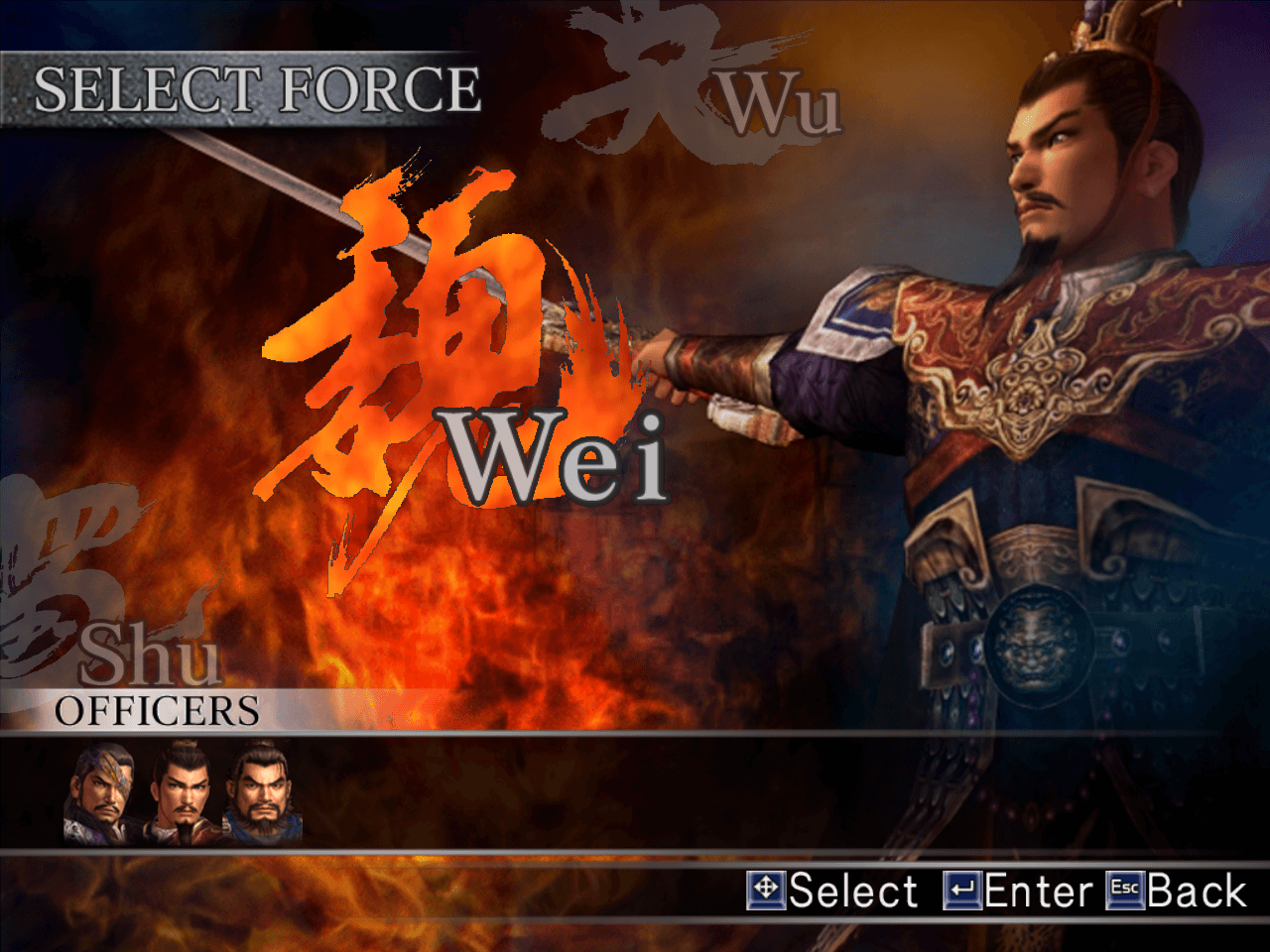
The available NoCD by DEViANCE has a moderate detection ratio, there is not much choice. If you wan to be safe, you may want to play in a virtual machine.



 English
  Italian
  Spanish
  Chinese





Comments and reviews
Korean :
https://archive.org/details/Dynasty_Warriors_4_Hyper_KOR_KOEI
I downloaded the game, installed it on my Windows XP computer, and it runs flawlessly. I’m using a Logitech Gamepad F310 as my controller, and I was also able to use the No CD patch without any issues.
Ignore my previous comment xD you can get it to work but have to do what others have said (mainly BALLS) it was a misunderstanding on my part but it plays well honestly.
I downloaded the game yet can't even open the setup files it just crashes my tab completely.. just buy a PS2 honestly don't trust this.
Traditional Chinese :
https://archive.org/details/ss3h_cht
Is this folder safe?
Balls is right, this does work on Windows 11(and their instructions are right for me as well)! If you try to launch it and nothing happens (or a blank/empty window opens or doesn't open at all), check the config exe. If your resolution options are blank, downgrade your graphics driver safely (check the manufacturer's site for comments), but in my case, I did everything Balls said and my configuration options were blank, until I downloaded the old driver. Apparently an Intel update broke some things for me, not Nvidia. This is a recent update to graphics drivers, so I had to go back to a 2023 driver to fix the issue.
I sincerely hope this helps, because otherwise this all works perfectly upon testing!
This game works, even on windows 11! Once you download the file, you have to click on the folder Dynasty Warriors 4 Hyper scroll down and double click setup. After you have gone through the setup, locate the "_CRACK" folder and save the two files, you'll need it. Now, you'll have to find the game files that have been downloaded and saved in your computer. Generally, it can be found at at your Windows (C) Drive Program Files (X86) (I am on a windows 11 OS) Find Koei folder Dynasty Warriors 4 Hyper folder. Now that you're in this folder, drag the two files that you saved from the "_CRACK" folder into the Dynasty Warriors 4 folder you have opened up and replace the existing files. After you've done that, double click the "Launcher" icon and it should launch the game! What I've noticed was that if I wanted to launch the game, I'd have to launch it this way every time. If I try to make a desktop shortcut, it fails. Aside from that, hope this works!
The game works perfectly on WIN10, all it needs is to apply NOCD. Xinput support can be added via XinputPlus (https://0dd14lab.net/bin/xinputplus), choosing "Dynasty Warriors 4 Hyper.exe" as the target program, then going to the Directinput tab, checking the "Enable Directinput output" option, then "Apply". If you hear the beep when you start the game, controller works! (the beep can be turned off in the "Setting\Others\Enable Init Beep" option) Then, all it remains is to assign the buttons in the game options. Hope it might help!
how to install it?
Winodws Defender says it's safe, but you can't run it on WIndows 10 even with compatibility modes turned on, you have to install it on a virtual machine running Windows 8 or earlier because of SafeDisc DRM
kullandıgım sürüm 8.1 nasıl yapacagım
is it safe, https://www.virustotal.com/gui/file/afcde7dc4cd1d45c6191840e69cd8136599af6937606270f28439f100ba60943
this wont even work i tried everything and nothing
No comment nor review for this game at the moment.