



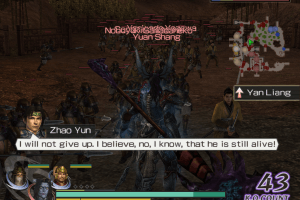
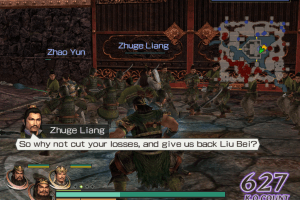
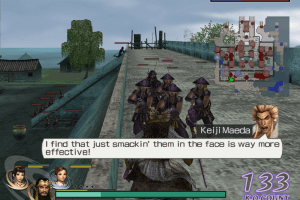
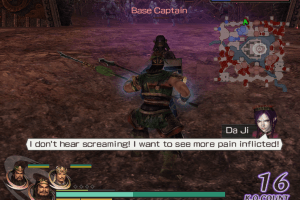
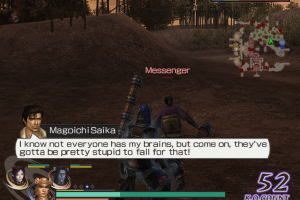
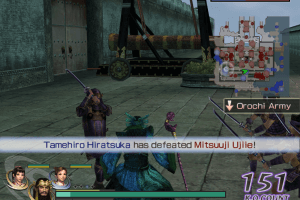
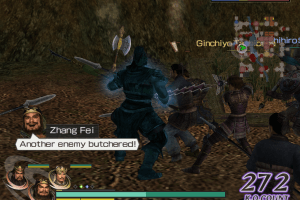
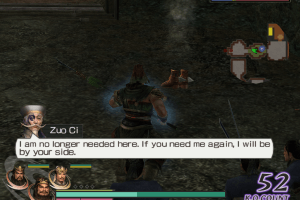
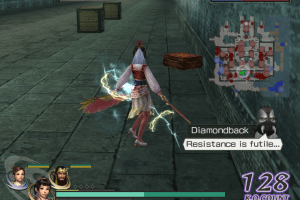
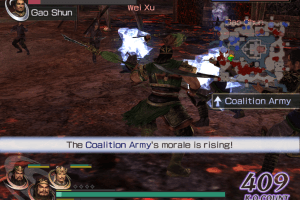
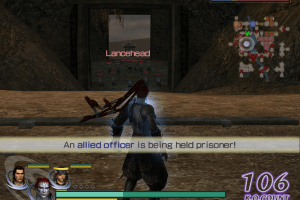
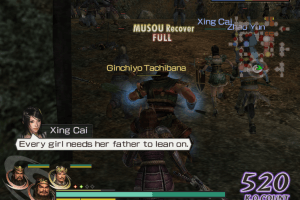
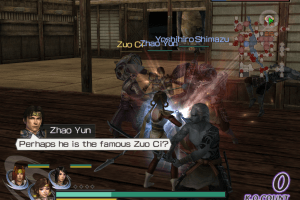
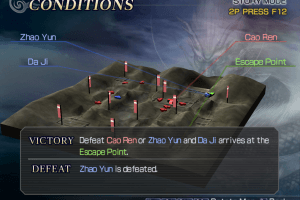
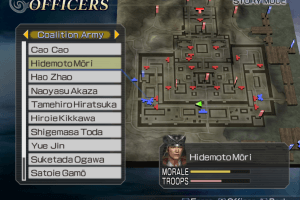
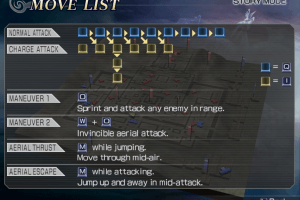
How to Play
The game has been tested on Windows 7 64-bit and Windows 10, it works fine. You may experience some small troubles when you play the game on modern systems, check Notes for details
Notes:
- To install the game, you will need the utility for mounting disc image files, like WinCDEmu, UltraISO, Alcohol 52%/Alcohol 120% or Daemon Tools Lite. If the installation doesn't start - try to launch Setup.exe in compatibility mode with old version of Windows (98, 2000 or XP)
- It is recommended to install all versions of Microsoft Visual C++ Redistributable for the correct work of the game. Also it is recommended to install K-Lite Codec Pack for the correct work of in-game videos
- The game works on DirectX 9, so if you're using Windows 8, 8.1, 10 or 11 - you need to enable DirectPlay: Go to Control Panel, and select 'Programs'. Select 'Turn Windows features on and off', click on 'Legacy Components' and check the box 'DirectPlay'. Select OK, once the installation is done, restart your computer
- The game is using SafeDisc DRM protection, which may have issues on modern systems and requires the disc for launch. NoDVD "breaks" DRM protection and allows to run the game without the disc. To use it simply replace OROCHI.exe in
WARRIORS_OROCHI/OROCHI_WINfolder with exe-file from NoDVD archive - It is recommended to launch it in compatibility mode with Windows XP or Vista and as administrator (right click on OROCHI.exe -> Properties -> Compatibility)
- If the game runs too fast on your PC, limit the game's framerate to 60 FPS in control panel of your video card or with one of framerate limit utilities. If you play the game with dgVoodoo - you can simply open dgVoodoo.conf in Notepad and in the line
FPSLimit =0change0to60 - The game does not have a mouse support, you can play the game only with a keyboard or controller. However, the game may not recognize your controller, in this case, try using additional utilities, check PCGamingWiki for details
- You can play the game in local cooperative mode for 2 players, with one keyboard or with two gamepads
How to play the game in widescreen:
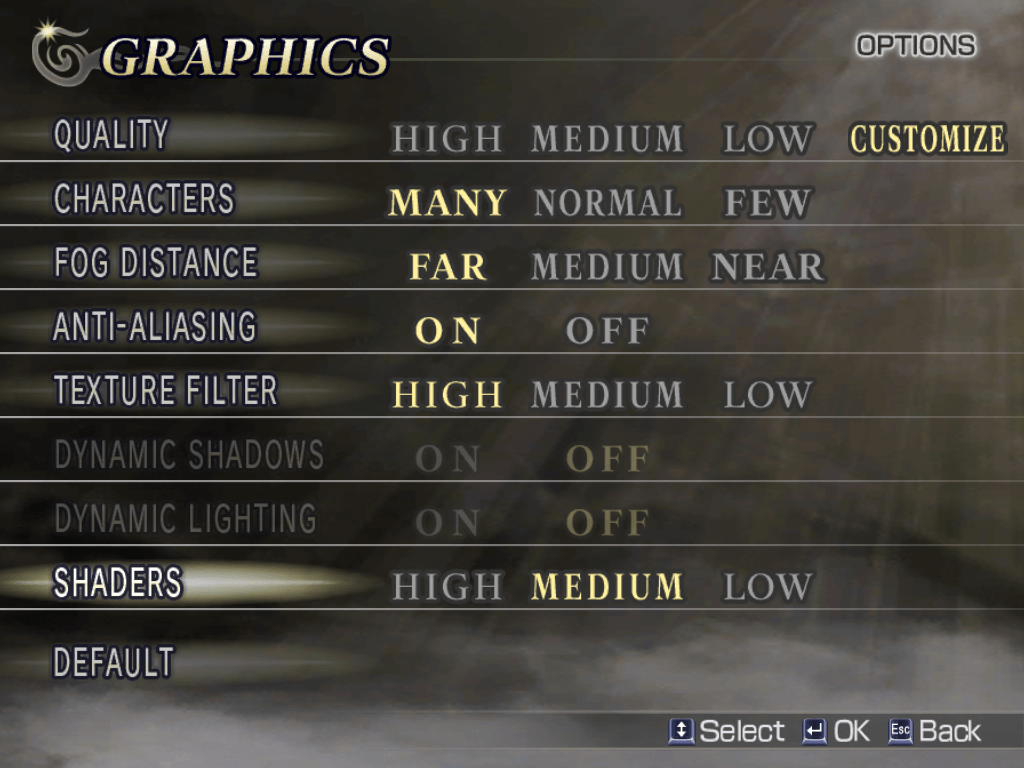
The game supports a very limited number of screen resolutions, you can only choose the following screen resolutions: 640x480, 800x600, 1024x768, 1280x960, 1600x1200 and 1920x1440. But here's two methods how you can run the game in unsupported screen resolution:
- The best and most recommended method is to use dgVoodoo. To use dgVoodoo copy the dll-files from the
MS/x86folder, dgVoodooCpl.exe and dgVoodoo.conf to theWARRIORS_OROCHI/OROCHI_WINfolder (where OROCHI.exe is located). Then open dgVoodoo Control Panel (dgVoodooCpl.exe), go to DirectX tab and select the screen resolution you need; optionally you can enable other settings like anti-aliasing, texture filtering or Vsync. Click "Apply" to save the settings, close dgVoodoo Control Panel and run the game. We tested the game with dgVoodoo v2.83 on Windows 10, it works fine - The second method is to use Widescreen Resolution Fix from WSGF forum. To use it, first run the fix, then run the game in Windowed mode, enter the new screen resolution into the fix window (don't close the fix or the game!), then enable Fullscreen mode in game settings. There's 4 versions of the fix inside the archive: for English, Japanese, Chinese or Russian releases; use only one of them (fix for English language will probably work with French and German languages from Multi-3 release too). If the Widescreen Fix doesn't work - you can try to edit exe-file with HeX editor, to change the screen resolution, check this page for details.
- Widescreen Resolution Fix showed many generic warnings on VirusTotal, here's the scan report. This fix "hacks" the game's executable file to allow custom screen resolutions, that's why antiviruses "trigger" on it. It is safe to use, nothing to worry about
 English
  French
  German





 Russian
 Japanese


Comments and reviews
I can confirm that the game is working flawlessly on Windows 10.
But if you wanna fix right analog input. you should using XInput Plus. it works on Dynasty Warriors 6 too
Method 1 only stretches the 4:3 image for me. Method 2 works but I'd rather use dgVoodoo. Is there some additional settings that need to be slected?
Easiest way to see the difference is that method 2 clearly displays more space on the right and left of the map in pre-battle set-up.
Japanese :
https://archive.org/details/WarriorsOrochiJap
i still having issues of cant locate DVD ROM to run the game, i follow that how to replace it the exe file of WO but still the same things happen. anyone can help me out what the problems cause?
T_T
how did htey make this warriors 6 and samurai 2 in the same year
love this game sm
i like this too much
Why can't I enter the game unlike Dynasty Warriors 6?
No comment nor review for this game at the moment.