






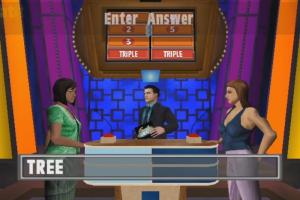
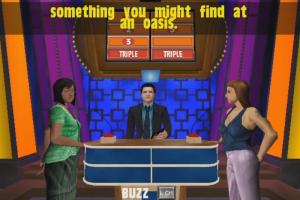

How to Play
Notes:
- It is recommended to install all versions of Microsoft Visual C++ Redistributable and NET Framework for the correct work of the game. Also it is recommended to install K-Lite Codec Pack for the correct work of in-game videos
- The game works on DirectX 8, so if you're using Windows 8, 8.1, 10 or 11 - you need to enable DirectPlay: Go to Control Panel, and select 'Programs'. Select 'Turn Windows features on and off', click on 'Legacy Components' and check the box 'DirectPlay'. Select OK, once the installation is done, restart your computer
- The game doesn't have any strict DRM protection, only the simple disc check. Use NoCD to remove disc check and play without the disc
- You can run the game in Widescreen or Windowed modes by editing the configuration files. To do that run Config.exe inside the game folder for one time, close it, then open newly created Config.ini in Notepad: to change the screen resolution edit
Width=andHeight=to the desired values; to run in Windowed mode, change the lineWindowed=0toWindowed=1. Check PCGamingWiki for more details - The game's Vsync doesn't work properly on Windows 8 or newer, also the game may have a poor performance on new systems. Use crosire's d3d8to9 wrapper or dgVoodoo 2 to fix it
 English





Comments and reviews
No comment nor review for this game at the moment.