



How to Play
Genocide Remixed Version does not work under Windows 9x / Me. To play under those OS, download the original version of Genocide game. To run Remixed Version of the game under Windows XP, you must set compatibility mode with Windows 2000 or Windows NT 4.0 SP5 in the Properties of the genocide.exe file.
To run this game under Windows 7 or newer OS, you can use the DXWnd Launcher program on the Download section, or you can use the dgVoodoo emulator. Simply extract the DXWnd Launcher, open the folder of DXWnd Launcher and then put the game files inside "Genocide" folder. After that launch the game through Genocide_dxwnd.bat. Please note that the path to the directory of the game should NOT have the words "Program Files"
Use DXWnd Launcher to play this game on Windows 10, or you can use ready-to-use compilation available on the Download section. The game has been tested on Windows 7 64-bit and Windows 10, works fine
 English







Comments and reviews
Memories memories..
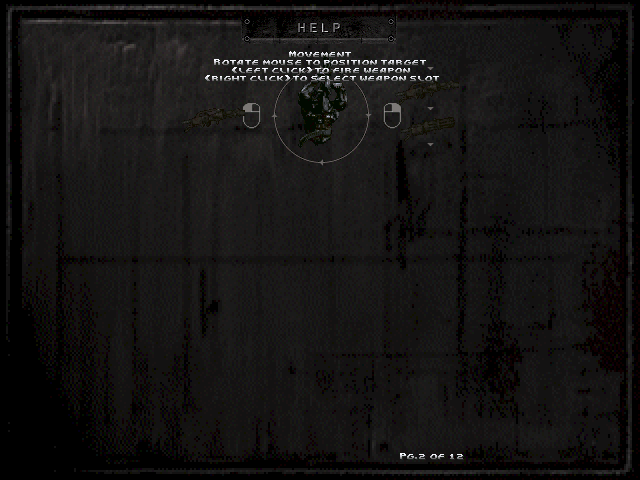
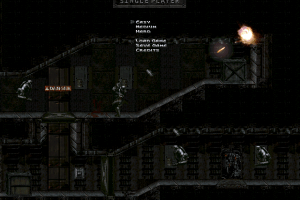
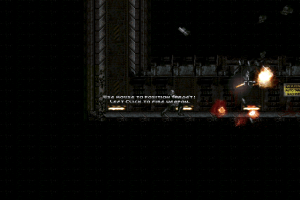
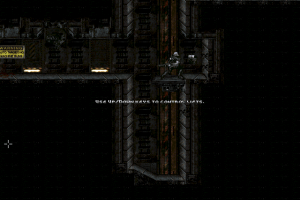
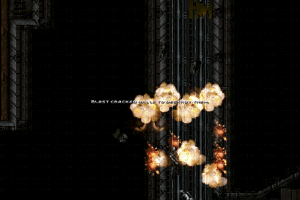
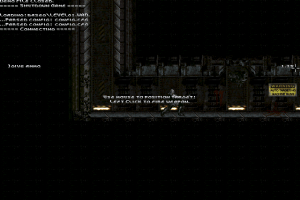
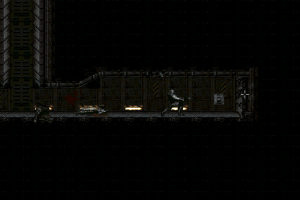
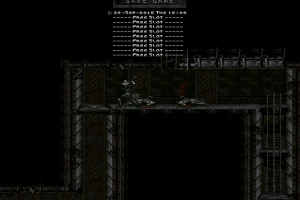
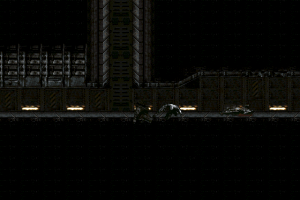
From the screenshots it seems to be a clone of Abuse. Never heard of it before.
No comment nor review for this game at the moment.