You are on the beta version of My Abandonware. The live site is still myabandonware.com. Your favorites and ratings here are copied to the live site. Comments and other changes are not — we delete them every morning at 08:00 Paris time, when this site goes down for about an hour. Leave feedback through this link to Pastel (email required).

Search more than 30000 retro games
/ Genres / Sports / Jack Nicklaus 6: Golden Bear Challenge

Jack Nicklaus 6: Golden Bear Challenge

Windows - 1999

Description from the publisher:

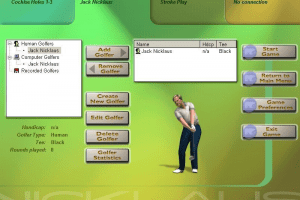
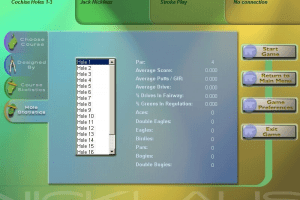
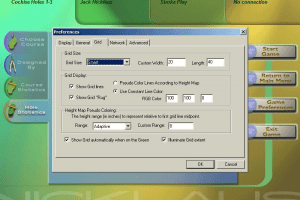
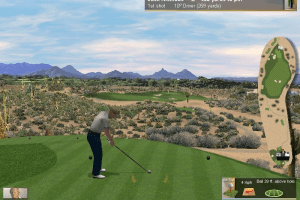
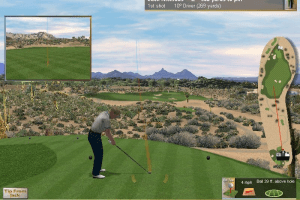
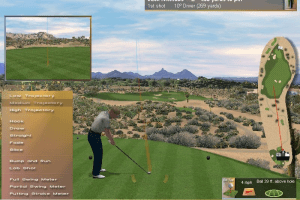
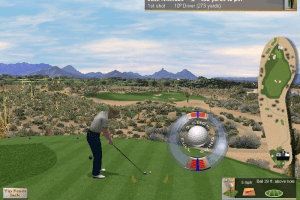
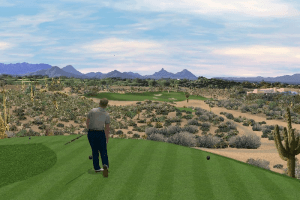
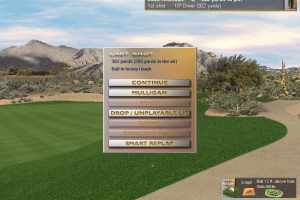
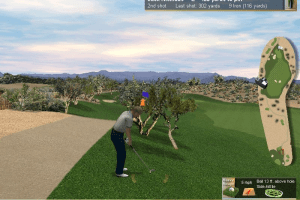
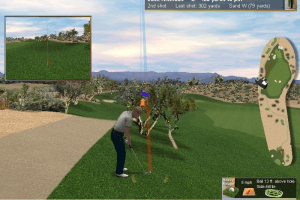
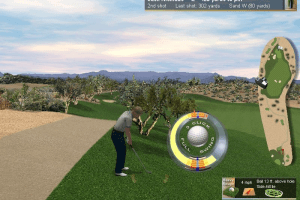
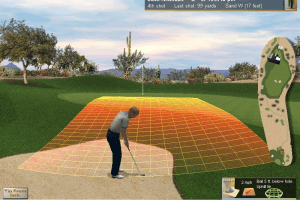
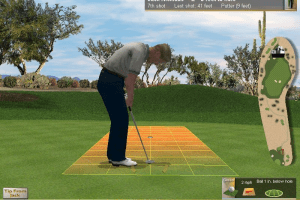
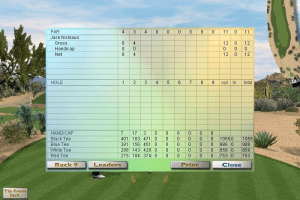
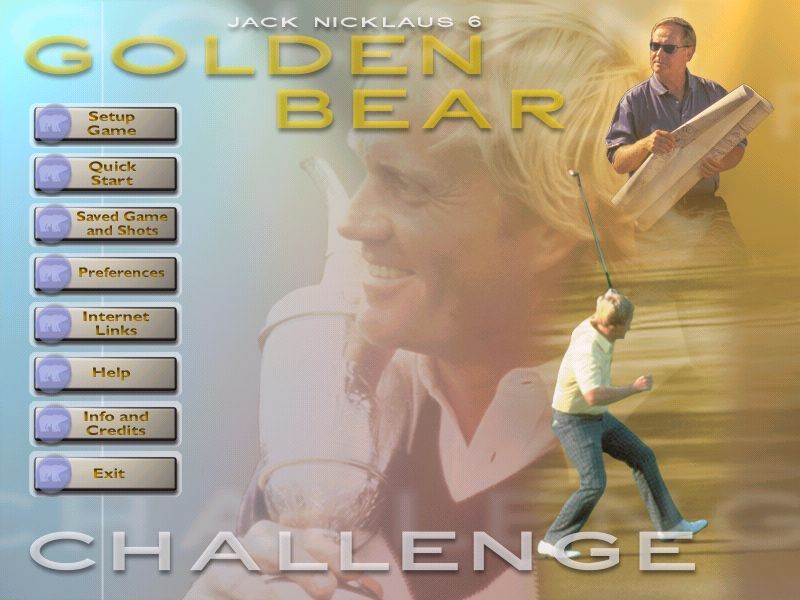
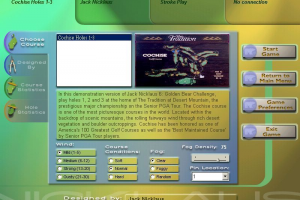
Sequel to the best-selling Jack Nicklaus golf series, Jack Nicklaus 6: Golden Bear Challenge garnered a PC Gamer Editors’ Choice award (July 1999 issue) and a five-star rating from Computer Gaming World (August 1999 issue). With state-of-the-art physics, design innovations like Season Mode, the addition of RPG elements, Ready Golf, and an innovative green reading mechanic, this title is the ultimate golf simulation. The graphics are the best of the genre, and the interface is gorgeous, polished, and easy to use. From a technical standpoint, the game is superbly engineered. The existing franchise code-base was completely rewritten in C++. The terrain renderer was sped up by at least 2 times and a custom software polygonal renderer was added. The code is architected to make use of 3D hardware acceleration if it is present.
How to Play

Install & play guide (thanks to the guide from The Ham Hoc Tours):

  • First create the folder on disc C: and name it "GBC", so it should look like C:\GBC
  • Mount the disc image. You will need the utility for mounting disc image files, like WinCDEmu, UltraISO, Alcohol 52%/Alcohol 102% or Daemon Tools Lite
  • Install the game in C:\GBC, do not install it in "Program Files" folder. During installation choose Standard Installation, it is required for the correct work of the game.
  • Also it is recommended to install DirectX from the disc (go to "Setup" - "DirectX" folder)
  • After installation is done, open the disc and go to Setup\JNGBC\Data. Copy files Commentary.sts and GBCSounds.sts to the "Data" folder of installed game (put that files in C:\GBC\Data)
  • Now install the Windows 7 Manual Patch (just copy files to the folder with installed game, instructions is inside of the patch archive)
  • Open the directory with the game and find JNGBCGolf.exe. Right click on JNGBCGolf.exe - Properties - Compatibility - Set "Run this app in compatibility mode with Windows 98 or Windows 2000"
  • Launch the game and play. During first launch the launcher will ask for registration data, enter username GOLF and registration code DVZE-XECG-WPXL-WMSV
  • If the game doesn't run - open Task Manager (Ctrl+Alt+Del by default) and check for processes JNGBCGolf.exe and rundll32.exe. Close JNGBCGolf.exe but don't touch rundll32.exe (it's a Windows app for running old apps from 32-bit operational systems, most old games running through rundll32.exe). Now try to launch the game again, it must work. Don't forget to close rundll32.exe process in Task Manager after finishing playing.
  • If you have graphical glitches - use DXWnd utility, check this thread for more information.
  • The game has been tested on Windows 7 64-bit, Windows 8 and Windows 10, works fine

Comments and reviews

DG 05 Oct. 2025

Anyone getting issues with sound? The intro movie sound plays, but nothing from ingame ( I've done the steps above)

0
steve 26 Jul. 2025

Installed seamless. I'm shocked but happy. I've been trying to find this game for 15 plus years on and off. Always hit some type of barrier to installation. It is easily the best golf game ever made. "I dont even like real golf" but this is relaxing.

0
steve 25 Jul. 2025

hi this is an awesome game. But u have to work to get it to work.

0
RetroRaven 14 Apr. 2025

Does not seem to like emulation of Windows 98SE with Voodoo 3 (PCem).

0
SPLAT 11 Jan. 2025

I installed to the normal default path - C:\Program Files (x86)\Activision\JN6 - Golden Bear Challenge\JNGBCGolf.exe
then set exe compatibility to win 98 with Admin privleges box checked.

This is the best golf game of all time btw.

0
Jum 18 Aug. 2024

Can't install on win10.

0
Guy 03 Jun. 2024

Max out your skill points with slow swing by setting slow swing, change player to computer max out points go back and change to human, will show you are in debt skill points with slow swing

-1
awakeningcry 01 Nov. 2022

It wants me to enter a User Name and Registration Code. Any suggestions?

-2
Dan 27 Oct. 2022

I was able to get this game running with the regular installation process. I used WinCDEmu to mount the ISO file, installed to the paths the game suggested, I did the Full CD installation, changed the compatibility to Windows 98/Windows ME... runs like a dream!

I use Windows 10 on my 2018 laptop.

-1
wvsarship 05 Jul. 2022

Cannot get setup to run.

1
KingLich 23 Feb. 2022

Thank you.

-1

No comment nor review for this game at the moment.

Comments posted on the beta are not kept. We delete them at 08:00 Paris time and they never reach the live site. Post on myabandonware.com if you want your comment to stay.

Downloads

Windows version
ISO Version
United Kingdom English
477 MB

Extras

Manual Manual 1
Windows 7 Manual Patch
Windows 3 MB English English
Demo Demo 1
Extra file
Windows 31 MB English English

Similar games

Jack Nicklaus 5
5.0/5 - 1 vote
Jack Nicklaus 5
Windows, Windows 3.x
1997
Links 2001
2.5/5 - 4 votes
Links 2001
Windows
2001
Jack Nicklaus 4
4.4/5 - 12 votes
Jack Nicklaus 4
Windows, Mac
1997
Links LS 2000
3.2/5 - 17 votes
Links LS 2000
Windows, Mac
1999
Tiger Woods PGA Tour 2004
4.4/5 - 22 votes
Tiger Woods PGA Tour 2004
Windows
2003
Chrysler Club Championship Challenge
5.0/5 - 1 vote
Chrysler Club Championship Challenge
Windows
2007