You are on the beta version of My Abandonware. The live site is still myabandonware.com. Your favorites and ratings here are copied to the live site. Comments and other changes are not — we delete them every morning at 08:00 Paris time, when this site goes down for about an hour. Leave feedback through this link to Pastel (email required).
The beta goes down at 08:00 Paris time, in a few minutes. We rebuild the database from the live site. It comes back in about an hour.
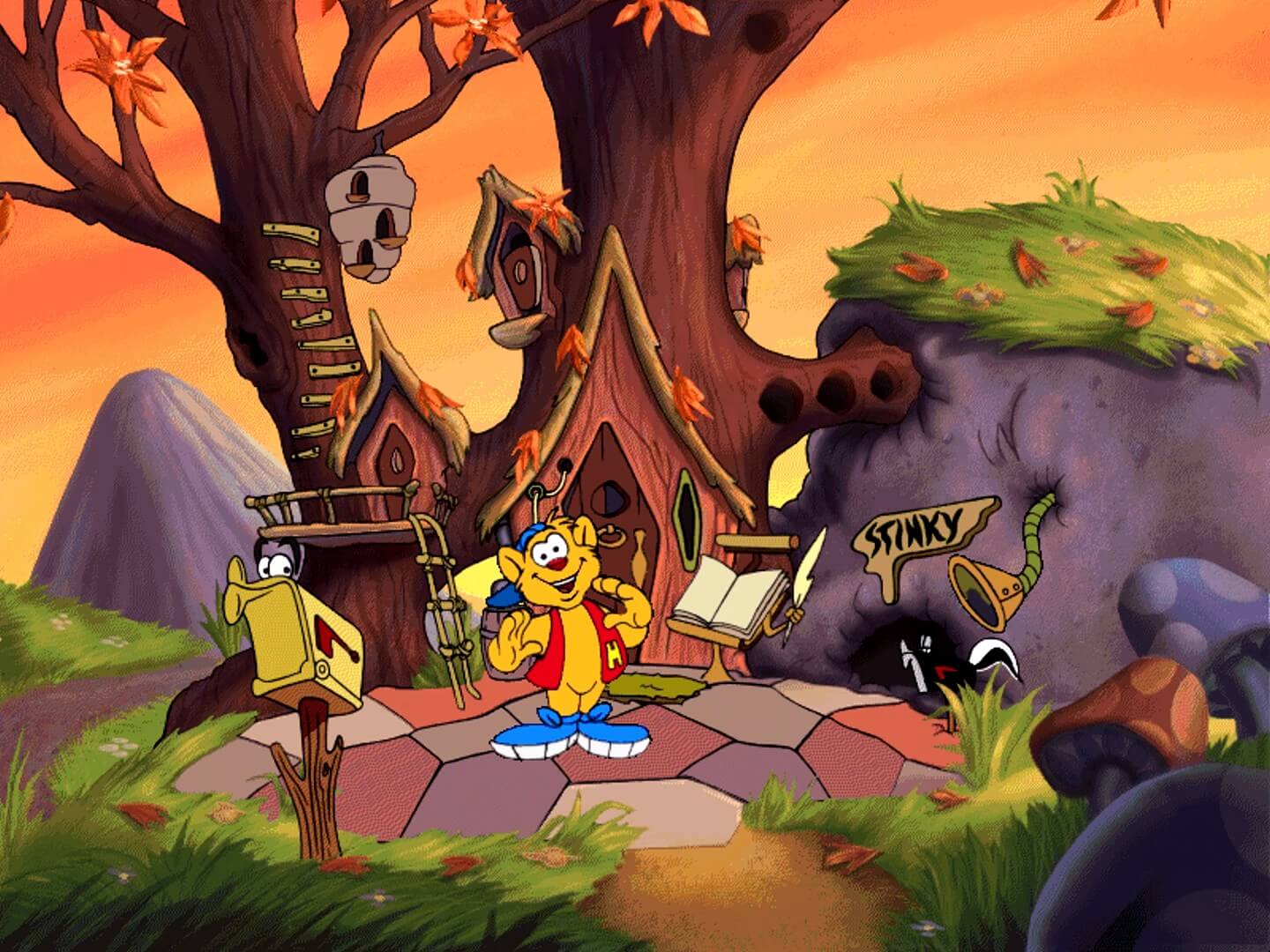
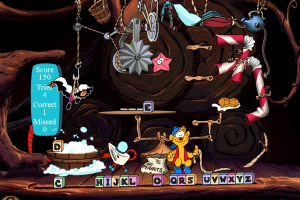
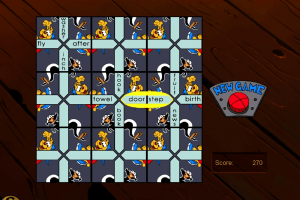
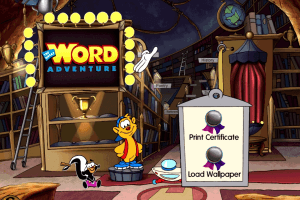
I thought I should update @Crash's tutorial, as whatever updates they've done to winevdm has caused some issues with this game and a few others that use 16-bit. The main issue is that the game will run, but text is invisible, especially when playing in the Cheese Game Stage of this game. You need to wack the moles that show up with words, according to what you are asked to look for, in order to keep progressing. The moles show up with blank slates, and there should be words on them. I tried many different things to get this to work, to get the text in the game visible, but nothing. I tried modifying my screen resolution, scaling, installing many fonts, run as admin, uninstall and clean install (many times I lost count), a couple other things, but nothing. Text in game continues to show as invisible. If anyone finds a solution to this, please let us know. This game is a gem and would love to play it again. I'm not dumping on you @crash, just letting everyone know that your info is no longer relevant. it's 2026 now and many things have changed/updated with winevdm since then, which is expected, just didn't think we would have this issue. On the bright side, this new winevdm no longer flags as a virus, at least not on my pc, it's windows 11. No virus, just makes some text in some games, mostly this one, invisible. Unfortunately DosBox is no different. Could be a windows 11 thing.
0
Ash04 May. 2025
What About Android!!!
0
Howie Fan06 Mar. 2025
@Crash still a legend 3 years later, thanks man
1
Andi08 Nov. 2024
Anything for MAC yet?
0
Swaggins18 Jul. 2023
@Crash you're a legend. I still have been able to avoid setting up dosbox or a vm to play games off of here because of people like you.
0
Andi07 Dec. 2022
Top comment
Does anyone know if a mac download is available?
6
Crash07 Jul. 2022
Top comment
So you want this game to run? I got the stuff to help you.
Download this:https://github.com/otya128/winevdm/releases It allows windows 10 to support 16 bit games. This game is a 16 bit game. Drop it in a folder. click install. windows will say it's a virus. it's not.
once you install it nothing will happen. Take the ISO. mount it. open it. click on setup then right click on set up. Properties, compatibility Run compatibility troubleshooter Try recommended settings Test The Program It will ask you to install something so say yes and install it. once that's done click next. Open GREATWRD or TUNELAND Folders In the GREATWRD folder there's a file called WORD Click on that. (same with Tuneland it'll be called TUNELAND) It should launch and begin to play for you. Enjoy. Hopefully this helps.
14
Skoob27 Sep. 2021
Where is the great reading adventure someone upload it please its fracking insane
1
No comment nor review for this game at the moment.








 English
  Dutch
Dutch 




Comments and reviews
I thought I should update @Crash's tutorial, as whatever updates they've done to winevdm has caused some issues with this game and a few others that use 16-bit. The main issue is that the game will run, but text is invisible, especially when playing in the Cheese Game Stage of this game. You need to wack the moles that show up with words, according to what you are asked to look for, in order to keep progressing. The moles show up with blank slates, and there should be words on them. I tried many different things to get this to work, to get the text in the game visible, but nothing. I tried modifying my screen resolution, scaling, installing many fonts, run as admin, uninstall and clean install (many times I lost count), a couple other things, but nothing. Text in game continues to show as invisible. If anyone finds a solution to this, please let us know. This game is a gem and would love to play it again. I'm not dumping on you @crash, just letting everyone know that your info is no longer relevant. it's 2026 now and many things have changed/updated with winevdm since then, which is expected, just didn't think we would have this issue. On the bright side, this new winevdm no longer flags as a virus, at least not on my pc, it's windows 11. No virus, just makes some text in some games, mostly this one, invisible. Unfortunately DosBox is no different. Could be a windows 11 thing.
What About Android!!!
@Crash still a legend 3 years later, thanks man
Anything for MAC yet?
@Crash you're a legend. I still have been able to avoid setting up dosbox or a vm to play games off of here because of people like you.
Does anyone know if a mac download is available?
So you want this game to run? I got the stuff to help you.
Download this:https://github.com/otya128/winevdm/releases
It allows windows 10 to support 16 bit games. This game is a 16 bit game.
Drop it in a folder. click install. windows will say it's a virus. it's not.
once you install it nothing will happen. Take the ISO. mount it.
open it.
click on setup then right click on set up.
Properties, compatibility
Run compatibility troubleshooter
Try recommended settings
Test The Program
It will ask you to install something so say yes and install it.
once that's done click next.
Open GREATWRD or TUNELAND Folders
In the GREATWRD folder there's a file called WORD
Click on that. (same with Tuneland it'll be called TUNELAND)
It should launch and begin to play for you.
Enjoy.
Hopefully this helps.
Where is the great reading adventure someone upload it please its fracking insane
No comment nor review for this game at the moment.