





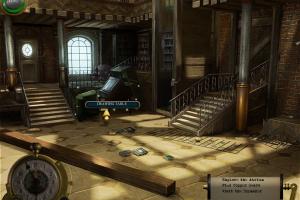
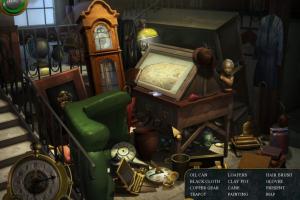
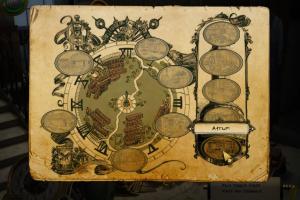
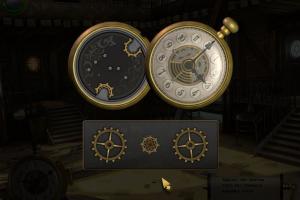
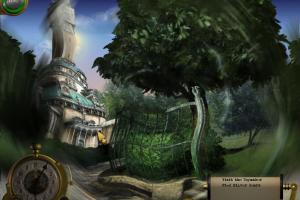
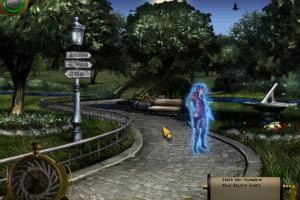
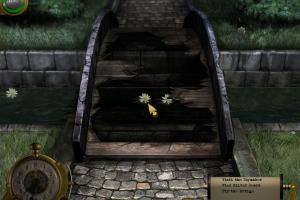
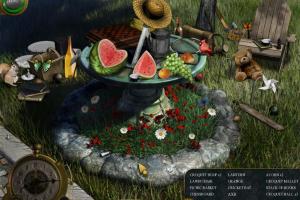
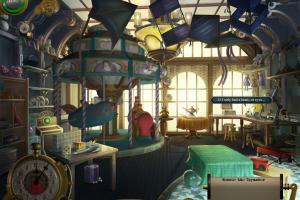
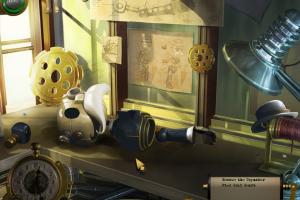
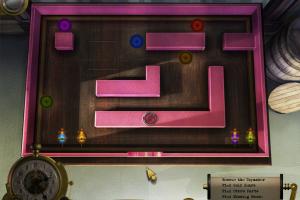
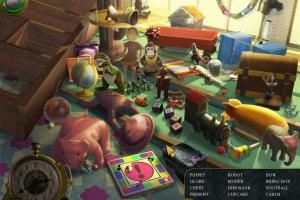
How to Play
Notes:
- The game has been tested on Windows 7 64-bit and Windows 10, it works fine. If the game doesn't work - run the game in compatibility mode with old Windows, like Windows XP, and as administrator
- At the start the game may show "Error converting Wbem query result (video memory)" message - simply click OK and the game will start
- If you have troubles with flickering mouse cursor or other graphical glitches - switch the game to Windowed mode in settings
- If the game doesn't save the progress - make sure that your system username has ONLY the English letters. The game saves the progress in
C:/Users/%USERNAME%/AppData/Roaming/Namco/Clockwork Towerfolder, so if your username has non-English symbols, the game couldn't make the savegame. The solution is to create a new user profile in your system with only English letters in the username, and play the game from that new user profile - Here's the walkthrough guide with solutions for all puzzles, if you stuck at some hard place
 English





Comments and reviews
No comment nor review for this game at the moment.