You are on the beta version of My Abandonware. The live site is still myabandonware.com. Your favorites and ratings here are copied to the live site. Comments and other changes are not — we delete them every morning at 08:00 Paris time, when this site goes down for about an hour. Leave feedback through this link to Pastel (email required).
The beta goes down at 08:00 Paris time, in a few minutes. We rebuild the database from the live site. It comes back in about an hour.
:: To install & run within Dosbox :: Recommended: Create a "dos" folder at the root of a drive on your PC for your downloads (e.g. c:\dos) and extract files to the preferred directory within that Dos folder to make life easier. 1) Download the "Pre Installed" version file 2) Extract files (in this case "Mey" & "Meycd" directories) to the preferred folder within the Dos folder on your root drive (e.g. mar-cd). 3) Run DosBox and mount the folder where you have extracted those files as a CD-Rom (e.g. mount d c:\dos\mar-cd -t cdrom). This will create a D drive CDROM witht he installation folders. 4) Mount the dos folder as a C: drive (e.g. mount c c:\dos), so the game can be installed at this drive location. 5) Go to the mounted CD-rom drive (e.g. d:) and locate the Mey folder (e.g. cd mey) 6) run the install.exe file in the "mey" folder, then select your default sound card and settings (e.g. sound blaster) and select c: drive to install. This will create the required folder "meycd" on the c: drive. 7) After installation, run the game from the installed directory. (e.g. c:\dos\meycd\mario.bat) NOTE: To run this game in the future, the games uses the installed files with a cd-Rom. Meaning you will then need to always mount a CDRom where the downloaded files were extracted AND using the same letter drive you initially installed from. In this example above it was D: drive (mount d c:\dos\mar-cd -t cdrom). Additionally mount the dos folder where the game was installed to play the game. (e.g. mount c c:\dos\meycd). From c: drive run mario.bat Hope this helps!
6
No comment nor review for this game at the moment.




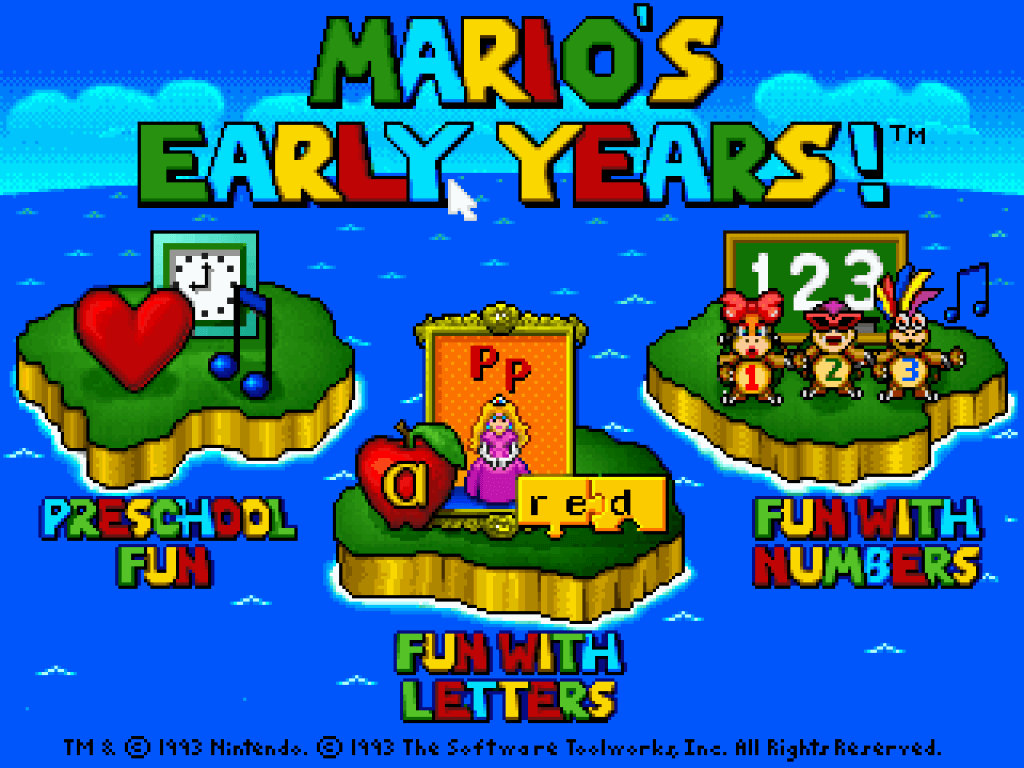


 English



Comments and reviews
This is #1 in the series
This game is fun!
This game is 1.5/15 cause It's #1!
:: To install & run within Dosbox ::
Recommended: Create a "dos" folder at the root of a drive on your PC for your downloads (e.g. c:\dos) and extract files to the preferred directory within that Dos folder to make life easier.
1) Download the "Pre Installed" version file
2) Extract files (in this case "Mey" & "Meycd" directories) to the preferred folder within the Dos folder on your root drive (e.g. mar-cd).
3) Run DosBox and mount the folder where you have extracted those files as a CD-Rom (e.g. mount d c:\dos\mar-cd -t cdrom). This will create a D drive CDROM witht he installation folders.
4) Mount the dos folder as a C: drive (e.g. mount c c:\dos), so the game can be installed at this drive location.
5) Go to the mounted CD-rom drive (e.g. d:) and locate the Mey folder (e.g. cd mey)
6) run the install.exe file in the "mey" folder, then select your default sound card and settings (e.g. sound blaster) and select c: drive to install. This will create the required folder "meycd" on the c: drive.
7) After installation, run the game from the installed directory. (e.g. c:\dos\meycd\mario.bat)
NOTE: To run this game in the future, the games uses the installed files with a cd-Rom. Meaning you will then need to always mount a CDRom where the downloaded files were extracted AND using the same letter drive you initially installed from. In this example above it was D: drive (mount d c:\dos\mar-cd -t cdrom). Additionally mount the dos folder where the game was installed to play the game. (e.g. mount c c:\dos\meycd). From c: drive run mario.bat
Hope this helps!
No comment nor review for this game at the moment.