
The game is still pretty popular among fans and you can play multiplayer through OpenSpy (open-source implementation of "dead" GameSpy). Read this guide how to configure the game for multiplayer, and then find players on Discord server Midnight Chaps (fan-community of Midnight Club II)
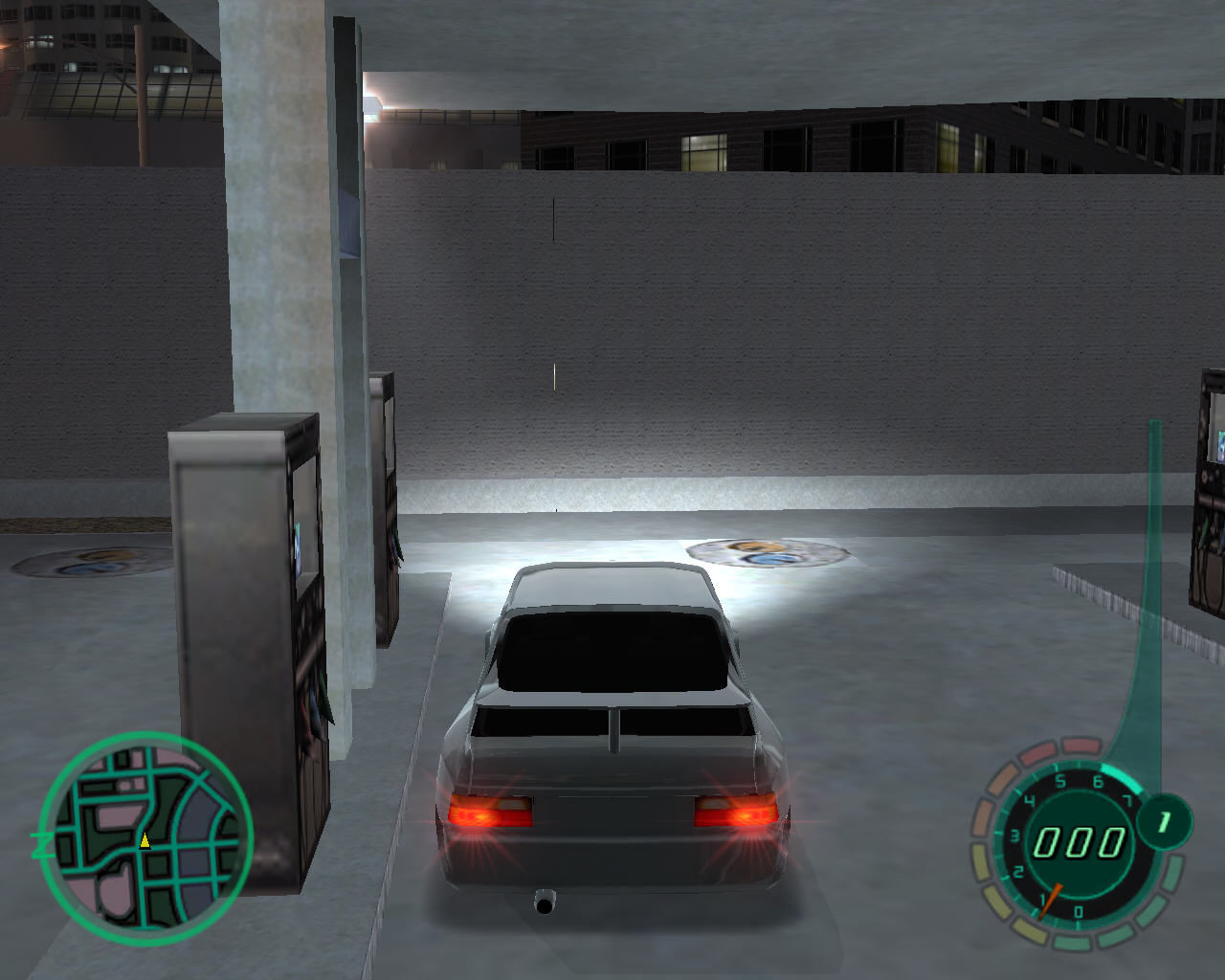
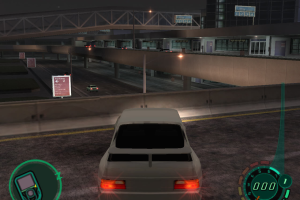
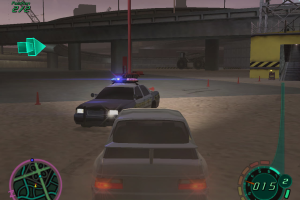
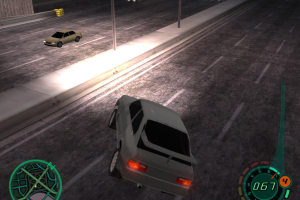
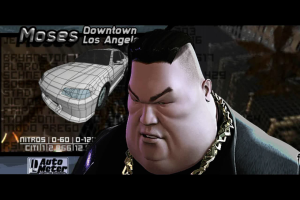
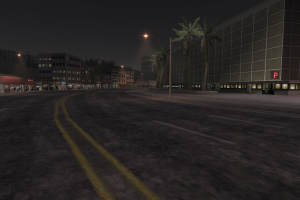
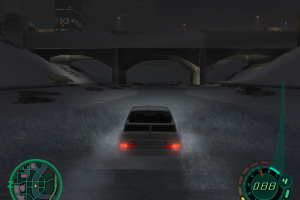
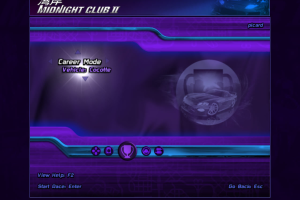
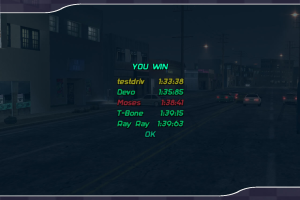
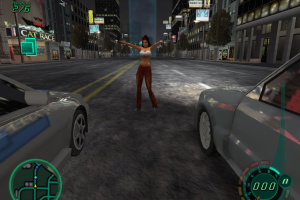
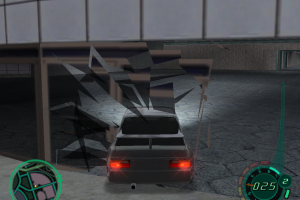
How to Play
NoCD and OpenMC2 files showed some minor warnings on VirusTotal, here's the reports for NoCD and OpenMC2. That files are safe to use
The game with NoCD and Windows Vista patch has been tested on Windows 7 64-bit and Windows 10, works fine. The game supports widescreen and ultra-high resolutions up to 4k.
Also, we tested the game with OpenMC2 on Windows 7 64-bit, works good too. Both methods how to run the game on modern systems are available in our Guide. And don't forget to check Notes if you have any troubles
Install & play guide:
- Mount the disc image. You will need the utility for mounting disc image files, like WinCDEmu, UltraISO, Alcohol 52%/Alcohol 120% or Daemon Tools Lite
- Launch the installation (if autorun doesn't work - simply launch the installation from Setup.exe inside the disc)
- When the installation process will ask for CD2 - mount the disc image of CD2
- Finish the installation
- Also it is recommended to install DirectX 9 from the disc (if you're using Windows 10 - enable DirectPlay, read this or this guide how to do it)
- Once you installed the game - install NoCD (simply copy mc2.exe from the archive and put it into the directory with installed game, replace original mc2.exe)
- After that install Midnight Club 2 Vista patch: copy all files from the archive and put in game directory, then run MC2_Vista_Patch.exe to update the game
- Open the directory with the game and find mc2.exe. Right click on mc2.exe - Properties - Compatibility - Set "Run this app in compatibility mode with Windows XP SP3" and "Run as administrator"
- Launch the game and play. If the game doesn't work in compatibility mode with Windows XP - try to launch it in compatibility mode with other version of Windows (98, 2000 or Vista)
As alternative, you can run the game with OpenMC2 project. It is open source re-implementation of Midnight Club II that allows to play the game on modern systems
How to play the game with OpenMC2:
- Install the game
- After that download OpenMC2 project (file also mirrored on this page, check Downloads)
- Extract files from the archive and put them into the directory with installed game, next to mc2.exe
- Launch the game from OpenMC2.exe and play. If the game doesn't work in compatibility mode with Windows XP - try to launch it in compatibility mode with old version of Windows (98, 2000, XP or Vista)
Notes:
- If the installation doesn't start - try to launch Setup.exe in compatibility mode with old version of Windows (98, 2000 or XP)
- NoCD is required for the launch because the game is using SecuROM DRM protection, which doesn't work on modern systems. That NoCD "breaks" DRM protection and allows the game to work on modern systems
- The game works on DirectX 9, so if you're using Windows 8, 8.1, 10 or 11 - you need to enable DirectPlay: Go to Control Panel, and select 'Programs'. Select 'Turn Windows features on and off', click on 'Legacy Components' and check the box 'DirectPlay'. Select OK, once the installation is done, restart your computer
- It is recommended to install all versions of Microsoft Visual C++ Redistributable for the correct work of the game
- Also it is recommended to install RAD Video Tools and K-Lite Codec Pack for the correct work of in-game videos
- If you can't find the graphics settings - go to Options Mode, then select Option: Video (use arrows to switch between different resolutions)
- If you have the trouble when the game crashes after intro video - make sure to install Windows Vista patch and run the game in compatibility mode with Windows XP SP3
- Or run the game with OpenMC2 - it must solve that crash. If the game with OpenMC2 crashes anyway - run it again, that crash is random and sometimes the game works only after 2-3 launches
- If you want to play the game with controller - you will need to configure the game with XInput Plus, read this instruction
- For users of Windows 64-bit systems: if the game doesn't work after you launched it - open Task Manager (Ctrl+Alt+Del by default) and check for processes mc2.exe and rundll32.exe. Close mc2.exe but don't touch rundll32.exe (it's a Windows app for running old apps from 32-bit operational systems, most old games running through rundll32.exe). Now try to launch the game again, it must work. Don't forget to close rundll32.exe process in Task Manager after finishing playing
- Don't forget to check PCGamingWiki page if you have troubles, it is very useful!
Downloads
Windows version
 English
  French
  German
  Italian
  Spanish
  Russian





Comments and reviews
will it function well in i3 2 core
is not working
LO ESTOY INSTALANDO VAMOS A VER QUE PASA
Anyone got a link to the car replacement mod!!!!
it was interesting
I downloaded this game it plays fine and looks great. No glitches, but it can’t save my progress. As soon as I go back to the the Home Screen my progress gets erased. I’ve restarted the game multiple times with compatibity mode, as an administrator, all the things but nothing is working smh let me know if I’m doing something wrong. After every race, is displays “saving” for a split second. No freezing or anything.
always shows "No CD/DVD-ROM DRIVE FOUND
I got this working on Windows 11! I installed using the Repack, I didn't even need to set compatibility mode or use the NOCD exe.
Couple things:
When using OpenMC2 I can't seem to create a save game file, I get a failure message. If I use the original mc2.exe it works fine so no online for now but will keep digging into that.
I couldn't get my Xbox One controller to work via bluetooth, I do have XInputPlus installed with a wired 360 controller which works fine.
Will play around with OpenMC2 and bluetooth controller input more (unless someone has a solution for these two issues).
not applicable
I want to play this game
This is a great read. Unogeeks is the top Oracle Integration Cloud Training Institute, which provides the best Oracle Integration Cloud (OIC) Training
Game keeps crashing and putting me back to the desktop after the first career mode cutscene even after downloading and putting the patch into the game folder and waiting for it to say patch successful.
For anyone looking to play Midnight Club 2 in multiplayer online, feel free to join the Midnight Club 2 dedicated discord server: https://discord.com/invite/pNmP5XJUjb
Works just as good as i remember it, thanks for this gem. it worked on windows 11 on a pretty modern built and runs smooth.
@KAZENOROXAS Download and install the DirectX® End-User Runtime. You can download from the Microsoft site.
how do i make keybinds with my controller? my ps5 remote isn't working and i really wanna play this game
Why i cant play on window 11? it kicked me out when i press into the career mode.
the game keeps hooking on the saving screen anytime it saves, what do i do?
challenging but not as difficult as I remember, nice to be able to revisit a part of my childhood tho.
@KAZENOROXAS Make sure that DirectPlay is enabled, also try to run the game with OpenMC2
thanks for this. worked on my win10
Error when booting: "Unable to load graphics, make sure you're on 32bpp mode and have a directX 9.0 compatible video driver." how tf do i fix this???
MagiPack work for my in win 10 !Thanks
@DEATHCOLD
If you can't play well, you should practice more. If you can't afford to lose, don't play. MC2 is MC2, NFSU is NFSU, how can you compare NFSU with MC2 if you're not a buddy? NFSU is from EA Blackbox Studio! And MC2 is from Rockstar's San Diego studio! One is for realism, the other is purely for fun. If you've played the GTA series before GTA4, you'll know Rockstar's penchant for making "trouble" for players in games since time immemorial, LOL, because it's all about what you call: challenge! But ...... If you say the so-called "third race" is Savo's, I'm going to spit on that too: it's hard! But you can't blame the game for that, because it's been programmed that way since its release LOL.
At the end of the day, it's still the same thing: if you're new to the game, practice!
I gave this game a second chance since there is mod that came out that improves car handling and makes it realistic. Like, you can literally drift in to sharp turns and it is less sensitive, which makes driving a lot better.
But, after I could not beat the third race, where you need to win a race against some chick, I gave up after two tries. Because, it is fucking impossible. Like, my opponents in that race has like unlimited nitro and I have only one. They are always ahead of me no matter what I do. And even if I manage to outrun them, they still catch up and win the race no matter what! So what's the point of playing the game and enjoying it if it doesn't let me even fucking win??? Like, I literally played over 50 different racing game through my entire life, and almost none of them had this problem EXCEPT this piece of shit racing game.
Like, I would understood it if I was half through the game and difficulty needed to be raised up a bit to make it challenging, but nope, that is not the case. Because, like I said, this is just a third race and yet, I can't beat it no matter what. And people call it challenging. Yeah right. Challenging my ass! And this is the reason why I love Need for Speed Underground dilogy. Because, they not only fair and allows you to play the way you want, but they also provide shit tons of content and possibilities, while this piece of shit does not. What a waste of time!
Well on My PC game works fine.
1.Install this crack
2.Install this patch unoffical game will crash
So I installed it and I thought everything was running well, but I ran into a problem with the file, Disk 2 has data 3, but I can't open it nor can I play the game since it says wrong disk inserted.
Yeah... that ended up working lol. Turns out I just needed to hold down the arrow keys so that I could use my mouse to make selections then press enter. It works now!
@NEEDLESCAN - Let me guess, you're launching the game with controller? Because when I was searching for that bug, looks like it is something about the controller. Check these threads, perhaps you will find the answer: https://steamcommunity.com/app/12160/discussions/0/611698195153148553/ , https://gtaforums.com/topic/286539-midnight-club-2-pc/ , https://www.neoseeker.com/forums/5144/t251365-help-my-menu-keeps-scrolling/
I followed Jack Rainer's advice for installing and running the game, but unfortunately, the game seems to have an issues that I'm not seeing anyone address whatsoever. THE CREATE NEW SAVE SCREEN WILL NOT STOP SCROLLING AUTOMATICALLY NO MATTER WHAT I DO TO FIX IT!!!!!! And even worse is that all my inputs magically stop working except for alt+f4. This is so frustrating and I have no clue what's causing it
@MUGESLA Well, OpenMC2 files was downloaded from project repository on GitHub https://github.com/OpenMC2/OpenMC2 . If you have any questions - better ask project's author. If you're worrying about safety - run the game with OpenMC2 on Virtual Machine, for 100% safety.
Also, OpenMC2 is just an alternative variant, in case if the game doesn't work with Windows Vista patch. Install the game with Windows Vista patch and try to play it, that method works for most of the users. That patch adds supports for Vista but it also helps to run the game on later versions of Windows (Win7, 8, 10).
At the first try to run the game with Windows Vista patch, it should work
Would this game function properly on the steam deck? I get a fatal error trying to run it telling me to use 32bpp instead, and I don't really know what that is supposed to mean.
Im still a bit concerned because the amount of trojan type files that are detected in the virus total reports i just want to make sure it doesnt contain any virus that causes my pc to go really slow
@MUGESLA Yes, because OpenMC2 is using dll-files that "hacks" the game files. Most antiviruses doesn't like dll-files that is not from big companies like Microsoft, and usually triggers on that files, same thing happens with dgVoodoo.
However, OpenMC2 is totally safe to use, here's the VirusTotal scan report https://www.virustotal.com/gui/file/fcf20f0de83781c3336eb27b434b9005fb82031a376252102985bd62893e1404/detection . Just add OpenMC2 files into antivirus exceptions
does the defender go wild when we download OpenMC2
We have updated the game, replaced the disc images for ISO images and added useful fixes that should help you to run the game on Windows 10/11 (for details check our guide)
I have windows 10, I put the compatibility on windows xp or windox 8 and it does not start, someone can tell me why?
would love to see Midnight Club LA as while it's available on Xbox Series it's not available on PC
Runs perfectly. If you are wondering, the only way to use a controller is by plugging it in.
Is this games safe to Install??!
it crashes when the cutscene ends
dvd version works no problems while playing
definitely one of the best retro racers out there. It runs butter smooth 60fps in any devices. it even has widescreen support too!
it is a good game
Install & play guide:
Step 1. Download DVD version
Step 2. It's an .ISO-file (disk image), you will need the utility for mounting disk image files, I recommend to use Daemon Tools Lite 4.49.1 (last free release of DT Lite with no adware) or WinCDEmu (totally free app).
Alternative Step 2. If you have installed WinRAR you can extract files from .ISO file (right-click - extract files)
Step 3. Install the game (click on setup.exe)
Step 4. Launch the game from shortcut. If the game doesn't run - open Task Manager (Ctrl+Alt+Del by default) and check for processes mc2.exe and rundll32.exe. Close mc2.exe but don't touch rundll32.exe (it's a Windows app for running old apps from 32-bit operational systems, most old games running through rundll32.exe). Now try to launch the game again, it must work
I tested the game today on my laptop with Windows 7 64-bit, everything works smooth, the game supports widescreen (To change go to Options Mode, then select Option: Video.)
P.S. If you have troubles with launch on Windows 10 don't forget about compatibility mode (right click on shortcut - Properties - Compatibility - Set Run this app in compatibility mode with Windows XP or Windows 7, it must help
si descargo el dvd se puede montar con daemon tools?
Nice and nostalgic game
Wow first time playing this racer, really good gameplay compared to racers now and runs amazing in Linux :)
its removed from steam. make it available again please
Wish I could get my hands on this game... Definitely my favorite racing game growing up! Until then... more waiting.
Midnight Club II is back to being abandonware for over a year now!
This game, though shown in the catalogue, is not available for purchase on Steam.
Nice and wonderful game
Although the steam page still exists theres no option to buy it anymore
The game is taken off Steam, bring it back.
No comment nor review for this game at the moment.