You are on the beta version of My Abandonware. The live site is still myabandonware.com. Your favorites and ratings here are copied to the live site. Comments and other changes are not — we delete them every morning at 08:00 Paris time, when this site goes down for about an hour. Leave feedback through this link to Pastel (email required).
The beta goes down at 08:00 Paris time, in a few minutes. We rebuild the database from the live site. It comes back in about an hour.
Could somebody upload an ISO or BIN/CUE of the disc? I can't use what's here on my virtual machine.
0
Sif14 Dec. 2025
I loved this game as a kid. Is it possible to play this game trough a windows 98 emulator?
0
Blubberious19 Apr. 2025
@DATMARMELADEN
I'm guessing you're trying to run it on a modern computer (Windows 10/11 64-bit)?
If that's the case then it will not work since "Pyramid: Challenge of the Pharaoh's Dream" is a 16-bit program and 64-bit Windows can't run 16-bit programs (at least not natively), compatability mode is not enough.
You need to use either a Virtual Machine with 16-bit or 32-bit Windows (in this case I think Windows 3.1, 95 or 98 would be appropriate) OR maybe something like NTVDMx64 could work (I have no idea though, I have never used NTVDMx64).
0
datmarmeladen16 Mar. 2025
How the heck does this install?
Downloaded and I´m greeted by hundreds of files and folders, whatever install or setup I try to run, in any compatability mode always get the same "this can´t run on your PC, to find a version that works, contact software publisher".
0
No comment nor review for this game at the moment.

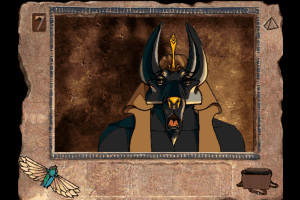
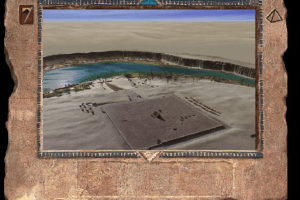
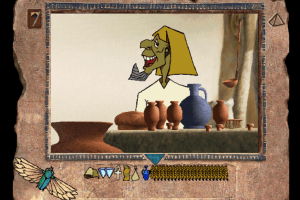
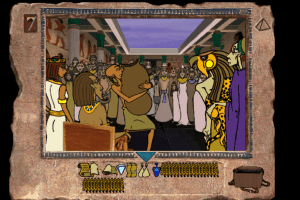


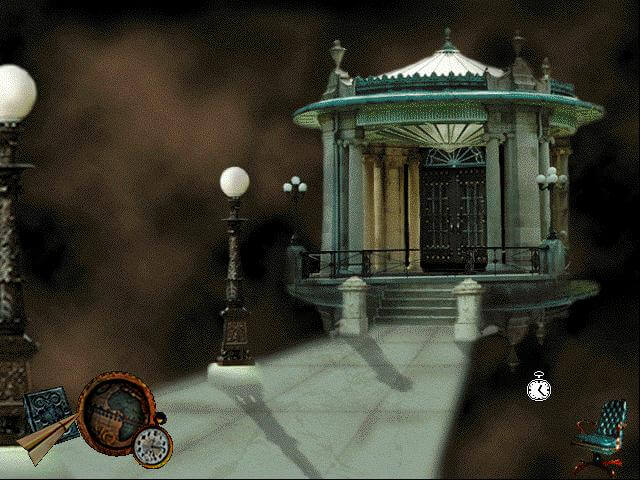


 English



Comments and reviews
Could somebody upload an ISO or BIN/CUE of the disc? I can't use what's here on my virtual machine.
I loved this game as a kid. Is it possible to play this game trough a windows 98 emulator?
@DATMARMELADEN
I'm guessing you're trying to run it on a modern computer (Windows 10/11 64-bit)?
If that's the case then it will not work since "Pyramid: Challenge of the Pharaoh's Dream" is a 16-bit program and 64-bit Windows can't run 16-bit programs (at least not natively), compatability mode is not enough.
You need to use either a Virtual Machine with 16-bit or 32-bit Windows (in this case I think Windows 3.1, 95 or 98 would be appropriate) OR maybe something like NTVDMx64 could work (I have no idea though, I have never used NTVDMx64).
How the heck does this install?
Downloaded and I´m greeted by hundreds of files and folders, whatever install or setup I try to run, in any compatability mode always get the same "this can´t run on your PC, to find a version that works, contact software publisher".
No comment nor review for this game at the moment.