


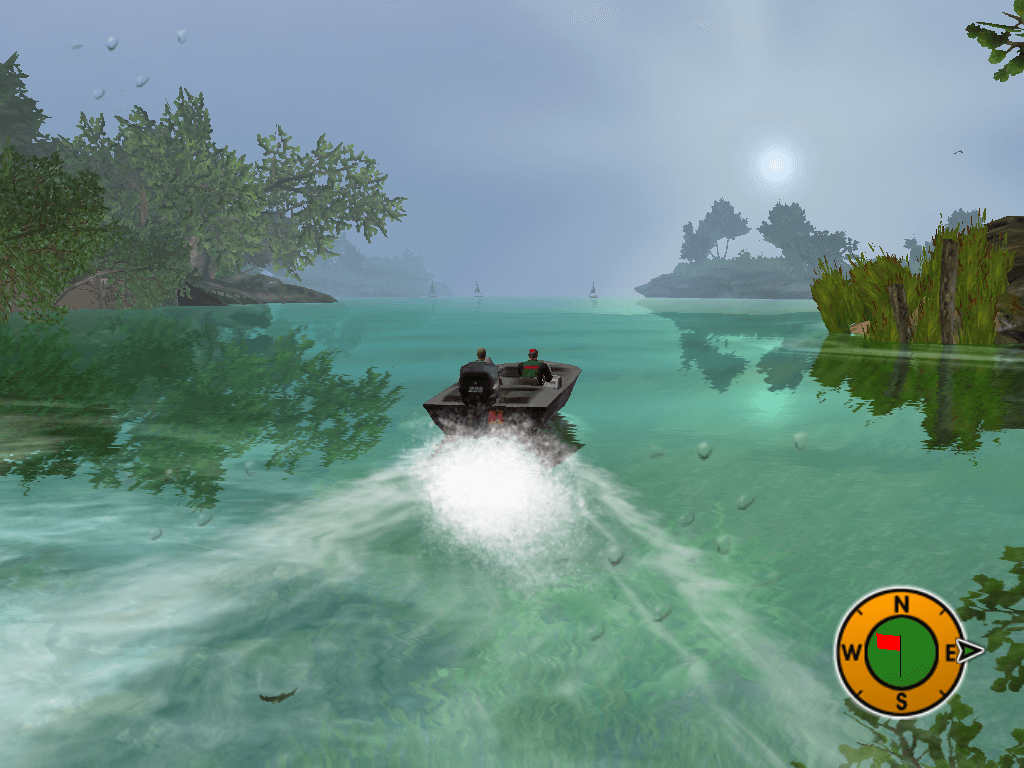
How to Play
Install & play guide:
- Mount the disc image, you will need the utility for mounting disc image files, like WinCDEmu, UltraISO, Alcohol 52%/Alcohol 102% or Daemon Tools Lite
- Install the game
- Play
Troubleshooting:
- If you have black screen after launch the game - open the game directory (by default it's
C:\Program Files\Activision Value\Magic Wand\Rapala\Rapala\Cfgfolder), find console.cfg file, open it with notepad and in the lineaddvar r_windowed int; r_windowed = 0change 0 to 1 (it should look likeaddvar r_windowed int; r_windowed = 1) - Also, try to delete the Movies file from the
...\Rapala Pro Fishing\Rapala\Moviesdirectory
 English
  Russian







Comments and reviews
Took me a little while to get this to work. It downloads a .bin file which I really struggled to find a good tool to use. However, turns out you can just rename the file extension from .bin to .iso and it works in all standard CD/DVD emulators (I use winCDemu).
Loaded up now... time to fish!
How did you get it to run past the menu though? seems to always ask for please insert disc.
Works great! Run 'setup.exe' as admin, that did it for me. Great game :-)
english ver mounts and opens just fine but the install tab does nothing??
Can we please get an English ISO download please? I will love you forever in return.
Yours truly,
Chung
theres no iso, its just literal images of the discs and booklets.
The Disc image version installs and loads, but when you try to start free fishing, it says to install the disc, even though I have it mounted. Doesn't look like an original copy...
Why is there no ISO in here, there is just pictures of the discs. Literal pictures.
No comment nor review for this game at the moment.