


How to Play
The NoCD provided by PostMortem group has some generic flags on VirusTotal, nothing to worry.

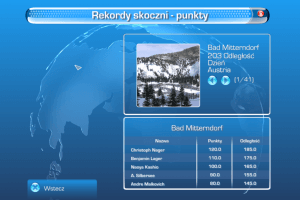
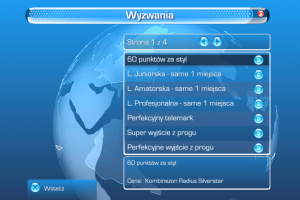
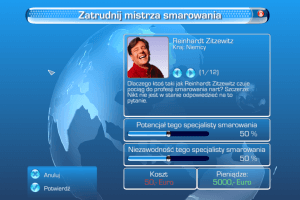
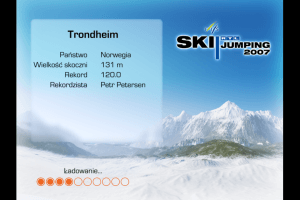
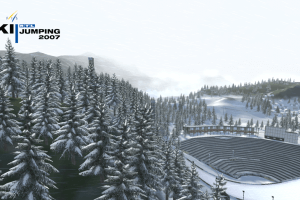
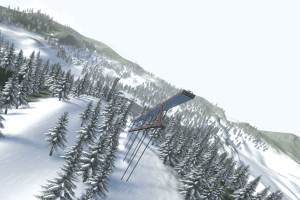
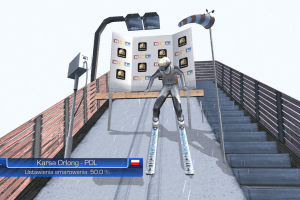
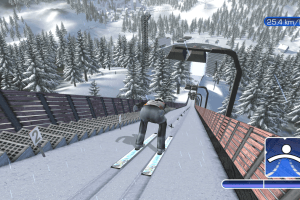
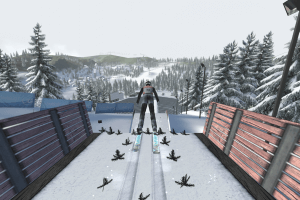
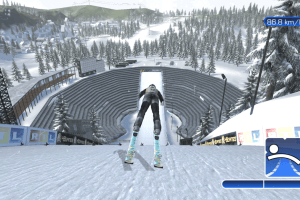
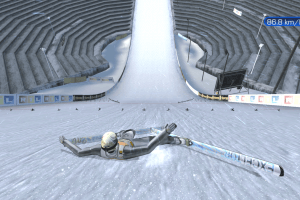
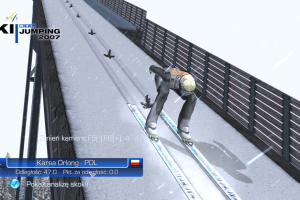
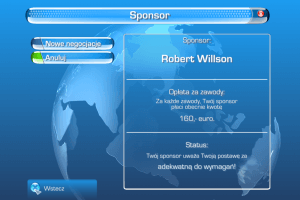
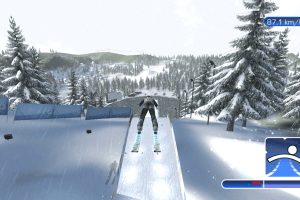
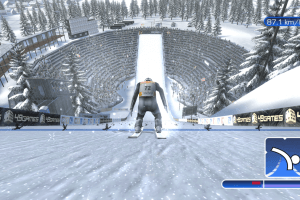
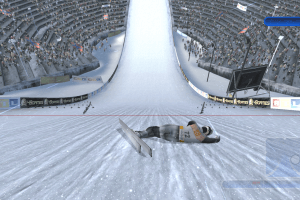
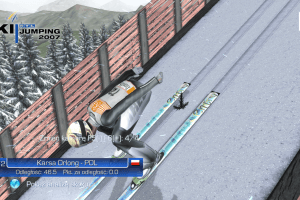
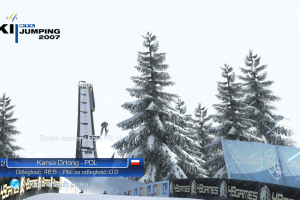
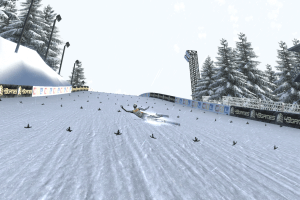
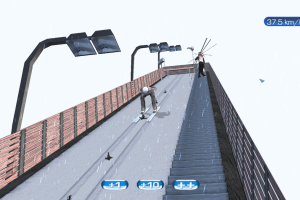
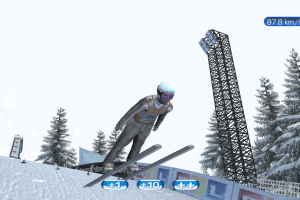
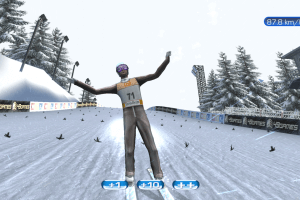
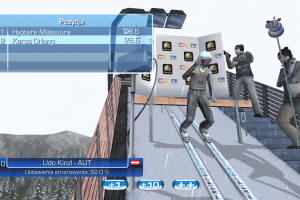
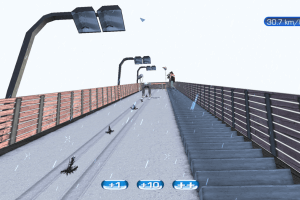
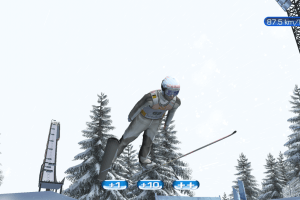
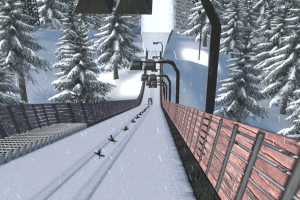
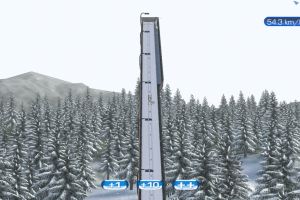
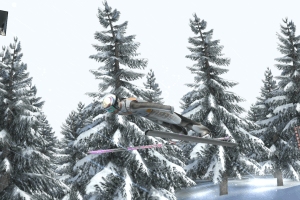
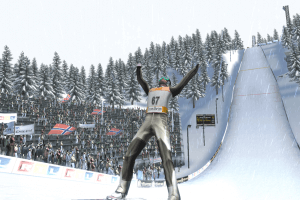
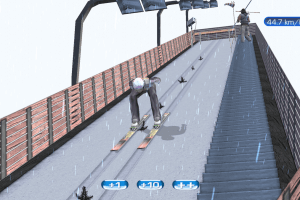
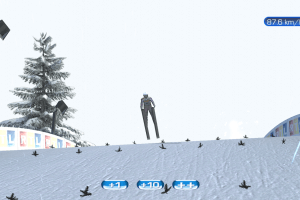
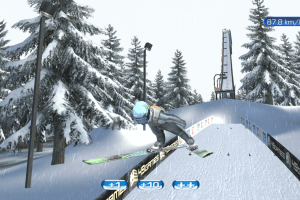
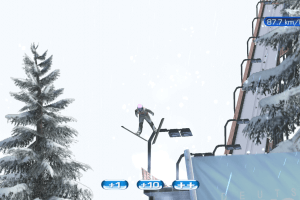
The NoCD provided by PostMortem group has some generic flags on VirusTotal, nothing to worry.


 German
  English
  Polish




Comments and reviews
gud gut, i really luv this gaem, i aproove ajm from polish 🇵🇱
Nope, it's the safest website to get this game :D
"The NoCD provided by PostMortem group has some generic flags on VirusTotal, nothing to worry."
I was the one pleading myabandonware to take this game and the NoCD Patch in, because I was afraid of losing it, should it ever go offline. We don't have enough people or the rights on GoG to get it. It is not sold anymore.
More and more people couldn't find the game anymore or only on shady sites. And my old 2006 CD had a scratch already. I used this NoCD Patch since 2006 so I don't need to insert my CD all the time and it fixes a few things.
Virustotal says it's not safe.. Did you guys get trojan?
Good point, I'm not sure if there is an English version without the NoCD patch actually. I still have my old CD and I think it's only German but I usually install the NoCD patch so I can play without the CD and I definitely have an English version like Stephen described.
It comes from gamecopyworld.eu/games/pc_rtl_ski_jumping_2007.shtml site btw. Used it since I bought the game in 2006 :D
The site also has a small tutorial on how to install the NoCD patch:
"Install the game - Full Installation.
Replace the original SKISPRINGEN2007.EXE file with the one from the File Archive.
Play the Game!"
HOW TO CONVERT from GERMAN to ENGLISH:
I was going to get some screen captures of the German menus and ask a friend to translate, but I figured out how to change the language to English. When you first install the game, it will default to the German version.
Click on the Optionen button (last button on the left). Then click on the Spiel (play) button located at the top of the next menu. You should now see a German flag at the bottom of the Spielotionen menu. You can toggle between German and English by clicking on the left or right arrows. Once changed depending on which language you've chosen click on the Confirm (or Bestȁtigen button to return to the options menu. Then click on Play or Spiel (whichever language you want to play the game in.
I highly recommend you play the tutorial first as there are several different things you need to take account of to make your jump.
Once I'd got the hang of it, was really pleased. The game is excellent.
Guys !
Works with no problems ;)
I initially posted this in the wrong place. Admin, please delete my comment from the Asterix At the Olympic games (2007) as it refers to this game. Thank you.
Worked like a charm one I swapped the original application file with the NoCd one, using the European version. Still trying to learn the German prompts. So far got to the jump off point, but can't figure what to do next. But will keep trying until I succeed. :)
Would love to see an English translation.
If you are using Linux then this game works fine. Its sad that Windows users can only play on older operating system. Installing win xp or 7 for just one game is not a good situation. Maybe if someone have retro pc then all is fine. Hopefully in the future we could find fix for those sliders.
Yes those sliders are bad. I installed this game on Steam Deck and its working good
my game just wont start on win 10 i tried everything I would pay for this game it was my childhood game
I'm still avoiding win 11. But as it already has problems on win 10 it won't get any better in the future.
As far as I know many old games need dosbox or other things like that which they stopped providing with win10. Compatibility mode also didn't work on win10 for me. I had a win8 laptop with no problems for a long time and lived with the bug on win 10 as I described in other comments.
This game has no support or a modding scene so we won't get any help. Good to know that it works on Linux / Bazzite which is getting more and more popular because of steamOS and emulation.
Does this still work on w11? i can´t seem to find a way to get it running using compatibilty mode. Needing an emulator for it?
Game works fine on Bazzite running from Lutris on GE-Proton runner - there are no slider issues.
A bit late, but @Koragg I tried to explain it in my first comment.
All sliders need a value over 2 to stop moving uncontrollably.
Or hold the mouse on a value and confirm with enter.
Or play it on an older Windows, this bug came with Windows 10 but there was never a bug with windiws 8/8.1 or previous.
hey im having some problems. the sliders gigdder like crazy any helpful tip ??
There is an option to skip the longer landing sequence
Better than nothing but I liked 2006 more...at least you didn´t need to control your jumper after landing.
I still play this as the best Ski Jumping Simulator, never found a better one for PC so far. It was only popular in Germany and Poland (maybe some other East European countries), so not many know about this game.
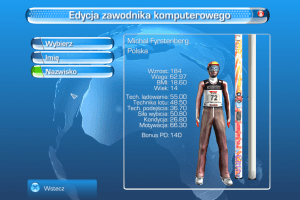
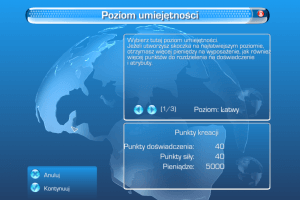
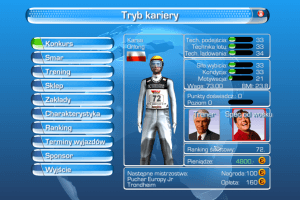
Since Win 10 the menu has a small bug when you try to spent points in career mode. You first have to make sure that every value is above 0 to 2 and if it still doesn't stop to move uncontrollably press Enter while holding the mouse on the right value.
Or you need to play it on an older operating system :)
I still play it regularly because it is like an endless Sim (like FIFA). Every other year you can still find World Records for the longest jumps on Youtube!
No comment nor review for this game at the moment.