You are on the beta version of My Abandonware. The live site is still myabandonware.com. Your favorites and ratings here are copied to the live site. Comments and other changes are not — we delete them every morning at 08:00 Paris time, when this site goes down for about an hour. Leave feedback through this link to Pastel (email required).
The beta goes down at 08:00 Paris time, in a few minutes. We rebuild the database from the live site. It comes back in about an hour.
This game itself is a 32 bit application, but the installer is 16 bit. You can run this on a modern windows 11 installation. I ran mine within the Windows 11 Sandbox application.
1. Download the game file above. 2. Extract the ISO contained within that zip file 3. Mount that ISO file (right click on the file and click mount) 4. Download otvdm (https://github.com/otya128/winevdm/releases) 4a. otvdm will require the Microsoft VC++ Redistributable be installed, if not already. (https://aka.ms/vs/15/release/vc_redist.x86.exe) 5. run the file "otvdmw", this will ask you for the 16 bit application you wish to run. 6. Select the Reader Rabbit installer from the ISO you mounted previously (likely at D:\) 6a. The installer is named SETUP.EXE and it is located within the root of your mounted game ISO. 7. Install as you would any other program, using default settings. 8. Copy all files from D:\INSTALL\WING to C:\Windows\SysWOW64 9. Launch the 32 bit reader rabbit program which was installed under C:\Tlcwin\rrm46\RRM46_32.exe 10. Enjoy game.
0
Santhosh25 Mar. 2024
I am getting the error code RRGB 6000. What should I do?
0
ReSerial06 Dec. 2023
To Reina: This game is a 32-Bit program from 1998. Windows 11 is exclusively 64-Bit.
-1
Reina14 Jun. 2023
Says it's an incompatible 64bt version when trying to install on Windows 11 Pro
0
No comment nor review for this game at the moment.





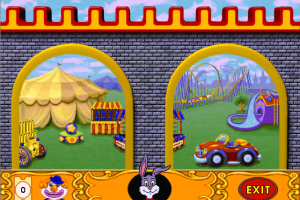
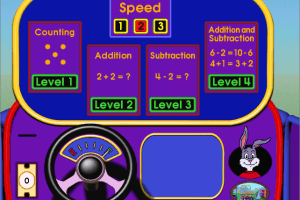
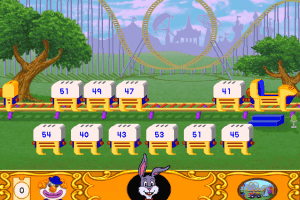


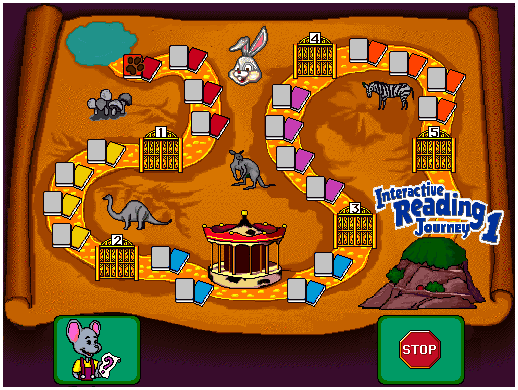
 English



Comments and reviews
is there a way to make it fullscreen?
This game itself is a 32 bit application, but the installer is 16 bit. You can run this on a modern windows 11 installation. I ran mine within the Windows 11 Sandbox application.
1. Download the game file above.
2. Extract the ISO contained within that zip file
3. Mount that ISO file (right click on the file and click mount)
4. Download otvdm (https://github.com/otya128/winevdm/releases)
4a. otvdm will require the Microsoft VC++ Redistributable be installed, if not already. (https://aka.ms/vs/15/release/vc_redist.x86.exe)
5. run the file "otvdmw", this will ask you for the 16 bit application you wish to run.
6. Select the Reader Rabbit installer from the ISO you mounted previously (likely at D:\)
6a. The installer is named SETUP.EXE and it is located within the root of your mounted game ISO.
7. Install as you would any other program, using default settings.
8. Copy all files from D:\INSTALL\WING to C:\Windows\SysWOW64
9. Launch the 32 bit reader rabbit program which was installed under C:\Tlcwin\rrm46\RRM46_32.exe
10. Enjoy game.
I am getting the error code RRGB 6000. What should I do?
To Reina:
This game is a 32-Bit program from 1998.
Windows 11 is exclusively 64-Bit.
Says it's an incompatible 64bt version when trying to install on Windows 11 Pro
No comment nor review for this game at the moment.