




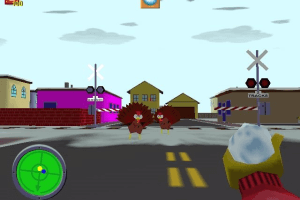
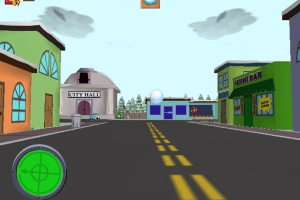
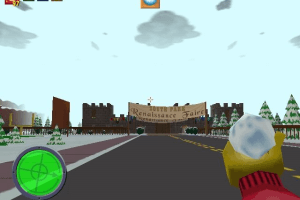
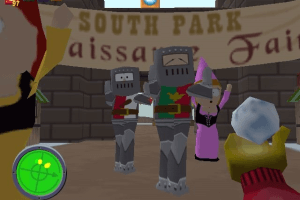
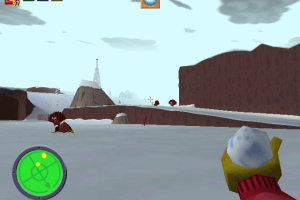
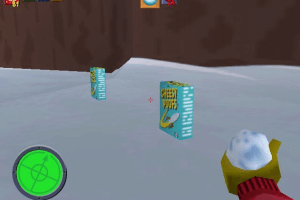
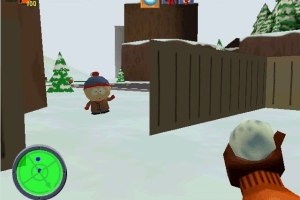
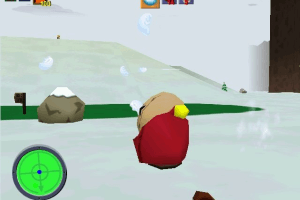
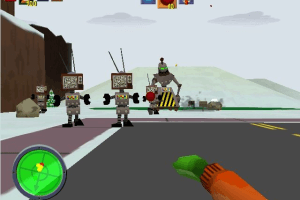
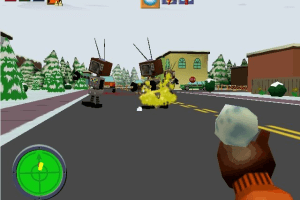
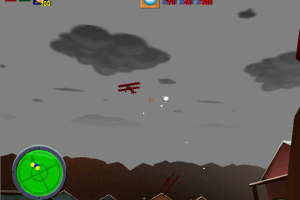
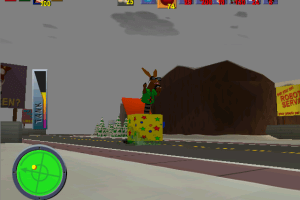
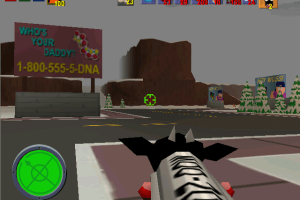
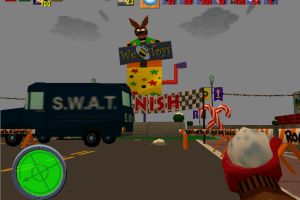
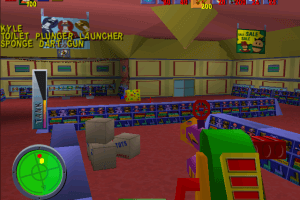
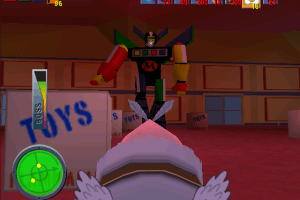
How to Play
Game music is kind of a mess, to have in game soundtrack, download the Music fix and extract southpark3.sdb into the game folder. Then, download the Red Book soundtrack and extract all files into the game folder.
Troubleshooting
- If the game crashes after opening of Options and your options are defaulted (for example no subtitles that you set before), run the game as an admin and then you should open Options.
- If you suddenly have the game in low resolution, even when you have nGlide already installed, then run the game as an admin.
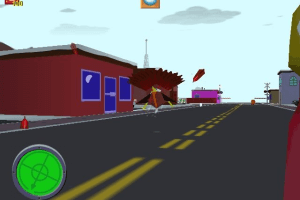
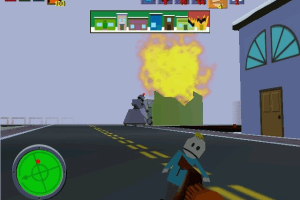
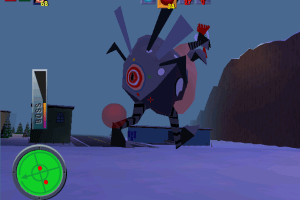
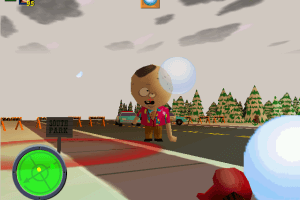
- If you can't see the rest of the game map, then set the Fog Distance on Medium or Low.
- To make sure your options will stay, set them and then quit the game. Then you can start the game again with your options.
Thanks to Tom for providing these tips and notes.
 English
  French
  German
  Spanish
  Portuguese
  Portuguese (Brazil)





Comments and reviews
Okay so ignore my prior comment about tanks disappearing.
In NGlide, the Vulcan setting corrects the Turkey Tank visual damage issue.
As for level pop in, I know it is super tempting to push the fog to far, but medium results in a much better experience where level geometry doesn't just pop out of existence.
I am getting a weird visual glitch where when I hit the tanks (turkeys) they disappear while they are being damaged. Anyone have a workaround / fix for this?
Thanks for game!
How do I make mouse look work?
Thank you so much! I have been able to play this game for the first time in my life using the ready to play package.
I'm very curious about why this game it's heavier than the N64 version.
Necessary File Missing: Can't find file win32.DAT
First you need the updated EXE from here: https://www.moddb.com/games/south-park-deeply-impacted/downloads/south-park-pc-fix-earth
To get this working follow this tutorial: https://www.pcgamingwiki.com/wiki/South_Park
Once every step is completed and the patch has successfully worked (Command prompt should popup) now what you want to do is go ahead and start renaming the following files below:
Video_D3D.dll to Video_D3D.dll.bak
video_soft_h.dll to video_soft_h.dll.bak
video_soft_hs.dll to video_soft_hs.dll.bak
video_soft_ls.dll to video_soft_ls.dll.bak
ONLY Video_3DFx.dll should remain as normal.
Run the game and make sure the FOV is LOW. Graphical errors will occur if it is left on medium or high. Please note, it may be wise to burn this ISO using CDBurnerXP if you want the audio to work correctly. Otherwise, no audio.
Also if you want to play Multiplayer on the single server available, follow this link and read instructions: https://frag-net.com/game_southpark.html
Hope this helps and enjoy!
this game is bome and a boom
seems like a chill game
Memory allocation error on w10 64bit.
Does nobody have a fix?
For anyone that can't get it running because of no exe file, if you head to this link then you can get it running with some additional features like FOV options and extra draw distance.
https://www.moddb.com/games/south-park-deeply-impacted/downloads/south-park-pc-fix-earth
my says when i am installing you do not have wnough ram
that's fantastic!
guys help my mouse stops working what should i do to fix this
i love you frank ocean
Ive been thinking about forever
the game works i did everything that was necessary to make it work but for some reason after a while the music stops looping and stops does anybody know how to fix this?
Does anyone know a fix for Windows 10 where when trying to install it crashes?
kick ass
oh... oh my god... i-this is... A GOOD FOG DISTANCE
Yeah um i played the n64 version and its a bit lagged
Followed all Instructions until... - Rename "southpark.exe" to "southpark3.exe" and run PatchInstaller.bat. There was no .exe file anywhere even after running the installer, I press Install South Park and Nothing happened the window just shut.
The game works well, only 2 minor issues, the music does not loop but will start again on the next level. And the mouse aim flicks to a certain position every so often.
Wish someone could modify the game to fix that mouse issue and fix it so the online play can work without Gamespy, online in this game was actually really fun even though i remember playing it on dial up, very jumpy/laggy but fun at the time.
Works on Win10 64bits if you follow the README.txt provided
Only issue I have is mouselook, yet the mouse works because I can shoot/alternate fire/jump with mouse buttons but no way to LOOK with it..
Shame, it was almost perfect!
this download takes a year
Whenever I click "Install", the installer crashes and nothing happens. And I'm running a Windows 10 machine with a 64-bit operating system.
I got it working on windows 10 64bit just fine.
Notes:
Followed instructions. It says to mount the southpark.mds file but doesn't say install the game. If this isn't clear, you install the game at this step. For me it wasn't working until I restarted my pc after installing Daemon Tools lite. Once I restarted the game installed just fine.
The game wasn't loading for me until I exited out of MSI afterburner, so if you have that installed it may cause conflicts.
Default resolution was tiny, so make sure you change it in nGlide configurator.
My only problem is that the music ends after it plays through once which other people have seen too (see this video:https://youtu.be/hcVWbLMZAkA?t=460).
Anyone have a fix to this?
Southpark is a 16 bit game and you will not get it to run in 64 bit Win 10 without some emulation. I am going to try winevdm, it worked for Monty Python's complete waste of time. I have the original cd and it runs perfect on Win 10 64 bit with winevdm.
for some reason I can't aim with the mouse in game but I can use my cursor in the menu anyone got a fix ?
I have been unable to find this game for a while, it is a good thing that this exists. I just wish there was a N64 rom that I could use with my emulator, namely because of the reported windows issues.
@Andrea did you get around making a tutorial? cause I'm stuck as well
is there a RIP version available?
this works i will do a tutorial on this soon
Doesn't work for me sadly. Followed all the instructions but nothing happens after running the "SouthPark3.exe". Windows 10 64-bit.
Ripped plz.
I do not recognize the mouse I did everything wing perfection
Cannot get this game to work on Windows 7 and it's driving me nuts, I just keep getting an APPCRASH ntdll.dll error on launch
Wow this ones a surprise I have been looking for this for a decade.
No comment nor review for this game at the moment.