



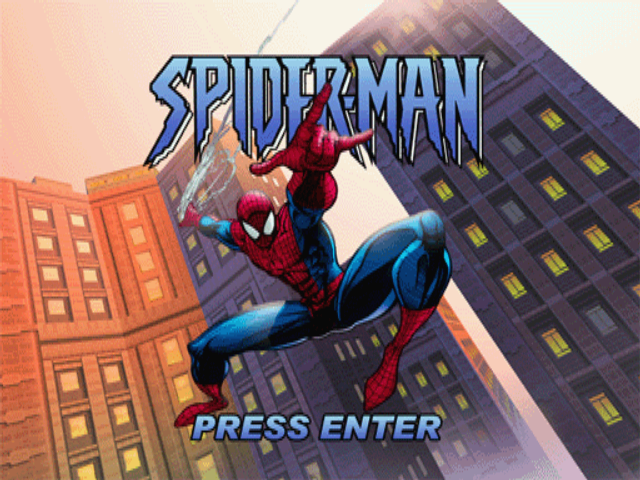
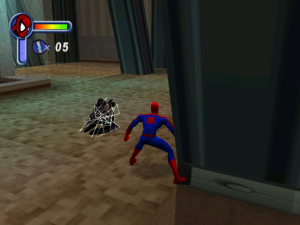
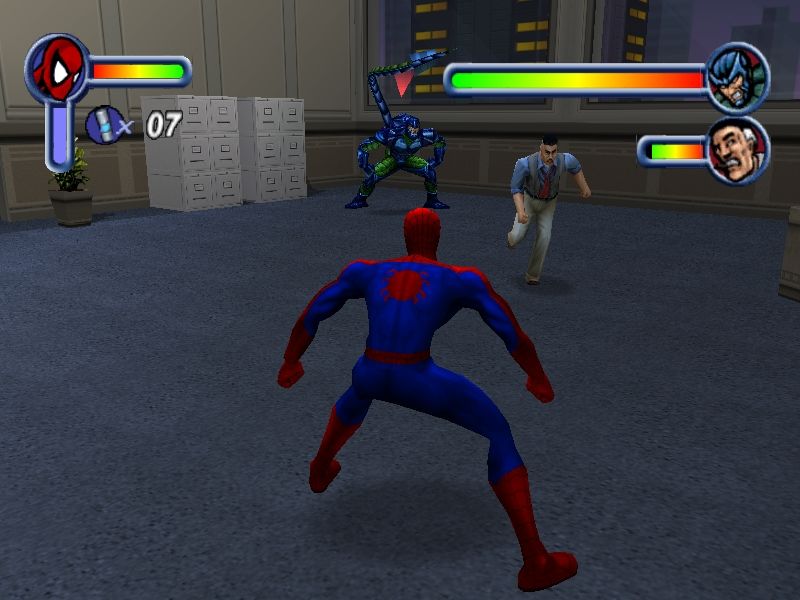
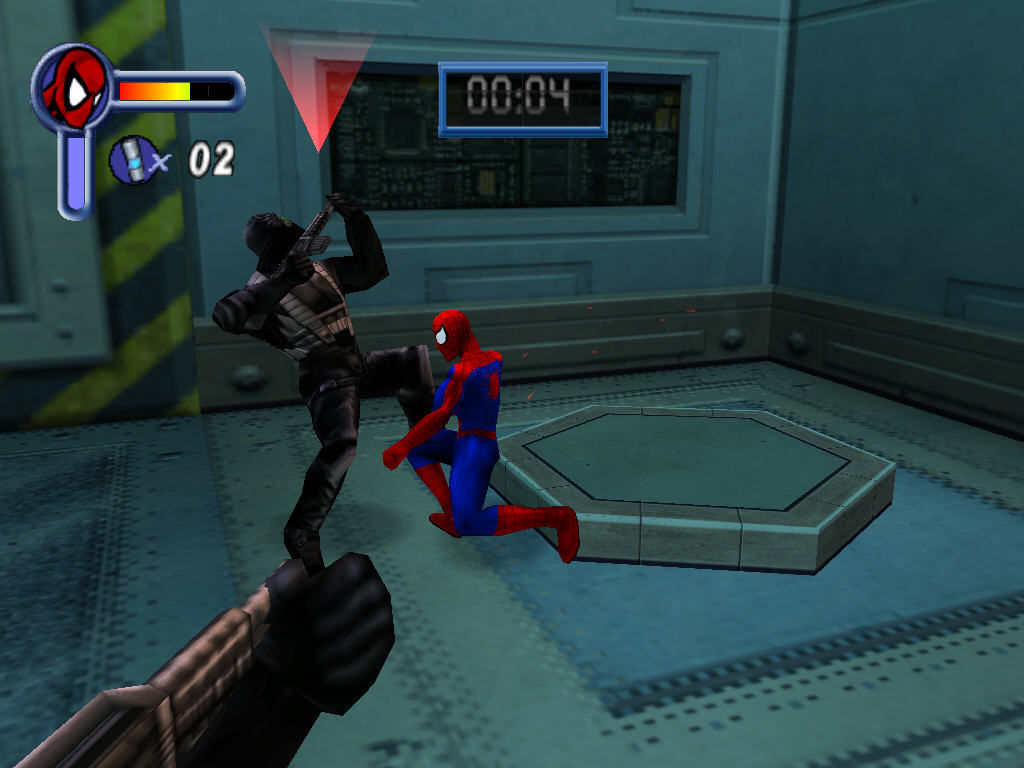
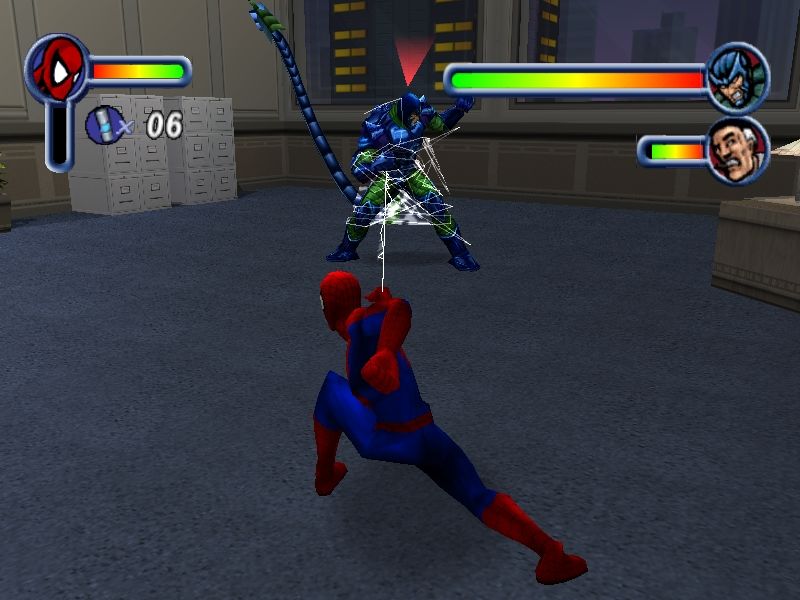
Super-hero games are always difficult: you want to include challenge to the players, but you want the hero to still feel “super” in the hands of the player. Spider-Man shows a bit of promise and comes close to being up to the task.
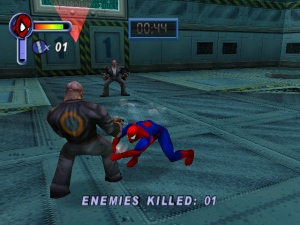
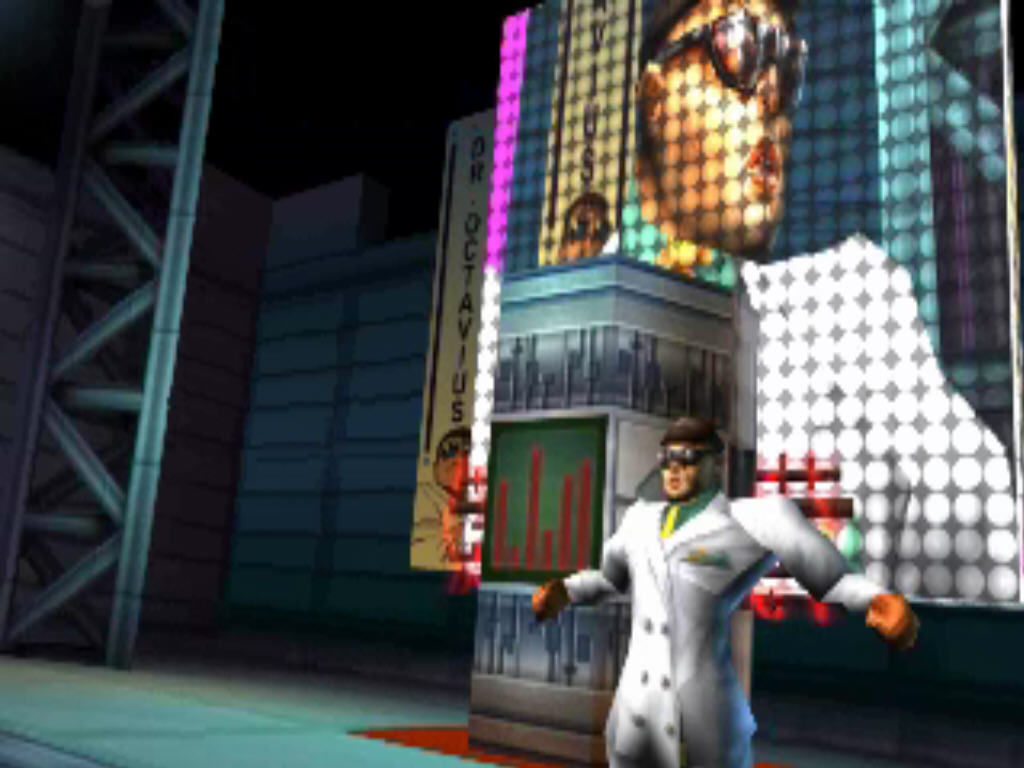
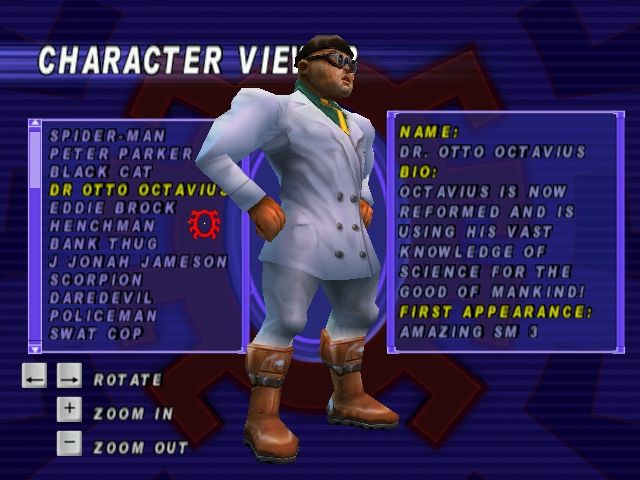
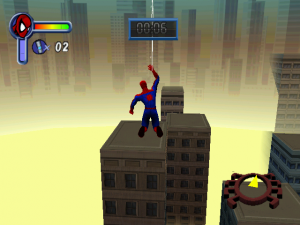
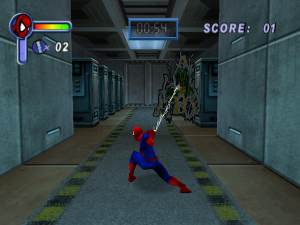
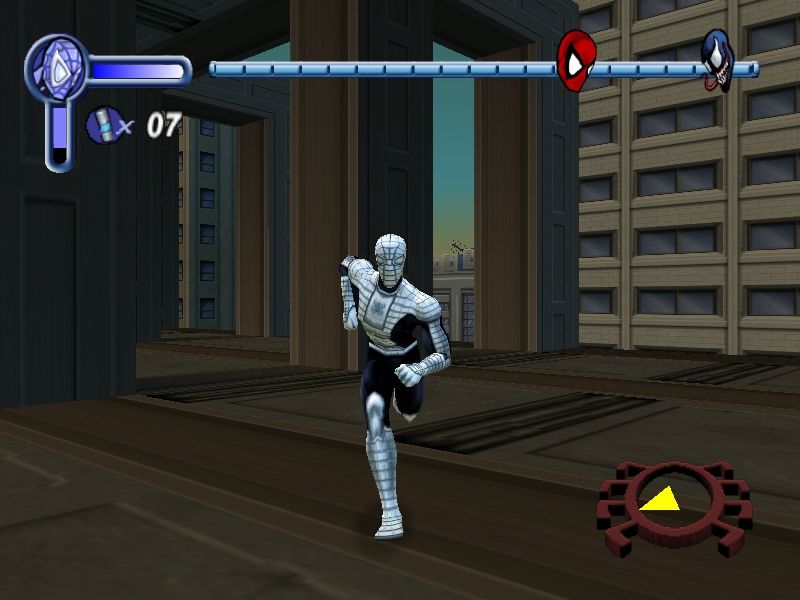
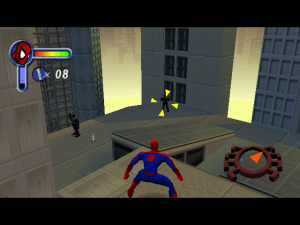
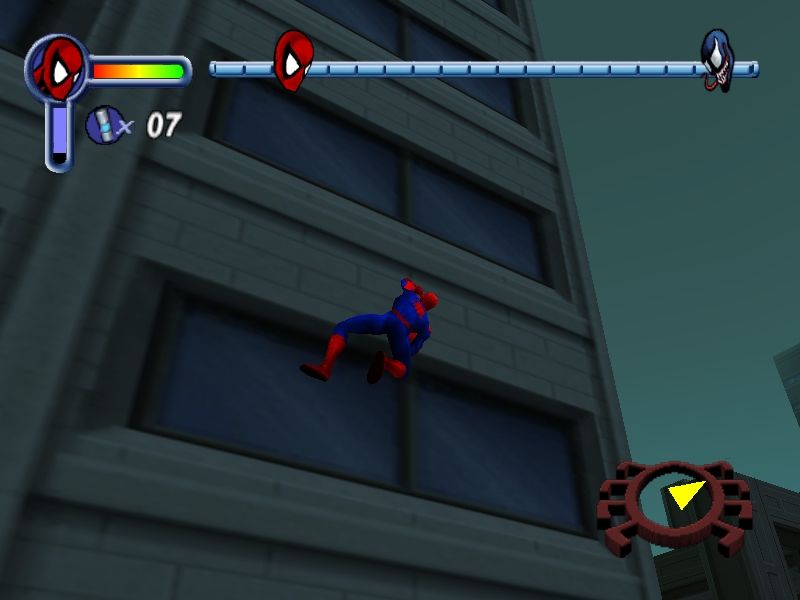
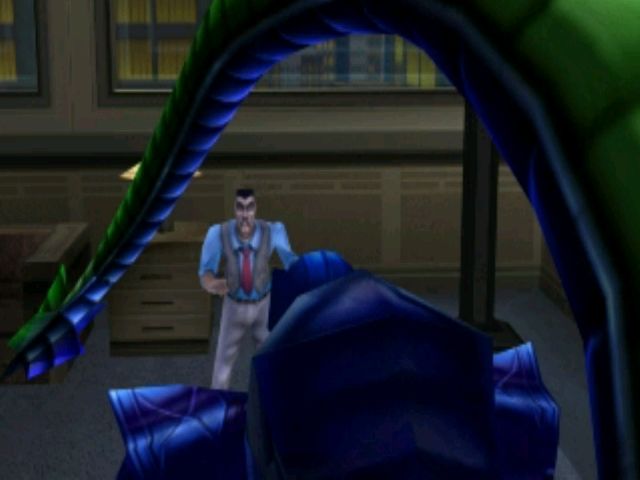
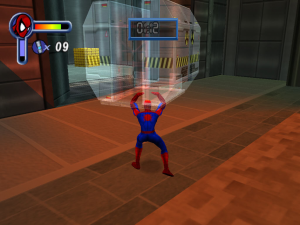
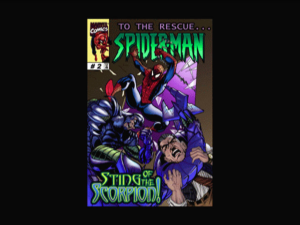
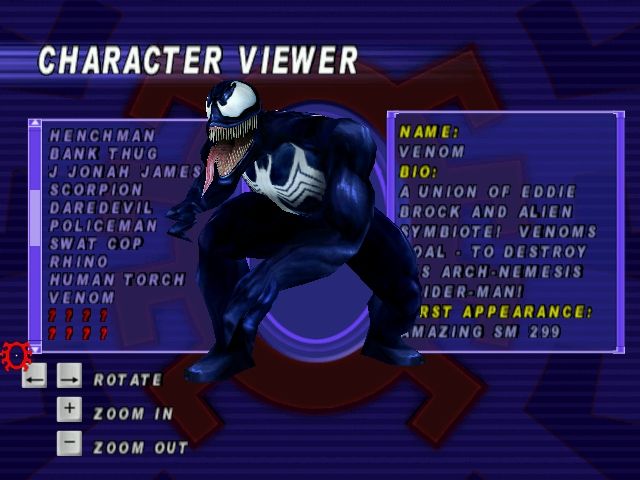
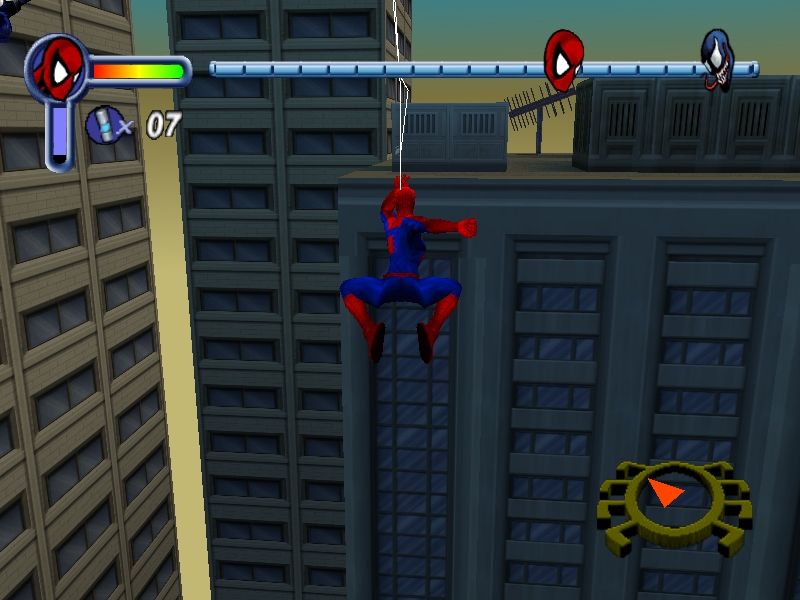
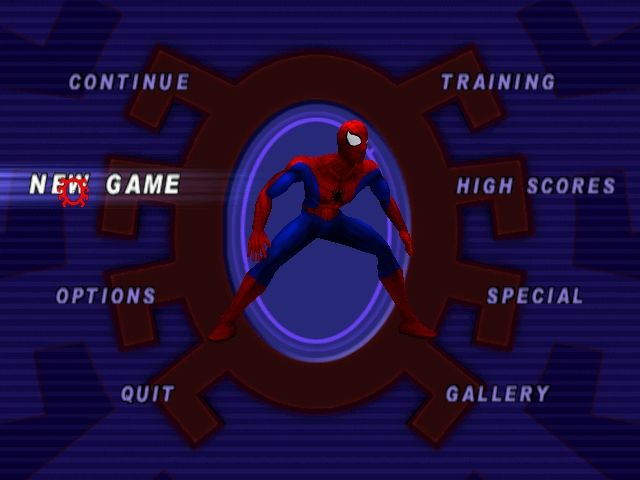
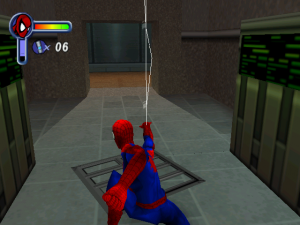
Spider-Man has wall-crawling, web-slinging action, super-strength, and even his spidey-senses in this arcade-style adventure beat-em-up. He even has Stan “the Man” Lee offering narration at the beginnings of each level! Unfortunately, what he doesn't have are decent camera angles or a robust quality assurance inspection.
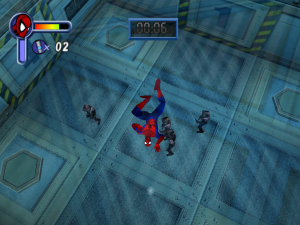
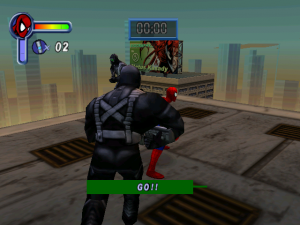
The arcade-style play can involve having to rewatch cutscenes and narration over and over again as you try to get the level right. The clumsy camera means it's difficult to see around corners or where you're supposed to crawl or jump or what bad-guys you're supposed to not get shot by. The poor quality assurance means Spider-Man is full of game-breaking bugs that will prevent you from finishing the game, including ones that will corrupt saves or leave you stuck in a loading or cutscene loop.
There are a few ways to get around some of these issues; certain bugs are allegedly due to framerate issues [cutscene loops are supposed to occur when framerates exceed 30 FPS], which can be resolved with programs and tinkering that will manually cap the framerate at which Spider-Man will run. But is it worth it? Since there are many game-breaking bugs and the framerate issue is only one of them, it's hard to recommend the PC port of this title.
Review By P. Alexander
 English
  Polish
  French
  German





Comments and reviews
Here is the result after scanning the file on VirusTotal and submitting it to Gemini:
(( Delete this file immediately! Do not open or run it!
The scan result from VirusTotal indicates that this file is infected and contains actual, highly dangerous malware—this is not a false positive.
🛑 Why is this file so dangerous?
The alerts shown in red indicate serious threats:
• Trojan.Hosts: This type modifies core Windows system files (the "Hosts" file) to redirect you to fake websites or block your device from accessing security and update servers.
• Trojan.Win32: A malicious Trojan horse capable of stealing your data, spying on your device, or creating a backdoor for hackers.
• Virtob.Win32: A malicious virus that replicates itself and corrupts other executable files on your computer.
🛡️ What should you do now to protect your device?
1. Delete the file: Go to your "Downloads" folder and completely delete the compressed game file.
2. Empty the Recycle Bin: Ensure it is permanently removed from the Recycle Bin.
3. Run a quick scan: Open the built-in Windows security software (Windows Defender) and perform a "Quick Scan" to ensure nothing has compromised your system.
📊 Comparison: dgVoodoo alerts vs. the alerts found in your file:
Comparison Point | Typical dgVoodoo alert | Alert found in your current file
Threat Name: | Usually appears as "Unsafe," "Generic," or "HackTool." | Appears as specific, dangerous threats like "Virtob" and "Trojan.Hosts."
Behavior Type: (Behavior): Classified as a Potentially Unwanted Program (PUP). | Classified as a file-infecting virus that modifies system files.
Number of vendors: Detected by very few, lesser-known companies. | Detected by major, well-established companies such as Dr.Web and Trend Micro. ))
That is all.
Salam alaykum
everyone is saying that the dgvoodo is a trojan horse but it is actually false .because dgvoodo has to force the .dll file to run the game so windows defender becomes suspicious and reports it as a trojan bt it s safe to use.
NO Sound....
the grete games
Using IndirectSound fixed my problem of no sound
Using idirectsound fixed my no sound problem
CHI SI JI ZAHRAT NIC JINEHO
Nice game is best Beautiful game in india faravate
I am genuinely confused about this
I am looking forward to this games
I want an I want a Spider-Man
!!! NO VIRUS AT ALL !!!!
Simple steps to install the game after downloading the ISO zip file
Steps are as below:-
1) Download the ISO zip file and extract it using winrar or any other extracter.
2) Extract the ISO file using PowerISO.
3) Open the ISO file extracted folder and RUN "Setup" file and install the game.
4) Download the NOCD zip folder (I downloaded the 721 kb size one) from the given downloaded link and extract it and open Crack folder, copy the "SpideyPC" file from it and paste/replace it inside the actual game folder where you have installed it.
5) Enjoy!!
i love spider man game
i like your app for downloading game so i am very happy
Spider-man game download
Trojan:Win32/Vigorf.A
this is what it has when we download it from Full-Rip with dgVoodoo (4:3 screen ratio, 30 FPS limit) English version 440 MB or ISO Version English version 476 MB
ISO Version was flagged by my computer saying it was a Trojan horse. It was removed before it was able to infect my computer.
i have never played this game but looks fun
it a iposible to install this game
alert("XSS");
good and great
Move, Spidey! Move!
The best Spider-Man game 🕷️
hahahahaahahhahahahahahahahahahahahahahahahahahhahahaaaaaaaaaaaaaaaaaaaaaaaaaaaaaaaaaaaaaaaaaaaaaaaaaaaaaaaaaaaaaaaaaaaaaaaaaaaaaaaaaaaaaaaaaaaa spider man is a nostalgic game
downlod now
Nasıl kurarım diyenler için, Kurulum Rehberi:
https://youtu.be/65Gt66txjYY
iam a spider man movie fan and i like spider man games
I just ran the Full Rip Windows download through a virtual machine and through Windows Defender/MalwareBytes and VirusTotal
VirusTotal gave 2 warnings but people say it might be the crack tripping the antivirus.
Ran the game as normal and it checked out.
99% sure there is no virus on the game at the moment
ISO infected too?
Just got a trojan from the iso version oct 2025, beware!
It works but with no sound
September 15th 2025
I've been reading the coments...
Is the "Full-rip with dgVoodoo..." version the only one infected with a Trojan?
Are the other versions clean?
Thanks a lottt, this brought me back my good old memories!
The following steps worked for me on my Windows 11:
1. Download and unzip the ISO version (476 MB)
2. Open it directly and run the setup (It worked for me without any ISO mounter)
3. Download and unzip the NOCD (721 KB)
4. Replace SpideyPC.exe inside the game folder with the SpideyPC.exe file inside the zip
5. Right click on the exe - Properties - Compatibility - Set compatibility mode to Windows XP (Service Pack 2)
Enjoyyy!
This download is A TROJAN currently infected with malicious malware that will create backdoor access into your system and user files. DO NOT DOWNLOAD.
How do I unlock what if mode?
Just came here to thank you, both the website and everyone working on it. I will make a donation as soon as I raise good money so you never stop working on this.
It's my first spiderman game ever. Thousands of memories made with this nostalgic masterpiece from neversoft.
hey, please check out spider-man 2001
according to a comment:
"As of posting (1/31/25) the "Full-Rip with dgVoodoo (4:3 screen ratio, 30 FPS limit) English version 440 MB" version of the download is infected with a trojan. Never had any issues with downloads from this site before so I'm sure this is an oversight. It should be removed, inspected, and replaced with a clean alternative."
I didn't understood how to download even after reading the guide so please somebody help.
This game very well for timepass
The game is great.
The game is great.
i tried to download it but my antivirus says it's a virus help.
Sound doesn't appear to be working, is there a fix or a cause of issue?
hey this game work?
Gimana cara download game nya
game works great from the magipack download. i couldnt get any other version to work.. unfortunately the audio does not work
Hey guys, Just letting you know that the Full-Rip with dgVoodoo (4:3 screen ratio, 30 FPS limit) English version 440 MB, Is a trojan horse, Do not download it it will hack you, i Was lucky and got it removed before it infected my computer.
As of posting (1/31/25) the "Full-Rip with dgVoodoo (4:3 screen ratio, 30 FPS limit) English version 440 MB" version of the download is infected with a trojan. Never had any issues with downloads from this site before so I'm sure this is an oversight. It should be removed, inspected, and replaced with a clean alternative.
If you're having trouble loading a file by clicking "Continue," after exiting then go to your options and choose to load file, then go back to home screen and click continue. This will pick you up where you left off. idk why it doesn't allow to continue without doing this, but it does.
For those of you wondering what's the difference between the multiple versions:
- "Full-Rip with dgVoodoo (4:3 screen ratio, 30 FPS limit) English version 440 MB" is a .zip archive with the game already pre-installed, you just need to unzip and play
- "ISO Version English version 476 MB" is the .iso CD image for the English (US) installer version, you need to unzip, mount, install and play
- "Repack by MagiPack English version 411 MB" is a .zip archive with a custom (not the original) installer inside, you need to unzip, install and play
- "Setup English version 467 MB" the .zip CD content for the European installer version (FR, GM, SP, IT, UK), you need to unzip, install and play
Honestly, this guide is great and all, but its far easier to simply emulate the Dreamcast version through the ReDream emulator. It is identical to the PC version, graphics and all.
Utility for changing resolution with widescreen supports - https://github.com/r57zone/Spider-Man-Settings
Please insert the Spider-Man CD-ROM, select OK, and restart the game.
how to resolve this??
Hey guys I'm having a problem. The game works perfectly fine but the savings got lost or deleted. What can I do?
i wonder why it isn't working for me
It's very good game for the computer
Thanks for the game
Muita nostalgia
its the best dude as my first start
How do I remap gamepad buttons to my keyboard?
Installed the game with the ISO , everything works fine, the game plays but I have no sound in the main menu or gameplay
spider man got those buns
@summer choose dx12 in output api of dgvoodoo 2 it will fix it for amd gpus
@summer you are using amd gpu with dgvoodoo right thats why use nvidia and intel gpu
I've encountered the previously mentioned color problem. It opens with a white screen and all the developer animations that should be black are just not there, and then the game it basically white and some grays and yellows or plain black and white. Have you found the reason behind this bug?
how do I run the game on mac, i downloaded the files but says i dont have an application to run them
Shouldn't the official movie mod that came in cereal boxes be on this site as well?
Hey So I downloaded the Full Rip version and the Activsion logo and the background of the main menu is completely white, is there a way to fix it? because the game runs fine otherwise
Hey! Super appreciative that this exists. I have 1 problem I can't figure out though, when I start the game almost all the colours are black and white. There are hardly any details on any buildings or people
Download the Full-Rip with dgVoodoo to avoid the bugs on modern systems, it works fine
don't work!!!!!!!
We have updated the game, added new files and fixes plus instructions how to run the game on modern systems
this game has a crack
hi guys i check a solution to fix your problem.dont install spiderman 2000 at abandonware install it at freegames33.com.(:
THIS GAME IS NOT WORKING...AFTER INSTALLING IT IS ASKING CD/DVD TO PLAY
Note guys that once you've installed the pc port make sure you get an app like Bandicam or DXWnd to limit the game's fps to 20-30 because anything higher than that will result with bugs and glitches.
For installing this program make sure you get something like WinCDEmu as you cannot mount the mdf file with window's default file explorer.
Right click on the mdf file and hit 'open program with', look for WinCDEmu and just mount it like normal and you'll run the setup.
Once done download the nocd fix here and just paste it (overwrite the files) in wherever you installed the game.
I also followed ANUSEB's comment.
Boom Spider-Man now works on Windows 10 Pro,
it's the release year for the pc version, not exactly the release year of the game
"Check your facts, people! This game was released in 2000, not in 2001!"
Err, Robert. Bobby. Bob. Bob-o. The link you provided to the wikipedia clearly states the game was ported to PC in 2001.
"The game was later ported by different developers to various systems including the Game Boy Color and Nintendo 64 that same year, as well as the Dreamcast and Microsoft Windows in 2001."
Check your facts.
what is the password of the.mdf file??
does the mouse not work in this game. I cannot quite remember
Spider-Man's new movie
If you are having black screen issue after installing, go to SpideyPC application's properties and run it in windows XP (service pack 2) compatibility.
it says it cannot run because binkw.3ll isnt there?? I'm in confusion. send help
Check your facts, people! This game was released in 2000, not in 2001!
https://en.wikipedia.org/wiki/Spider-Man_(2000_video_game)
Hello all,
To make the game work for you.
1) Open the Abandonware's guide (read about iso image and how to run it): https://www.myabandonware.com/howto/#isocuebin
2) after you run and instal the game, extract Spiderman_No_CD_fix and copy-paste the files in the folder where you have installed the game (click yes to replace files).
3) If it still doesn't run, access spiderPC properties run Compatibility Troubleshooter, follow the steps then save the settings.
4) All done, enjoy the game :)
I'm confused, do I need to have the disc or not to play this came on my PC?
I installed the game, but it is running without sound, accelerated and does not recognize the Joystick. Can someone help me?
I was searching this for years.
a very awesome game
For evryone having problems like black screen,dll not found,file specified not found,disk not inserted.Just follow the steps below properly and your problem will be resolved.
P.S i faced all of them.
1. Download the file(it would be in zip format)
Then extract it.
2. Two files will be created one of .mds and second of .mdf .
3. Using Isobuster(web based service) open both of them.
4. There you will see lot of files under both of them.Don't go for individual extraction instead select all of them at once and then extract them in one of the drives preferably C.
5.Search for the setup having 76 kb size or others as available and then install it.
{You might face issues like installation won't start or stop in between like 'file not found in drive'}
In that case again try for installation.
6. Download the *fix* available above,extract it.
7.Cut it and paste in the place where earlier file was stored(overwrite it)
Store all of them(all setup files) together specially D2 file in one folder so they can be easily found while searching.
8.Then run it.
Congrats game will start !!
It always crashes as soon as I launch it. I read the comment that supposedly fixed it, but It didn't work
This is such a cool game plus its made in 2001.
Those who are facing black screen and then the game closes. Here is the solution:
1. Right click on spideyPC.exe and click on troubleshoot compatibility
2. Save the settings and Run the Game
3. Enjoy your childhood game!!
nice game! I love it .
your game is intresting
THIS IS WORKING BUT I DONT NO HOW TO OPEN ZIP FIL
i have followed all the steps listed previously, i have downloaded ultraiso, and extracted the game files, i have replaced the SpideyPC.exe with the no disc exe and it will open to a black screen and say "Spidey.exe has stopped working" is there anything i have done wrong?
i hope this works
ben indiremedimyardım eder misiniz?
it's good
I got 'spiderman.mdf' and 'spiderman.mds' but i don't know what to do with it, its like I cant install the game
No comment nor review for this game at the moment.