


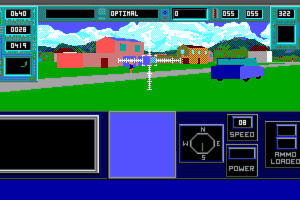
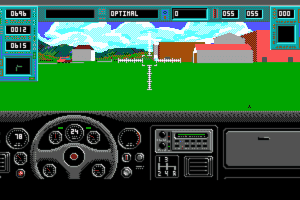
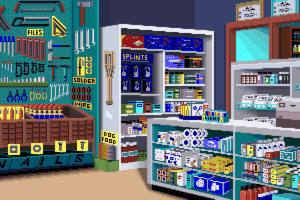
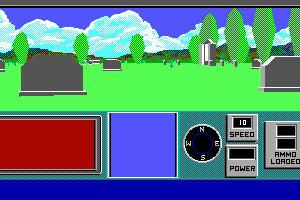
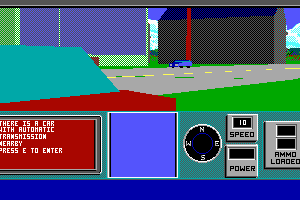
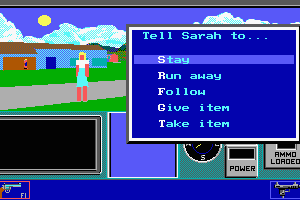
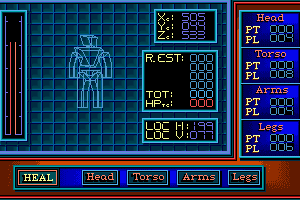
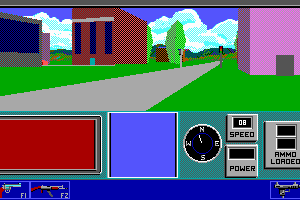
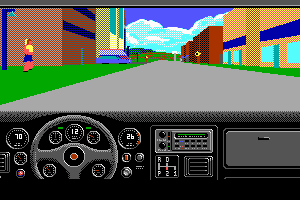
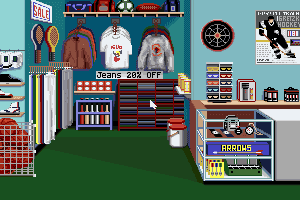
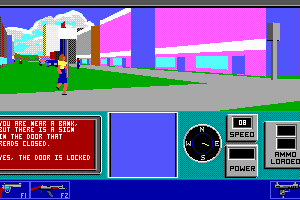
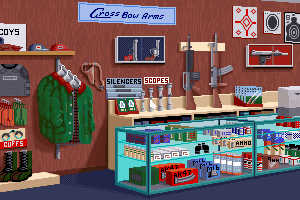
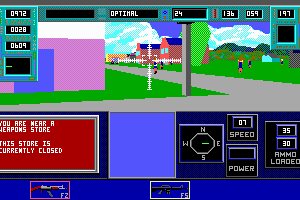
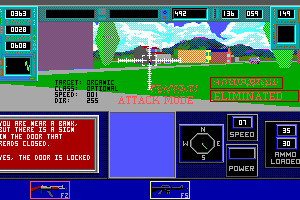
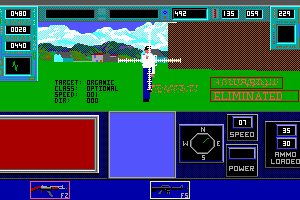
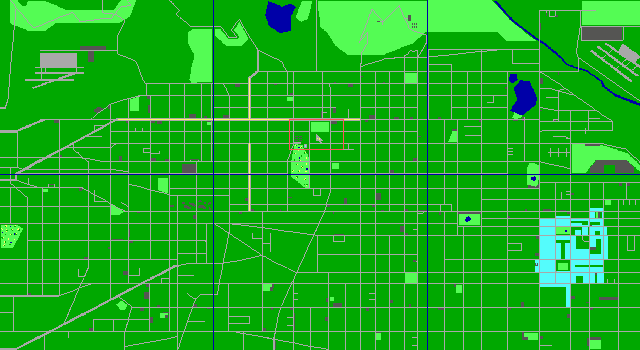
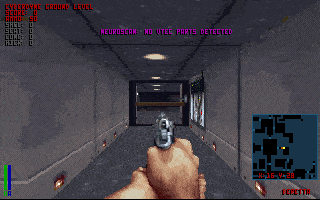
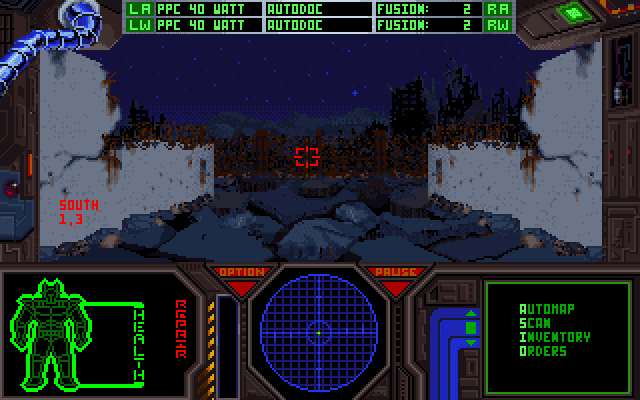
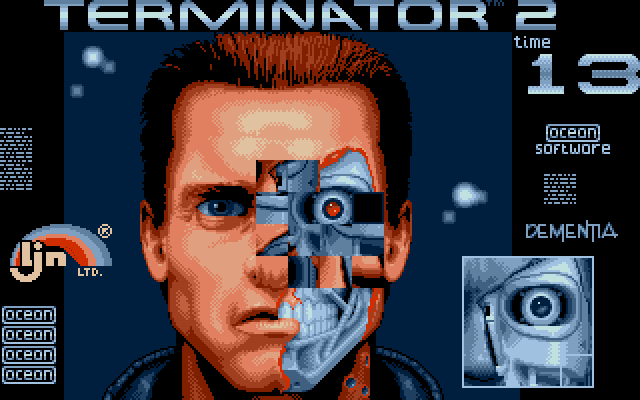
An excellent and inventive 3D action game that casts you as either The Terminator or Reese from the hit movie of the same name.
Although primarily an action game, the typical shoot-em-up formula is augmented by the seemingly endless gameplay varieties: you can drive cars, add new bionic weapons, and take on diverse missions while avoiding bystanders. Great fun!
Review By HOTUD

 English








Comments and reviews
Nice night for a walk...
@Vingle Things were simpler when you were 42.
@Trmn8rf4n But she looks better as a block.
SARAH CONNORS IS NOT A BLOCK IN THE MOVIE!
How do you get the sound to work
Ciao,
vorrei chiedere se é possibile integrare un bottone "condividi" in modo da poter condividere più facilmente i giochi sui miei social. Grazie!
I remember playing this in soiled diapers
Hi,
Any idea where the symbols sheet is. Doesn't appear to be on the server listed above anymore.
M
I figured out where I was going wrong.
It even tells you at the end of installation.
to run the game you have to add "sblaster" to the end of your command when you run term.exe, so:
C:\TERMterm sblaster
For some reason after installation I'm not getting the sblaster or adlib executables so I can only run the game through term.exe, but that means there's no music only a few in game sounds. I'm so close to being able to play it, I've tried multiple versions from different sources but still don't get the sblaster or adlib files.
I've also discovered something confusing trying to figure this out.
You can play the game with sound at the link below, but when you exit the game into dosbox and look through the files, the sblaster and adlib files aren't there either and you can only reenter the game with term.exe. (playdosgamesonline com/the-terminator html).
I've tried it through my dosbox and dos 7 on a virtual machine with exactly the same results.
Any help/info regarding getting the music to work would be much appreciated.
Had similar issue to player below, got it to load the start splash screen in D-fend but then it gets stuck at a black screen with the music playing. I did change the config to 386 prefetch, however anyone else have an idea?
im using dfend and it wont install,the intro runs if i type "term sblaster"but then blackscreens(music playing)and freezes.anyone got it running in dfend?
ps-thanks for sorting the textfile out
The Terminator IBM Reference Card
Copyright 1991 Bethesda Softworks
GENERAL KEYBOARD COMMANDS
Esc Game Menu/Pause
F10 Player Menu/Pause
P Phone Book
F9 Information View
ShiftF9 Full Screen View
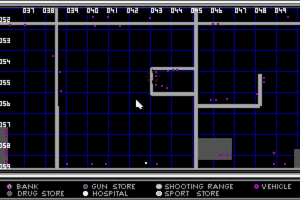
Alt-M Full Area Map/Fast Travel/Homing Device
M Local Area Map/Fast Travel/Homing Device
F1-F8 Select Weapon/Reload Weapon
Alt F1-F8 Force Reload
Ctrl F1-F8 Deselect Weapon
Enter Fire Weapon
Tab Fire Weapon
Space Bar +
Arrow Keys Aim Weapon Sights
\ Crosshair Centering
- (minus) Systems Status Strobe On/Off (Terminator)
= (equals) Heads Up Display On/Off (Terminator)
Shift= Large Crosshairs On/Off (Terminator)
Z Zoom Lens On/Off (Terminator)
X Target Lock Toggle
Alt 1-3 Graphics Detail Level
MAP LEVEL KEYBOARD COMMANDS
F Fast Travel
H Homing Display
WALKING MODE GENERAL KEYBOARD COMMANDS
L Look at object
E Enter Car
B Binoculars
S Enter Store
WALKING MODE MOVEMENT KEYBOARD COMMANDS
Up Arrow Walk Forward
Down Arrow Walk Backward
Right Arrow Turn Right
Left Arrow Turn Left
Alt + R. Arrow Move Sideways - Right
Alt + L. Arrow Move Sideways - Left
Delete Very Fast Left Turn
Page Down Very Fast Right Turn
1 thru 0 Walking Speed
DRIVING MODE KEYBOARD COMMANDS
S Start Car
Up Arrow Accelerate
Down Arrow Decelerate
Right Arrow Turn Right
Left Arrow Turn Left
] Right Bracket Brake
W Walking Mode
AUTOMATIC TRANSMISSION KEYBOARD COMMANDS
Insert Reverse
Delete Park
Home Drive
End 2nd Gear
Page Up Neutral
Page Down 1st Gear
STICK SHIFT KEYBOARD COMMANDS
Backspace Clutch
Insert 1st Gear
Delete 2nd Gear
Home 3rd Gear
End 4th Gear
Page Up Neutral
Page Down Reverse
GENERAL VISION KEYBOARD COMMANDS
Ctrl + Up Arrow Look Forward
Ctrl + Down Arrow Look Behind
Ctrl + Right Arrow Look Right
Ctrl + Left Arrow Look Left
RATINGS SCREEN KEYBOARD COMMANDS
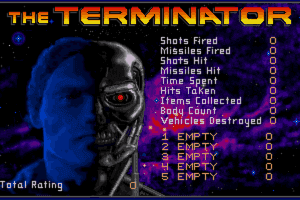
1 thru 5 Top 5 Game Stats
Spacebar Your Rating
N Name Change
DAMAGE SCREEN KEYBOARD COMMANDS
H Heal Head
T Heal Torso
A Heal Arms
L Heal Legs
You'll need to download and install DosBox to run the game.
Open DosBox and type the commands my in my next comment.
This worked for me.
Mount your game Directory
TYPE
mount c [drive letter]\[game dir]\term (for example, c:\games\term)
'Switch to c drive (your dosbox game dir)'
TYPE
c:\
INSTALL THE GAME
TYPE
install.bat
WHEN ASKED FOR DIRECTORY
TYPE
install c:\term\term
WHEN ASKED FOR VIDEO PREFERENCE
Choose VGA (#2)
'wait for files to install, press key when asked'
TYPE (required to run game)
cputype=386_prefetch
'change dir'
TYPE
cd term
'change dir again'
TYPE
cd term (should say c:\term\term)
TYPE TO RUN GAME
term sblaster
Game controls are in file called term1.txt
You'll need the pdf file (run with adobe reader) from fontaine's link. The game will ask you to match the picture in this chart.
http://www.replacementdocs.com/download.php?view.8806
Dude, is this what you're looking for?
http://www.replacementdocs.com/download.php?view.8806
The game is playable, you just need to learn how to use DosBox properly. Too bad I can't seem to find a manual haha, ohh well I'll just figure out the controls myself then
Hey at the end of the review it sez they had to take it down and to contact bethesda to get the game i had a quick look cant find it there anywhere.
my dowload didnt work.
HAHA i had this game when i was a kid wow . im downloading it now.
I had the game back in the early 90's. It's crap anyway, even with nostalgic value. Don't bother downloading - it's practically unplayable.
OK...so I made it to intro with credits, but still....nothing happens when intro ends. :-(
Damn...somehow it wont start. When I start it in DosBox only one empty row appears in DOS and thats it. Nothing happens. :-(
I have this game but I don't have the symbols sheet. Without the sheet i can't play the game. So, for now, the game sits on a shelf, waiting for the day I find it at some garage sale.
No comment nor review for this game at the moment.