You are on the beta version of My Abandonware. The live site is still myabandonware.com. Your favorites and ratings here are copied to the live site. Comments and other changes are not — we delete them every morning at 08:00 Paris time, when this site goes down for about an hour. Leave feedback through this link to Pastel (email required).
The beta goes down at 08:00 Paris time, in a few minutes. We rebuild the database from the live site. It comes back in about an hour.
The Disc version works absolutely fine. Use winevdm if you want to run it on modern windows. Just drag the installer EXE and game EXE into the software and it'll run like butter.
2
TunnelRat12 Mar. 2025
Here's how you run this game in dosbox: 1) download the win3.x release, not the disc image version 2) extract the files 3) mount the totaldis folder as your c: folder, type the command "mount c [path to your totaldis folder]". All the drivers, windows, and everything comes with the download, there's no need to install anything extra. 4) mount the file cd .bin to d: with the command "imgmount d [path to your cd.bin file] -t iso". If you didn't put it somewhere else, it will be in TotalDis\cd. Make sure the .cue is also in the same folder. 5) to run windows, use the commands c: cd windows win And run the game. You'll have to repeat the last 3 steps each time you launch dosbox.
0
AlecLeBleu24 Dec. 2024
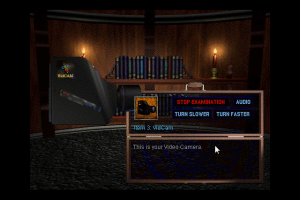
Addendum: Started playing for a bit, so the camera didn't show the little video clips that usually appear when you film a location, then I remembered that when I installed the game via the iso setup, it asked me to install Macromedia Quicktime, which I skipped.
So I went back to the iso and ran the setup on the QUICKTM folder and installed it and the clips started working again, don't worry it will install into the folder with winevdm so it will not mess with your system, make sure you skip the system check bc it will try to scan your entire file system and will crash if it encounters an invalid filename.
0
aleclebleu23 Dec. 2024
I tested it and you can run it in Windows 10 with winedmv, a version of Wine, the Windows compatibility layer for Linux, there is a version for Windows that is great for running old software and games, winedvm in particular lets you run Windows 3.X and earlier applications and it seems to run fine, so far it looks better and smoother than most LP videos where they run with a VM, at least at the start of the game.
I was able to run the proper setup from the iso image and even copy the files via the configuration menu in the game, but you can also copy all the files from the image to a folder and run without the mounted image and it works the same with the same load times.
Only downside is, bc this game runs on a 640x480 fullscreen with no options, it runs in a small window in the center of the monitor, tried some options of force scaling with no avail, best solution so far was to use the windows magnifier tool to zoom to the center of the screen and disable mouse tracking, not a very graceful solution but it works.
-1
OLawD20 Jul. 2022
Hit me up on reddit if you can get the Radio Aquarium running and record the entire "set"
I have not played this game but after what I am hearing in the discussion, I am gonna need to run the file in dosbox, hope this does not work out bad
-1
StarLord03 Nov. 2018
This is definitely not for Mac, once you are able to open all the files, then you will find that they are .exe
0
danielsdesk25 May. 2016
I take my previous comment back; after unarchiving and trying to mount again with Toast Titanium, it appears to have worked, although the files themselves are windows, not mac; going to look into running this in DosBox now
2
danielsdesk25 May. 2016
Has anyone gotten this game to work? The download is a toast file archived in a .sit but after mounting, there appears to be nothing really in there except empty folders and suspicious hidden binaries
2
Grumples10 Apr. 2015
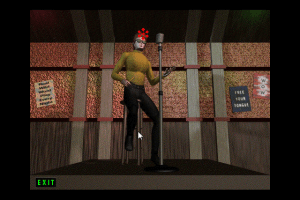
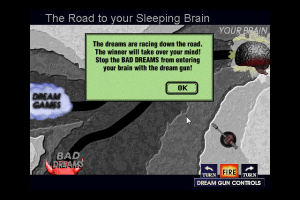
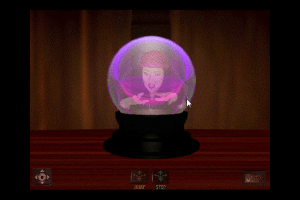
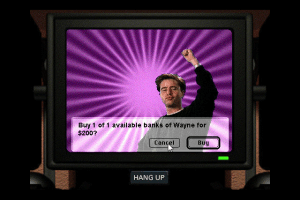
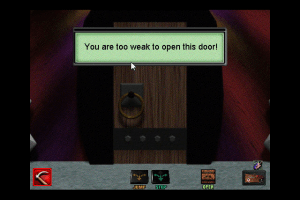
This game is incredibly clunky, but also absolutely hilarious.
4
Tonzen07 Apr. 2015
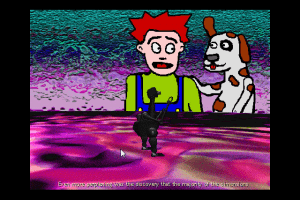
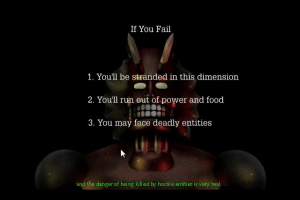
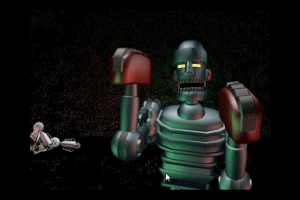
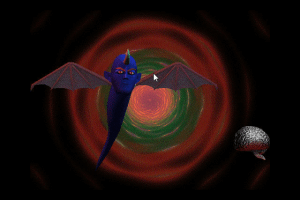
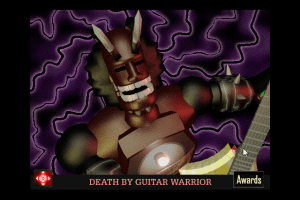
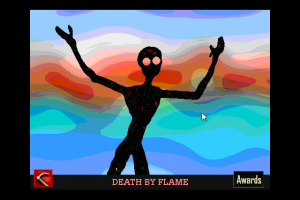
Absolutely godawful game noteworthy only for the amazing game over screen.
-18
No comment nor review for this game at the moment.






 English
  Japanese



Comments and reviews
The Disc version works absolutely fine. Use winevdm if you want to run it on modern windows. Just drag the installer EXE and game EXE into the software and it'll run like butter.
Here's how you run this game in dosbox:
1) download the win3.x release, not the disc image version
2) extract the files
3) mount the totaldis folder as your c: folder, type the command "mount c [path to your totaldis folder]". All the drivers, windows, and everything comes with the download, there's no need to install anything extra.
4) mount the file cd .bin to d: with the command "imgmount d [path to your cd.bin file] -t iso". If you didn't put it somewhere else, it will be in TotalDis\cd. Make sure the .cue is also in the same folder.
5) to run windows, use the commands
c:
cd windows
win
And run the game. You'll have to repeat the last 3 steps each time you launch dosbox.
Addendum:
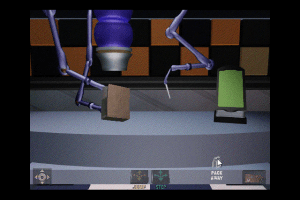
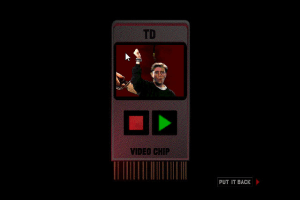
Started playing for a bit, so the camera didn't show the little video clips that usually appear when you film a location, then I remembered that when I installed the game via the iso setup, it asked me to install Macromedia Quicktime, which I skipped.
So I went back to the iso and ran the setup on the QUICKTM folder and installed it and the clips started working again, don't worry it will install into the folder with winevdm so it will not mess with your system, make sure you skip the system check bc it will try to scan your entire file system and will crash if it encounters an invalid filename.
I tested it and you can run it in Windows 10 with winedmv, a version of Wine, the Windows compatibility layer for Linux, there is a version for Windows that is great for running old software and games, winedvm in particular lets you run Windows 3.X and earlier applications and it seems to run fine, so far it looks better and smoother than most LP videos where they run with a VM, at least at the start of the game.
I was able to run the proper setup from the iso image and even copy the files via the configuration menu in the game, but you can also copy all the files from the image to a folder and run without the mounted image and it works the same with the same load times.
Only downside is, bc this game runs on a 640x480 fullscreen with no options, it runs in a small window in the center of the monitor, tried some options of force scaling with no avail, best solution so far was to use the windows magnifier tool to zoom to the center of the screen and disable mouse tracking, not a very graceful solution but it works.
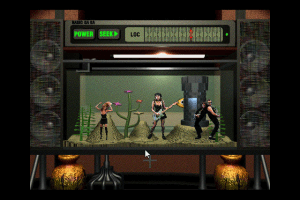
Hit me up on reddit if you can get the Radio Aquarium running and record the entire "set"
https://old.reddit.com/r/MediaSynthesis/comments/w2s1bu/new_song_ghost_dance_generated_by_my_tunestar/igucxu5/
You are dead, dead, dead!
I have not played this game but after what I am hearing in the discussion, I am gonna need to run the file in dosbox, hope this does not work out bad
This is definitely not for Mac, once you are able to open all the files, then you will find that they are .exe
I take my previous comment back; after unarchiving and trying to mount again with Toast Titanium, it appears to have worked, although the files themselves are windows, not mac; going to look into running this in DosBox now
Has anyone gotten this game to work? The download is a toast file archived in a .sit but after mounting, there appears to be nothing really in there except empty folders and suspicious hidden binaries
This game is incredibly clunky, but also absolutely hilarious.
Absolutely godawful game noteworthy only for the amazing game over screen.
No comment nor review for this game at the moment.